
Looking to increase ecommerce sales and get more revenue out of your ecommerce business this year? This article is here to help.
Increasing ecommerce sales is where your online business will find the most growth potential. With customers having so many options today, you need to have a solid strategy to get it done.
In this guide, we’ll look at 6 solid strategies to increase ecommerce sales this year. We’ll walk you through what they are and how to get them done with the help of some useful tools and plugins.
Let’s dive in straightaway!
How to increase ecommerce sales
Online sales fluctuate from time to time depending on market trends, seasonal buying patterns, and marketing efforts. Given that there are so many active ecommerce stores, increasing ecommerce sales is quite complex.
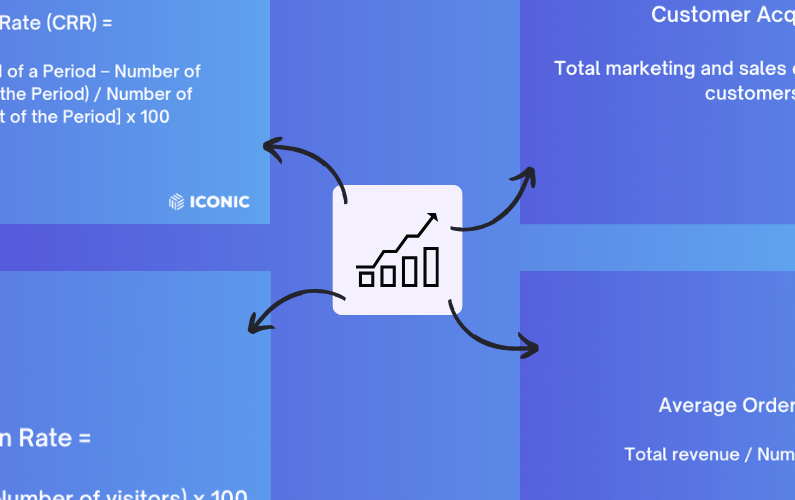
But, as it turns out, the drivers of ecommerce sales are pretty straightforward in concept. You have to:
- Get more potential customers to visit your online store.
- Convert more website visitors to paying customers.
- Get them to spend more while shopping at your store.
- Convince them to be loyal to your brand.
So, in this guide, we’ll keep it simple by focusing on these drivers of ecommerce sales. We’ll walk you through 6 strategies that can help you boost ecommerce sales.
Strategy 1: Improve your checkout process
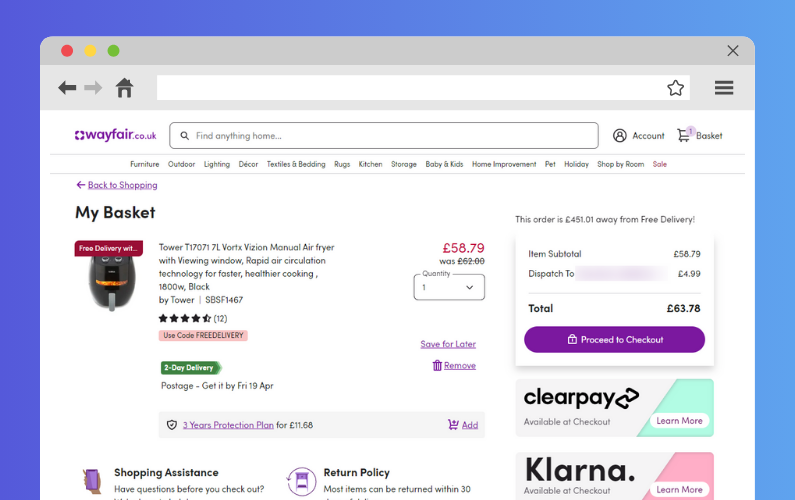
Customers reaching your checkout page is good, but this doesn’t guarantee a sale. They can still abandon their shopping carts at this late stage of their ecommerce journey.
To ensure you don’t lose sales right when they’re about to happen, you need to improve your entire checkout process. From when customers click ‘Proceed to Checkout’ to the order confirmation.
So, if you want more customers to follow through with their purchases, here’s how you can improve your ecommerce checkout.
Include a guest checkout option
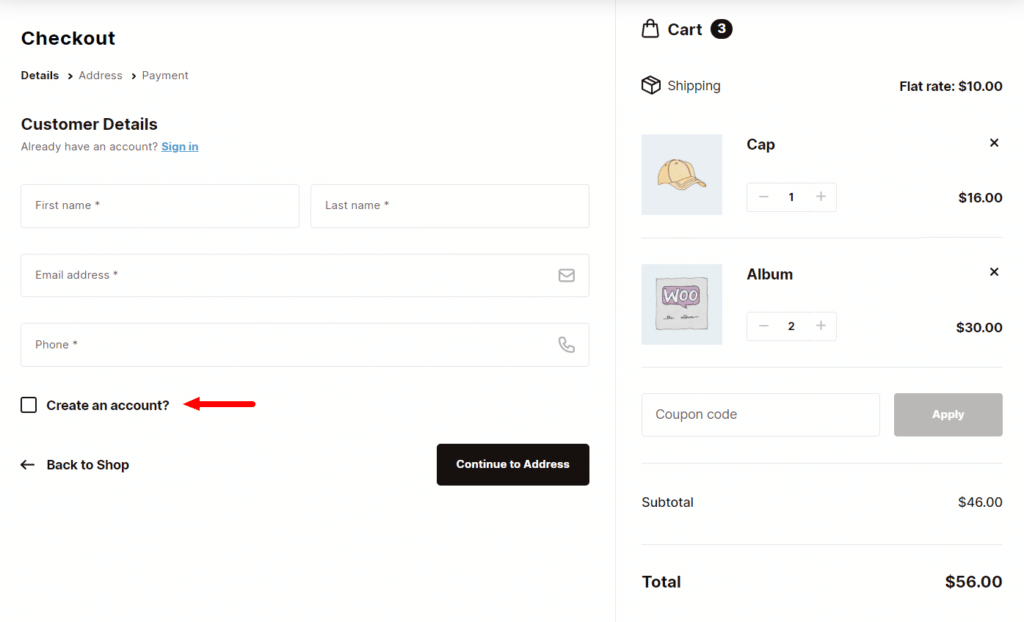
Not all customers want to create an account on your ecommerce website before purchasing. Some just want to get in, buy, and leave quickly. For this reason, forcing these customers to create an account might drive them away.
? A cart abandonment study revealed that 26% of customers abandon their carts when an ecommerce site requires them to create an account.
A guest checkout option is convenient for customers who would prefer not to create an account. It allows them to check out conveniently and this could drive your sales up.
Include multiple payment options
Having limited payment options can also put off some of your customers.
? Research shows that 13% of customers abandon their carts when there aren’t enough payment options.
On top of this, different customers prefer different payment methods. So, if they don’t find their preferred option, they will likely abandon their carts.
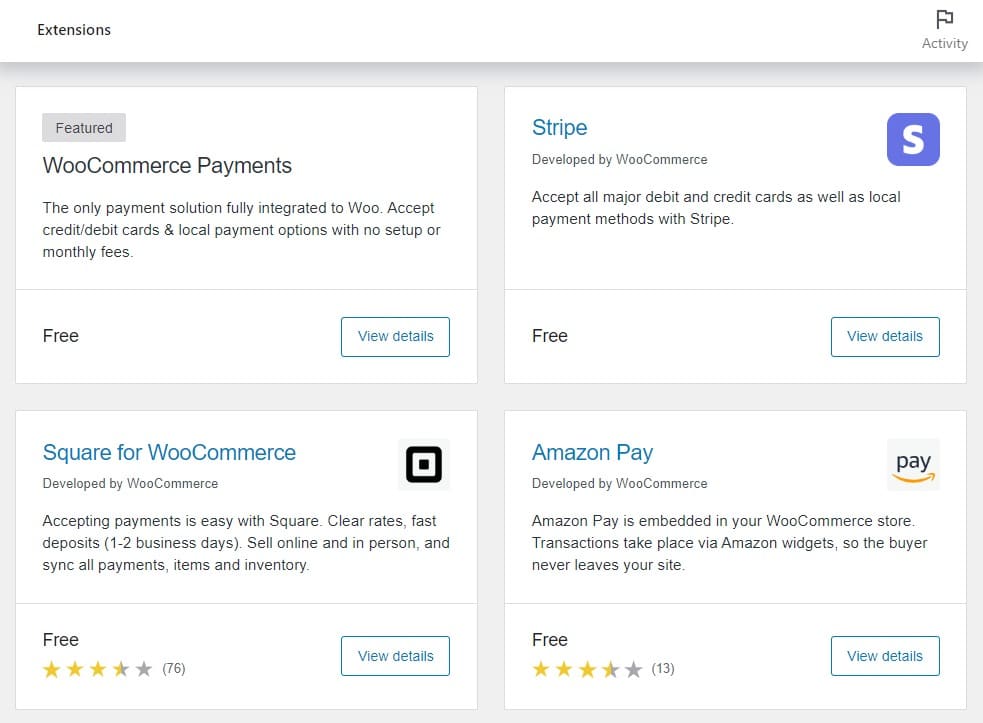
Ensure that multiple payment options, such as credit cards, Amazon Pay, Apple Pay, Paypal, etc., are included to allow customers to choose their preferred option.
Ensure extra costs are clear
Customers value transparency, especially when it comes to how much they will have to pay for your product or service.
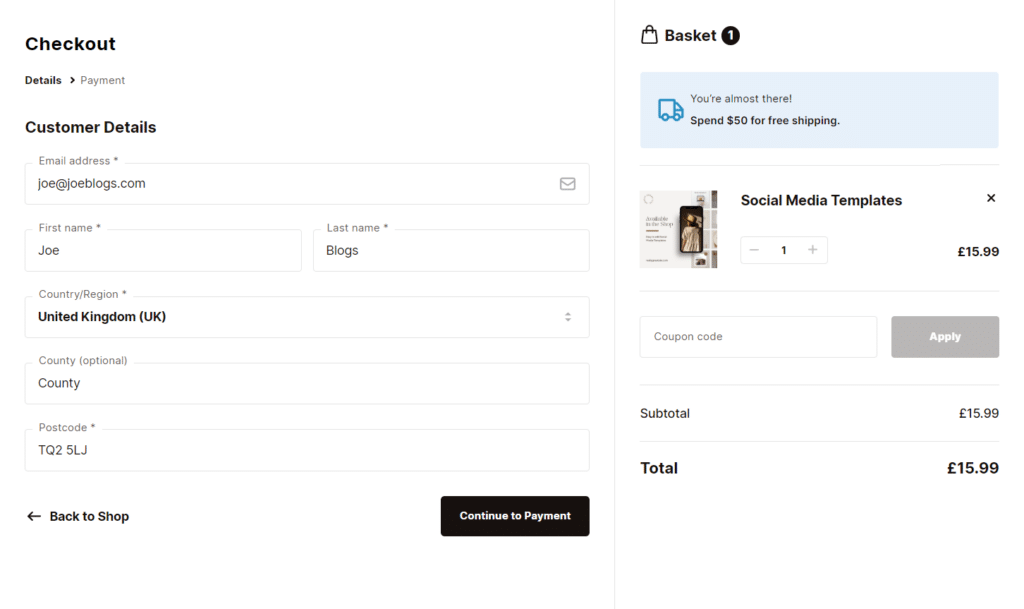
? Extra costs (shipping, tax, etc.) being too high are the leading cause of cart abandonment at checkout (48%).
If you want to boost ecommerce sales, show information on extra costs as early as possible to avoid presenting your customers with checkout surprises.
Make your checkout user-friendly
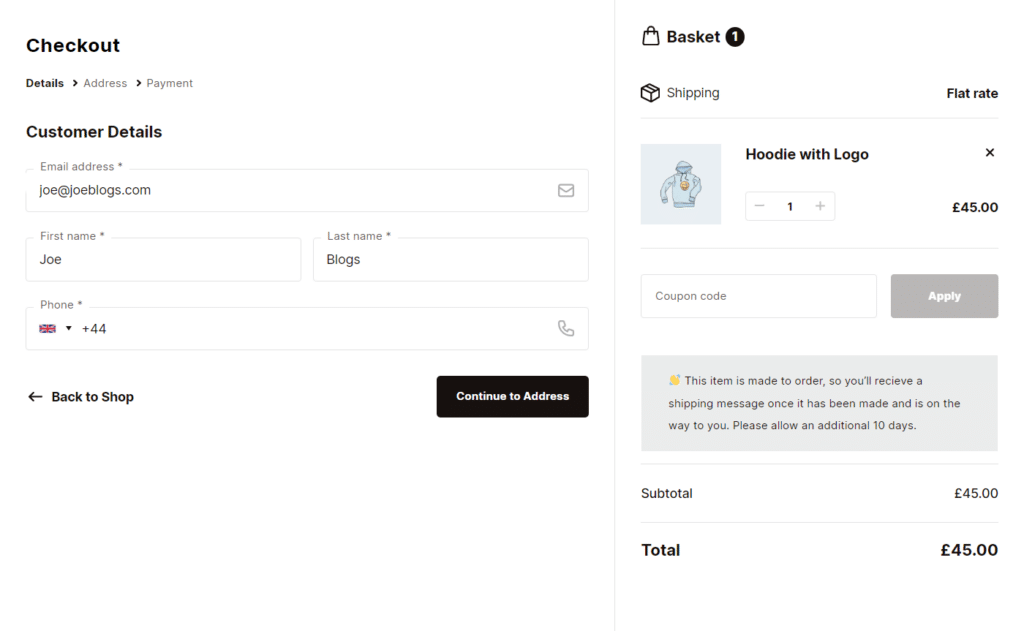
Just like the rest of your ecommerce site, a good user experience at the checkout is key to increasing conversion rates in your online shop.
You can make your checkout user-friendly by:
- Minimizing the steps. Only ask for essential information.
- Giving it a clean, uncluttered design.
- Make it mobile-friendly.
- Adding trust badges.
If you would like to do all of the above and more on your WooCommerce checkout, then Flux Checkout for WooCommerce is the plugin for you.
Create a seamless checkout experience with Flux Checkout
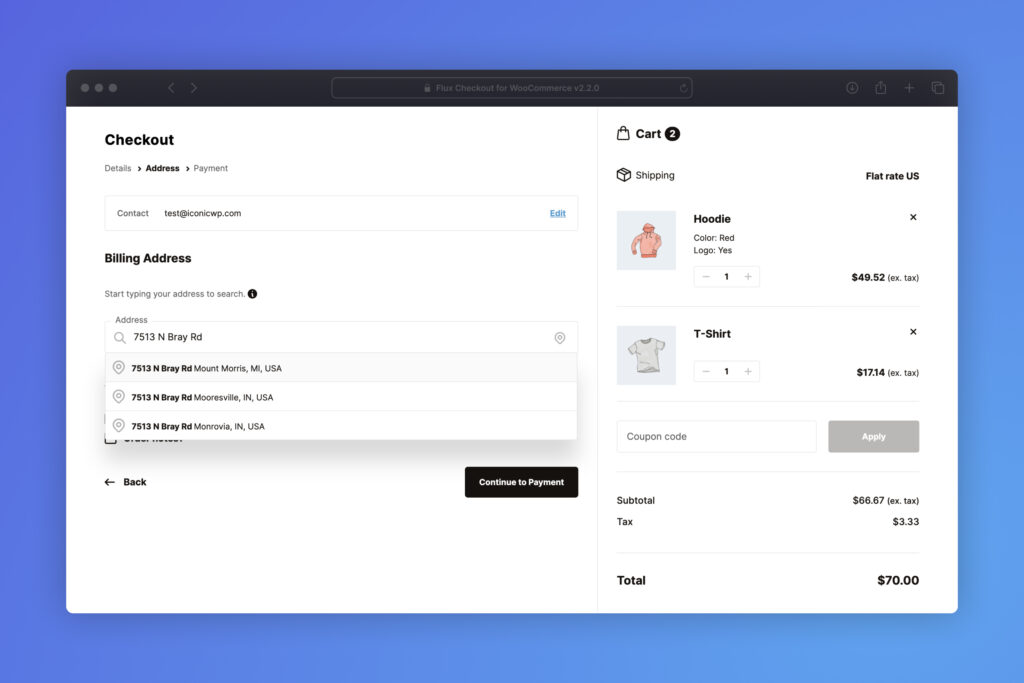
Flux Checkout transforms the default, clunky, one-page checkout into a fast, seamless multi-step checkout. But what does this mean for your customers?
They will be presented with simple checkout steps that they can easily complete. This isn’t the only thing it does to simplify your checkout.
It also:
- Removes distractions – such as headers, footers, unnecessary fields, and sidebars to keep customers focused on completing the checkout.
- Auto-completes address fields for customers – to minimize the work they have to do at this stage.
- Allows you to display custom checkout banners – such as trust badges and payment badges, which customers can see at a glance. These help to assure customers about your store’s credibility.
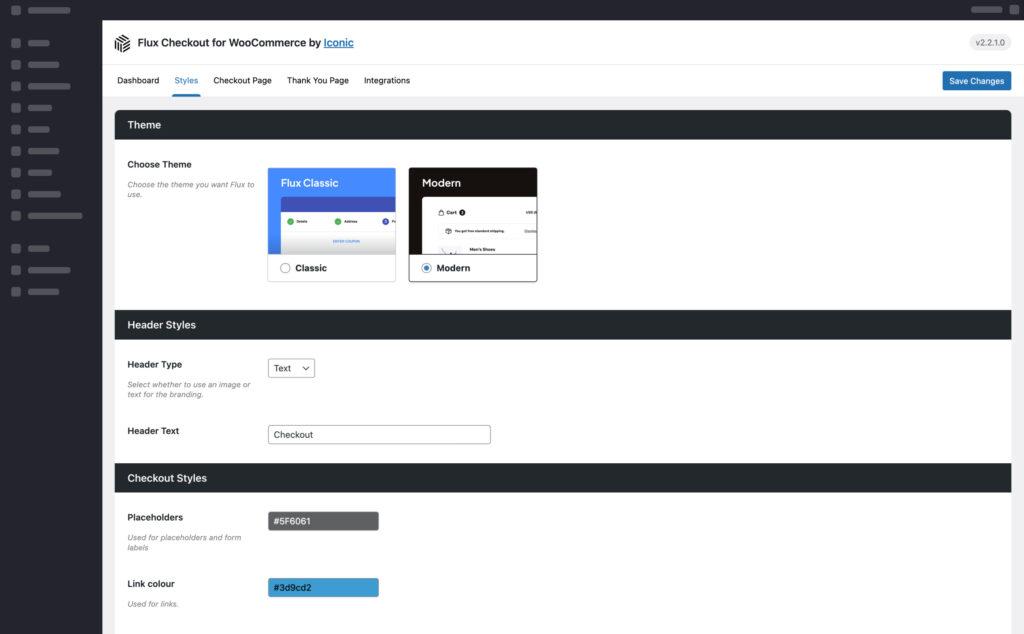
To make your life easier, it has predesigned templates, optimized for mobile and desktop, which you can customize to fit with the rest of your store.
After optimizing your checkout, you’ll want to optimize your product pages as well to ensure as many customers as possible reach your checkout page.
Flux Checkout for WooCommerce
Flux Checkout transforms the default WooCommerce checkout into one that’s lightning-fast, distraction-free, and reduces checkout abandonment.
Strategy 2: Take a closer look at your product pages
In ecommerce, your product page is like your digital salesperson. It helps bring in new customers (through SEO) and convinces them to make a purchasing decision. To increase ecommerce sales, paying close attention to and optimizing your product pages should be a priority.
Here’s how you can get it done.
Write comprehensive product descriptions
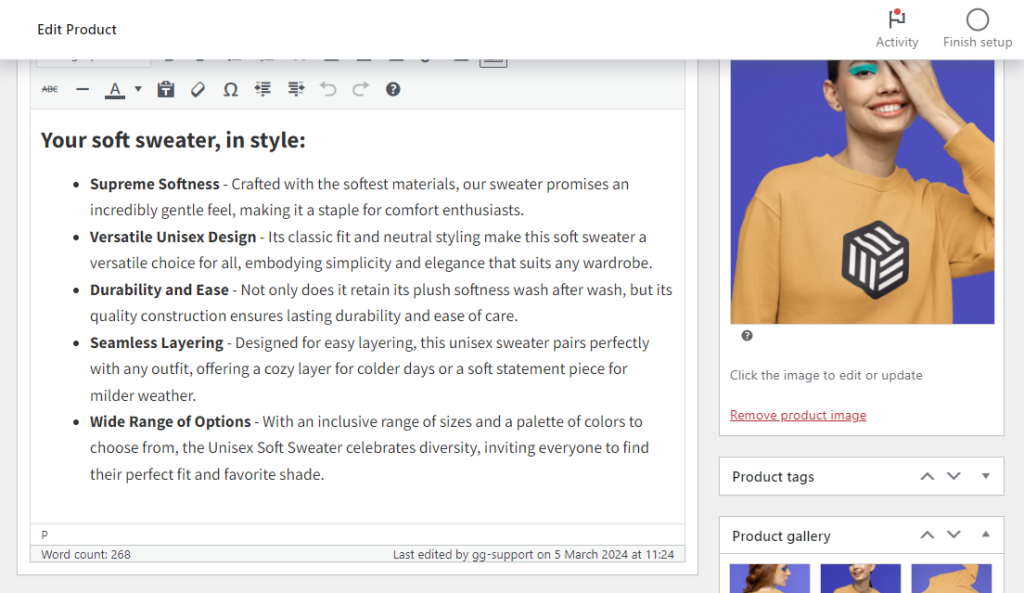
Your product description should provide useful product information to customers and convince them to buy. Instead of simply listing your product’s features, showcase how your product solves a problem your customers face.
A great way to do this would be to address a pain point. For instance, if you sell stackable food storage containers, you can say something like:
“Tired of overflowing cabinets and mismatched containers?”.
In addition, use bullet points to highlight your product’s key features. This way, they won’t be overlooked.

Improve product page SEO
Through good SEO practices, your product page can work to bring in potential buyers right from Google Search. There’s so much you can do to optimize your product pages for search engines, but it all depends on getting the right keywords.
So, the first thing you’ll want to do is get to grips with keyword research. Once you’ve identified the relevant keywords, you can carefully use them in your product titles, descriptions, and meta descriptions. You’ll also need to add ALT text to your images to help search engines interpret your product images better.
? If you want to dive deep into this, our WooCommerce SEO guide will get you up to speed.
Include product reviews
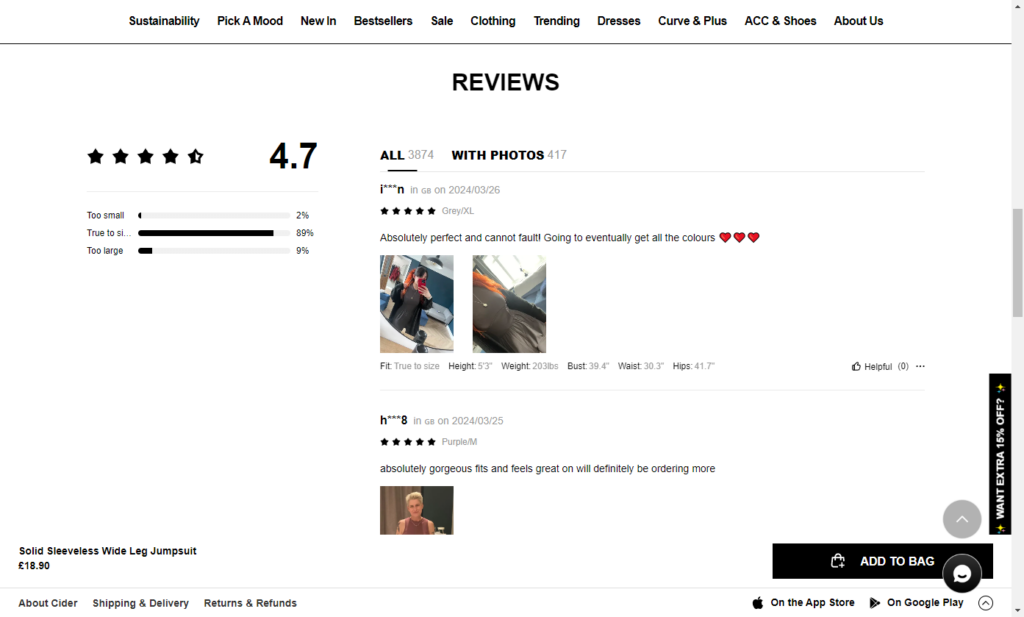
Product reviews are important for 2 main reasons:
- They provide the social proof new customers need to make buying decisions. Up to 84% of customers trust them as much as personal recommendations.
- They contain keywords that search engines can use to give your online store a better SEO ranking.
Plugins like WP Business Reviews can help you display your customer reviews from different platforms on your product page.
Improve your product gallery with WooThumbs for WooCommerce
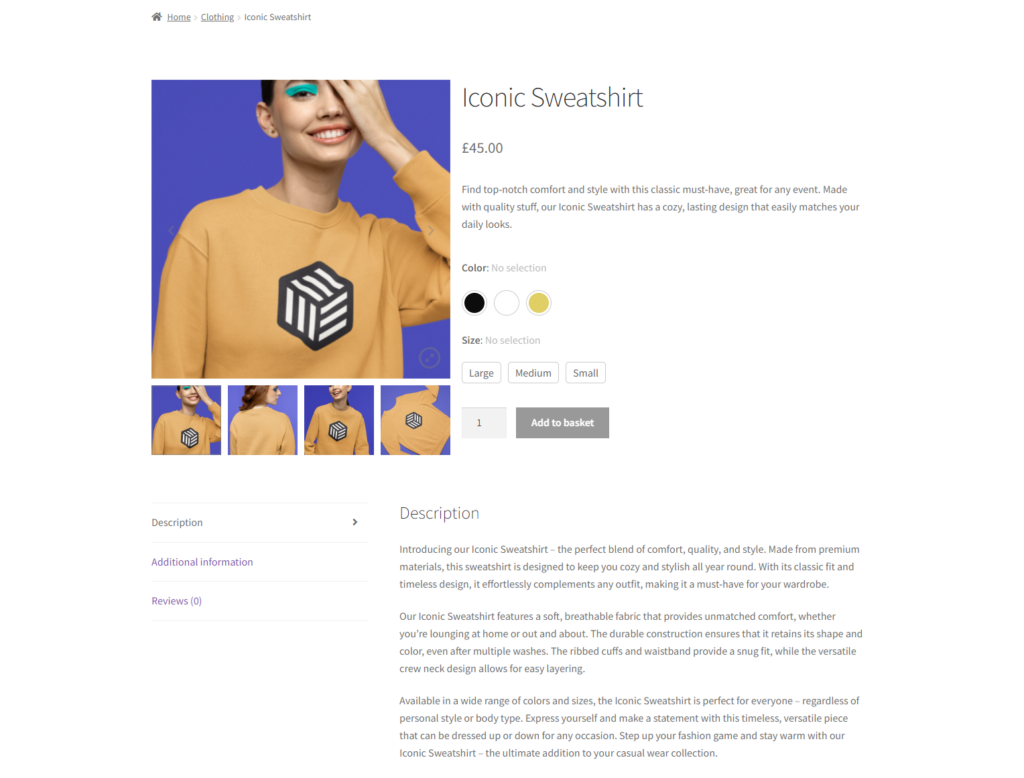
After taking high-quality product images, you’ll need to improve how they’re presented. You can do it with the help of the WooThumbs for WooCommerce.
WooThumbs is the WooCommerce product gallery plugin that will get you more conversions on your product page. It allows you to upgrade your WooCommerce product gallery, enriching its appearance with features like:
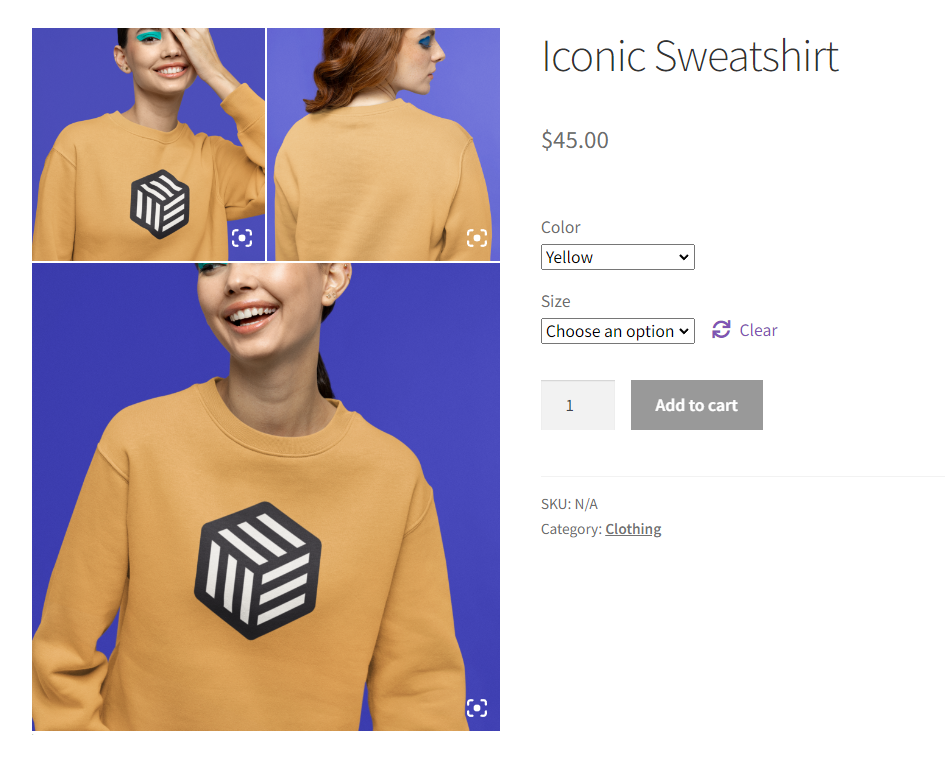
You can make your WooCommerce product gallery more visually appealing with:
- A carousel gallery or modern stacked image gallery layout.
- Slider autoplay options, transitions, and zoom options.
- Different thumbnail positions depending on your store’s needs.
With WooThumbs, you can promote your product variations better by adding multiple images per variation. As a result, customers will have more visual information about your product variations.
The best part? You can do all of this in minutes.
Once customers are in your ecommerce shop, you want them to spend more per order. Let’s see how you can get them to do this.
WooThumbs for WooCommerce
Customize your WooCommerce product image gallery in minutes with a new layout, embedded video, multiple images per variation, and more.
Strategy 3: Put a cross-selling strategy in place
Customers often purchase multiple items at once when they visit ecommerce stores. You can persuade them to buy more items when they visit by putting a cross-selling strategy in place.
Cross-selling is a way to pitch related products to what customers have in their carts to get them to spend more per order.
? It is an extremely effective sales technique and studies show that it accounts for about 30% of ecommerce industry revenue.
To drive sales, you can implement an effective cross-selling strategy in the following ways.
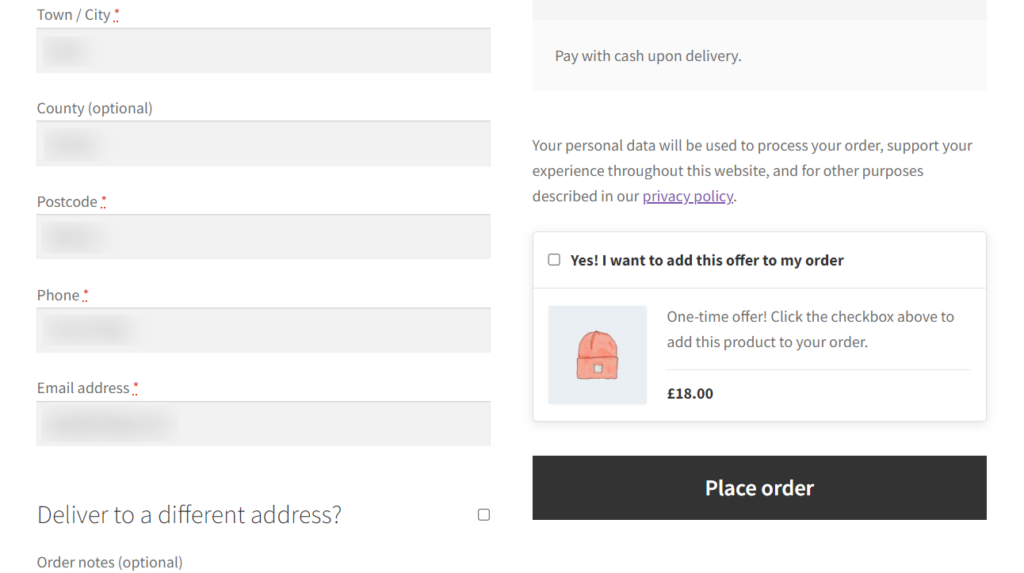
Pitch limited-time, discounted offers
? A recent study revealed that deals (coupons and discounts) have a significant influence on the purchase decisions of 57% of customers.
So, discounted offers are the incentive customers need to decide to buy. On the other hand, limited-time offers create a sense of urgency, making customers want to buy them immediately.
Combining limited-time offers and discounts in your cross-sells is a great way to convince customers to add them to their purchases.
Upsell to offer more value
Instead of recommending a complementary product, you can offer an upsell. An upsell is an upgrade on the product customers have decided to buy, which is also more expensive.
For example, if a customer has added a denim jacket to their cart, you can recommend a leather jacket, which is more durable and has a better style.
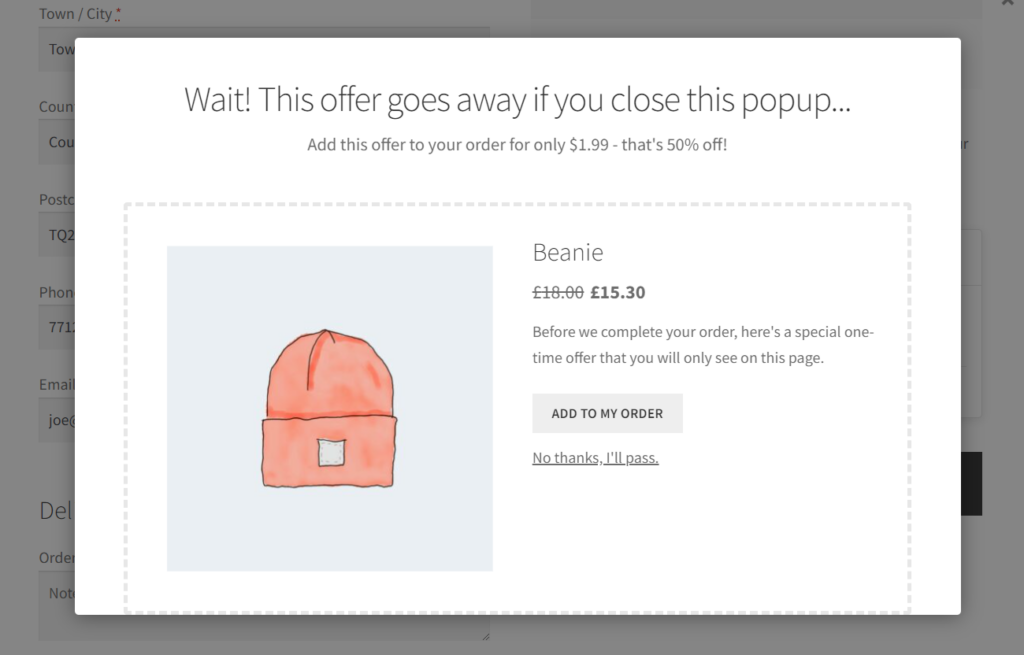
Recommend the right products at the right time
Cross-selling is not just about making extra sales but also about suggesting products to customers when it makes the most sense for them. This could be when they add a product to their cart, click on ‘Proceed to Checkout,’ or during the checkout.
When you do, ensure the products are relevant to what they have in their carts. This will boost your chances of making a sale.
If you want to cross-sell the right products at the right time, the Iconic Sales Booster for WooCommerce plugin can help you do it.
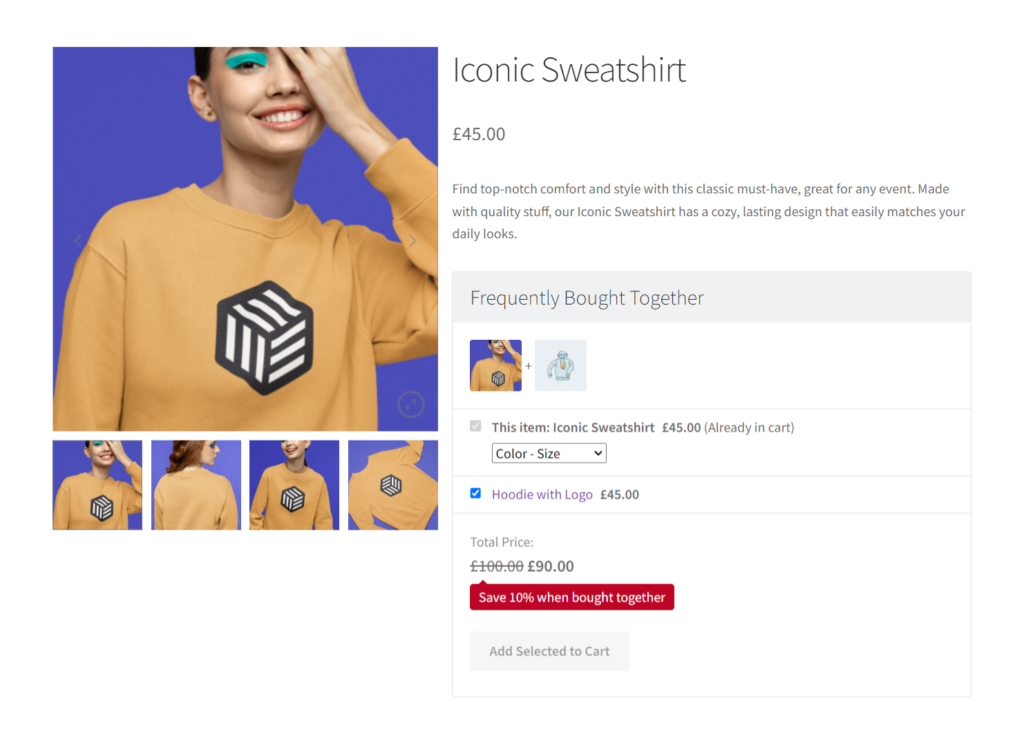
Maximize your sales with Iconic Sales Booster for WooCommerce
Iconic Sales Booster allows you to cross-sell strategically to boost your average order value.
You can use it to implement several proven cross-selling techniques across your customer’s journey on your ecommerce site, including:
- Frequently bought together – Suggest complementary products just below the ‘Add to Cart’ button so that customers don’t have to go looking for them.
- Customers also bought – Once customers click the ‘Add to Cart’ button, display a popup showing what other customers bought together with what is in their cart.
- Order bumps – Add a discounted offer at the checkout to tempt customers to make an impulse purchase.
- One-click cross-sell after checkout – Display a popup with a heavily discounted offer after the checkout.
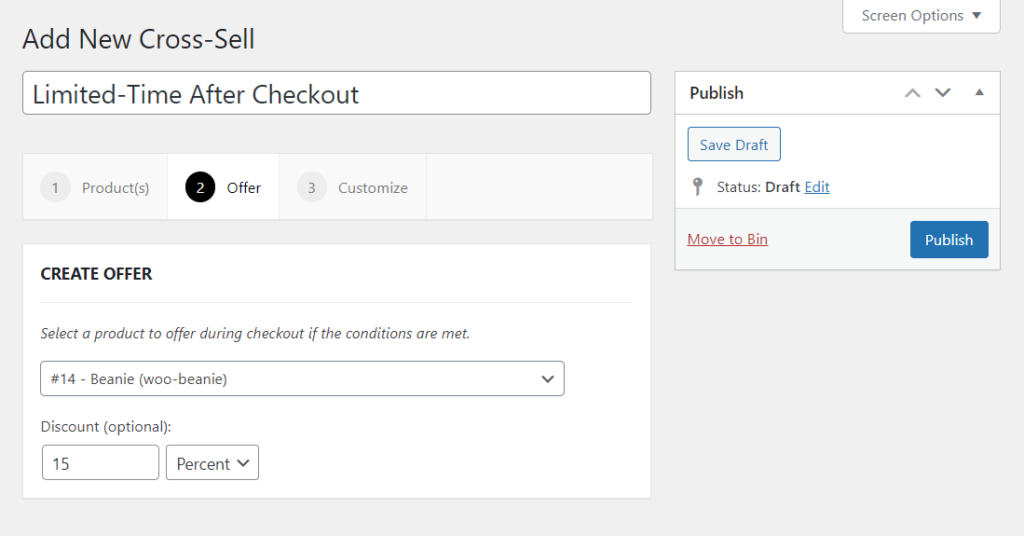
To promote smooth customer experiences, Sales Booster allows customers to add these cross-sells directly to their purchases. There’s no need to re-enter credit card details. It also allows you to set the products displayed at each step so that customers only get relevant product recommendations.
As your customer base grows, your sales and revenue will increase. Let’s see how you can acquire more customers and grow your customer base in the next strategy.
Iconic Sales Booster for WooCommerce
Add cross-selling to your entire WooCommerce store in minutes with Iconic’s WooCommerce cross-sell plugin, Iconic Sales Booster for WooCommerce.
Strategy 4: Work on your customer acquisition strategy
Acquiring more customers directly leads to increased sales because it expands the pool of people who can buy from you. Each new customer represents a fresh revenue stream for your business. For this reason, customer acquisition must be a part of your strategies to increase ecommerce sales.
The best way to acquire ecommerce customers is by implementing several digital marketing strategies such as the following.
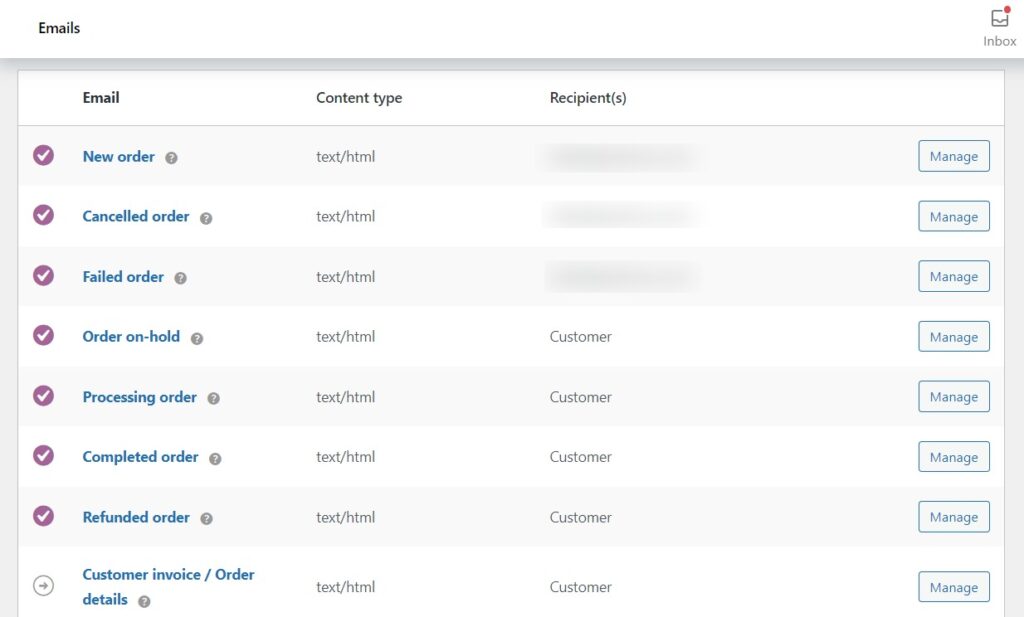
Work on your email marketing campaigns
Email campaigns play a crucial role in acquiring new customers for businesses of all sizes, and they can do the same for you. It allows you to reach your target audience directly and deliver promotional emails right in their email inboxes.
Before you can send promotional emails, you’ll need to first generate an email list of potential customers. You can do this using lead magnets, such as a free e-book, hosting a webinar, or offering exclusive discounts to incentivize email signups.
With your email list in place, you can send personalized emails to potential customers. You can also use this list to retarget site visitors who never converted. Or send abandoned cart reminders to try to reclaim those who abandoned their carts.
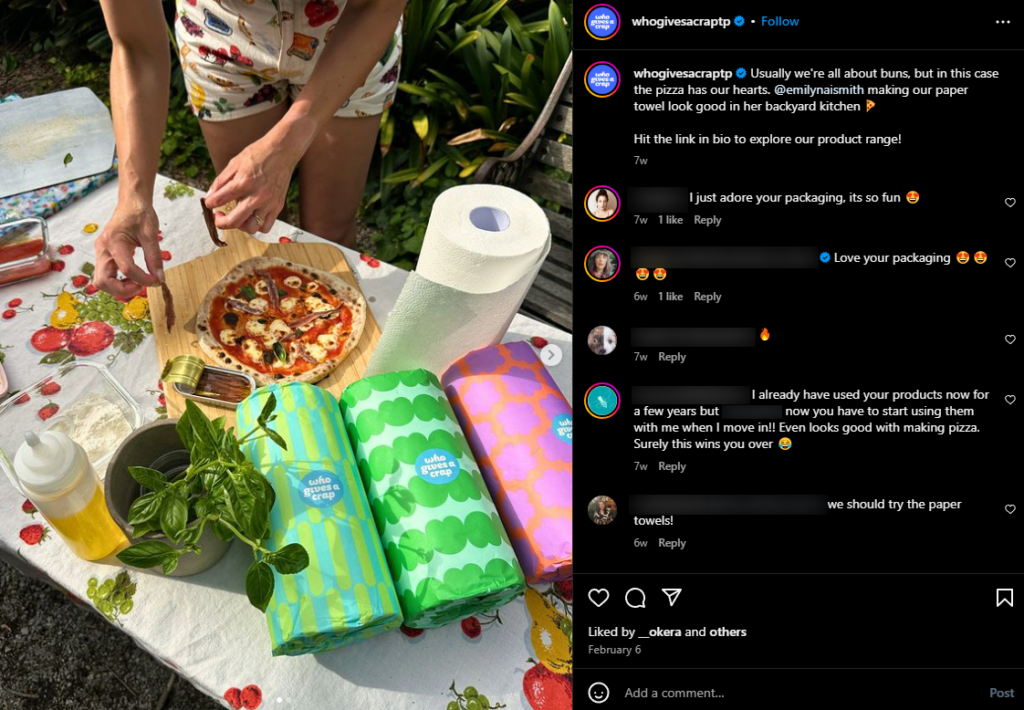
Make use of social media marketing
? Did you know that 43% of customers learn about new products from social media?
Social media platforms like X/Twitter, Instagram, Facebook, and TikTok are great places to acquire new customers.
You can create engaging content to capture your target market’s attention and post regularly on these platforms. To boost your reach, you might also want to run paid ads on these marketing channels.
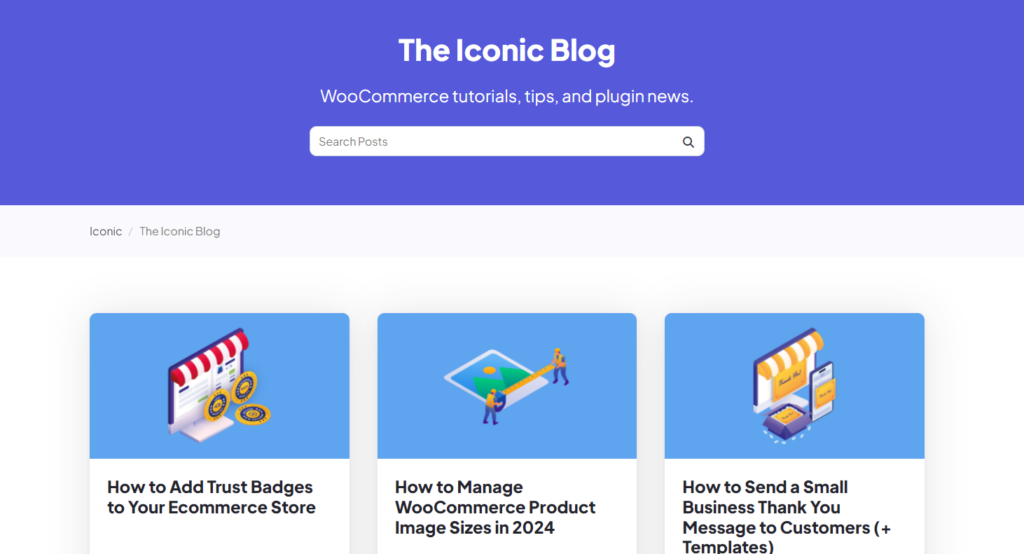
Content marketing
Content marketing sits at the top of your sales funnel because it serves customers unaware of your product or business. Usually, customers search online for solutions, not specific products. So, if you create blog posts, tutorials, and guides that explain how they can solve their problem, they can easily find your business.
Content marketing is pretty cost-effective. You only need to put in the work to create high-quality, SEO-friendly content. The result? Better brand awareness and potentially more customers.
Use A/B Testing to refine your marketing messaging
To optimize your ecommerce marketing strategies, you’ll need to conduct A/B tests on them. For example, run two email marketing campaigns with different messaging in parallel. Pick the one that gets a higher click-through rate and improve it further.
To maintain a healthy bottom line, keep track of the following metrics: customer acquisition costs versus customer lifetime value. Ensure that the acquisition costs are lower than your customer’s lifetime value.
After acquiring customers, you’ll want to retain them and guarantee long-term revenue.
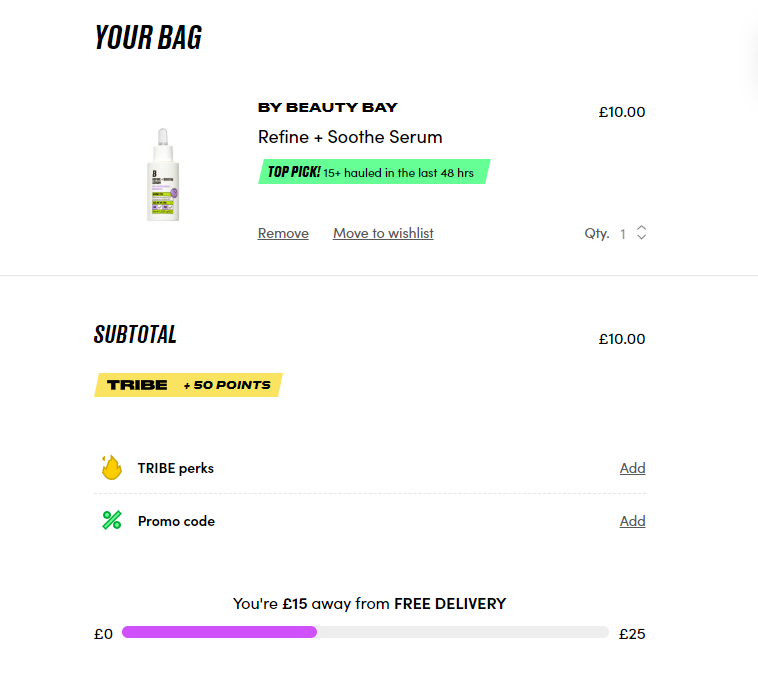
Strategy 5: Increase retention with a loyalty program
It is easier to sell to retained customers than new customers.
? According to research, the probability of selling to an existing customer is 60 – 70%, while the probability of selling to a new one is 5 – 20%.
This shows that most of your sales will come from existing customers. You can work to retain them using the following strategies.
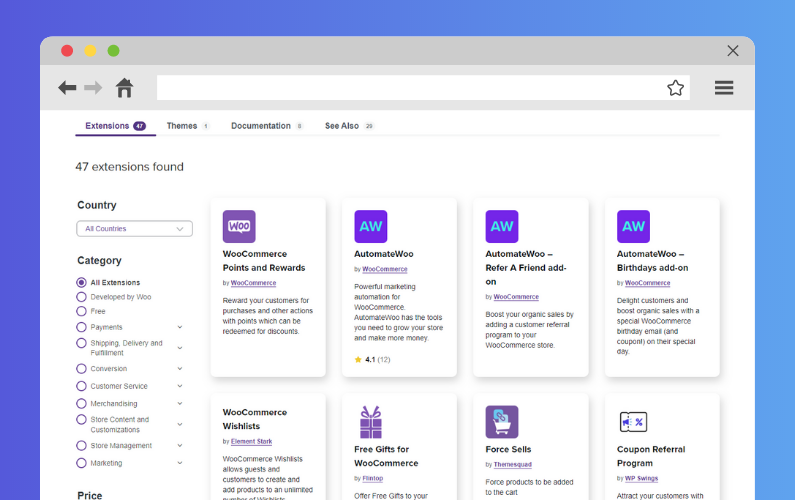
Implement a loyalty program
To retain customers, you should give them a reason to stick around. A loyalty program comes with rewards that encourage them to return to buy from you or keep engaging with your brand.
To implement this, you can create:
- A points-based system where customers will earn points for purchases, reviews, testimonials, or engagement on social media.
- A tiered system segmenting customers into different tiers based on their spending (for instance, Gold, Silver, and Bronze). Each tier should offer escalating rewards to motivate customers to move to the next tier.
For this to work, you’ll have to offer valuable rewards relevant to your customers. Consider discounts, free shipping, exclusive products, early access to sales, etc.
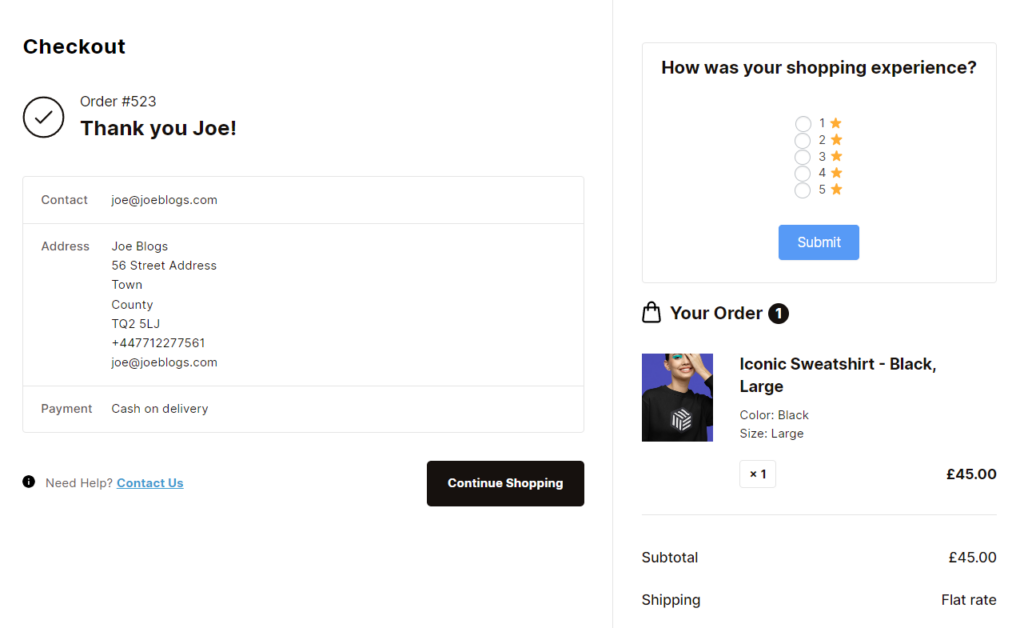
Improve customer experience on your ecommerce site
Your website is your main sales tool, so ensure it provides a seamless experience to your customers. Its homepage, landing page, CTA buttons, etc., should be well-designed to avoid frustrating customers. Also, you can add self-service resources like chatbots to help customers when they have queries.
Collect customer feedback
Collecting customer feedback shows that you care about customer opinions and experiences (which are crucial in customer retention). Their feedback helps you identify the areas your ecommerce experience might be lacking. You can then address these concerns to create a smoother, more user-friendly experience for your customers.
We’ve looked at several strategies to increase your sales. But don’t stop there. You can take it further and dive into video marketing.
Strategy 6: Start using video marketing
Product videos strongly influence purchase decisions. As such, making better product videos places your ecommerce store in a great position to reap more sales.
? In fact, 89% of customers admit that watching a product video has convinced them to buy a product in the past.
Unlike in brick-and-mortar stores, ecommerce customers don’t have the luxury of examining or trying out what they want to buy in person. But you can match this experience through compelling video marketing strategies such as the following.
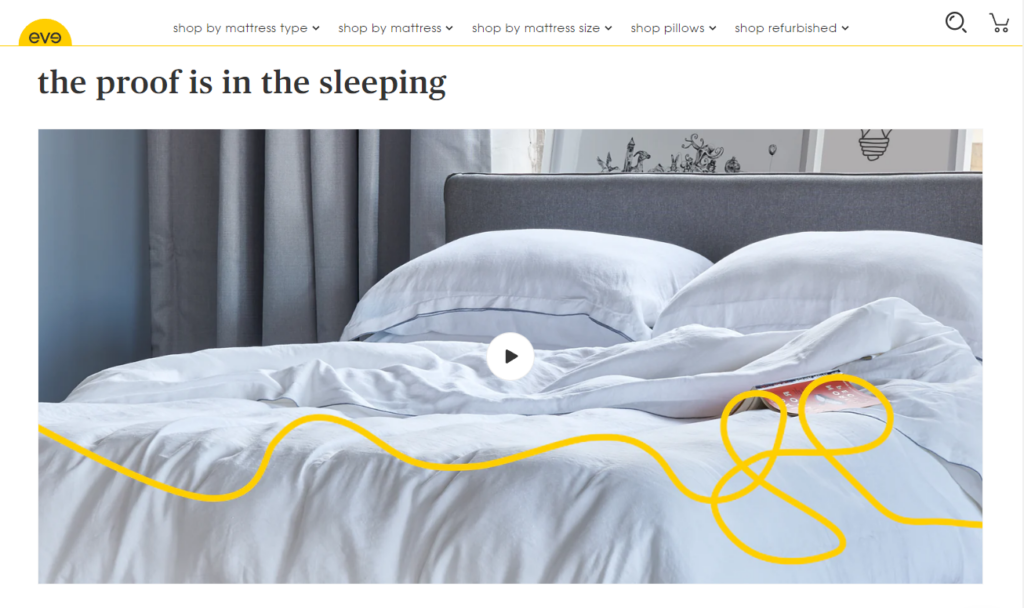
Start your product video ad with a great hook
Open your product video ad with an attention-grabbing hook that helps you stand out from the tons of video content users consume daily. Usually, this hook should state a pain point potential customers are facing and then assure them that your product can solve it for them.
Show customers how your product will benefit them
Product videos are your chance to showcase your product in action. So, don’t simply highlight the product’s features alone. Show how customers will benefit from your product’s key features.
Suppose you’re selling running shoes with one of their key features being they’re lightweight. You can show how easily a person moves around wearing the shoe.
Keep it short and engaging
? According to data, in 2004, the attention span of an individual watching videos was 2.5 minutes.
But by 2023, this had dropped to only 47 seconds. This means that you have a short window to deliver your message clearly and compellingly.
However, different types of product videos have different lengths:
- Product video ads: 6 – 60 seconds.
- Promotional videos: 60 seconds – 2 minutes.
- Demos: 2 minutes or less.
- Testimonials: Up to 4 minutes.
? If you want to learn more about this, our Product Video for Ecommerce guide covers it in detail.
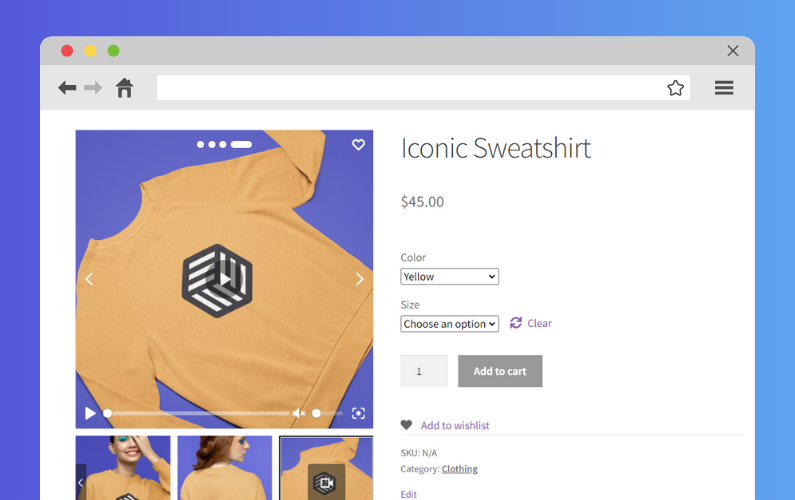
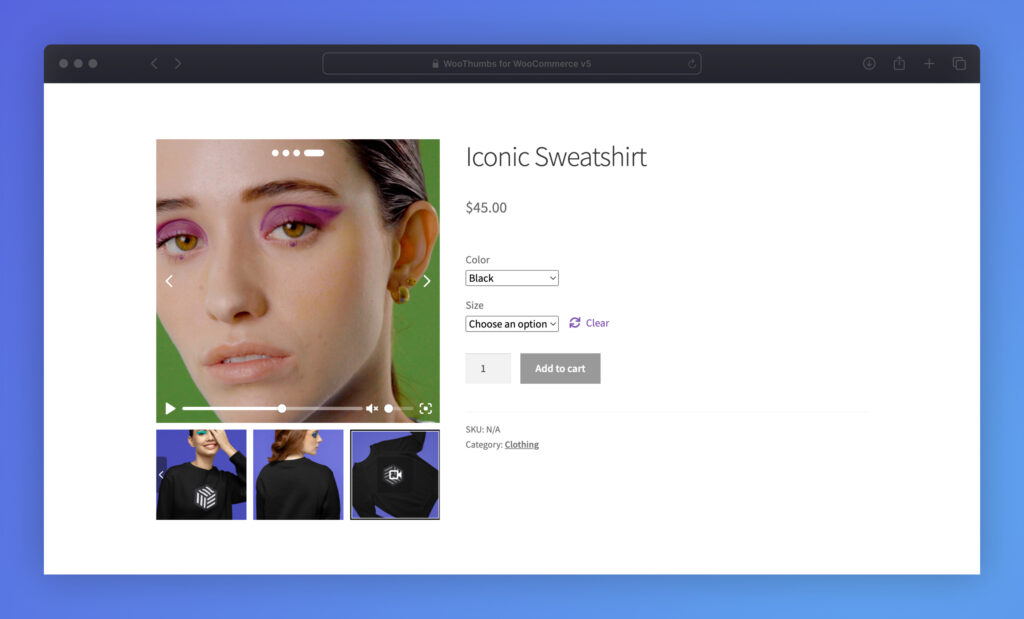
After creating your product videos, you’ll want to share them across your channels, including social media accounts and your product page. With WooCommerce as your ecommerce platform, WooThumbs for WooCommerce can help you add these videos to your product page.
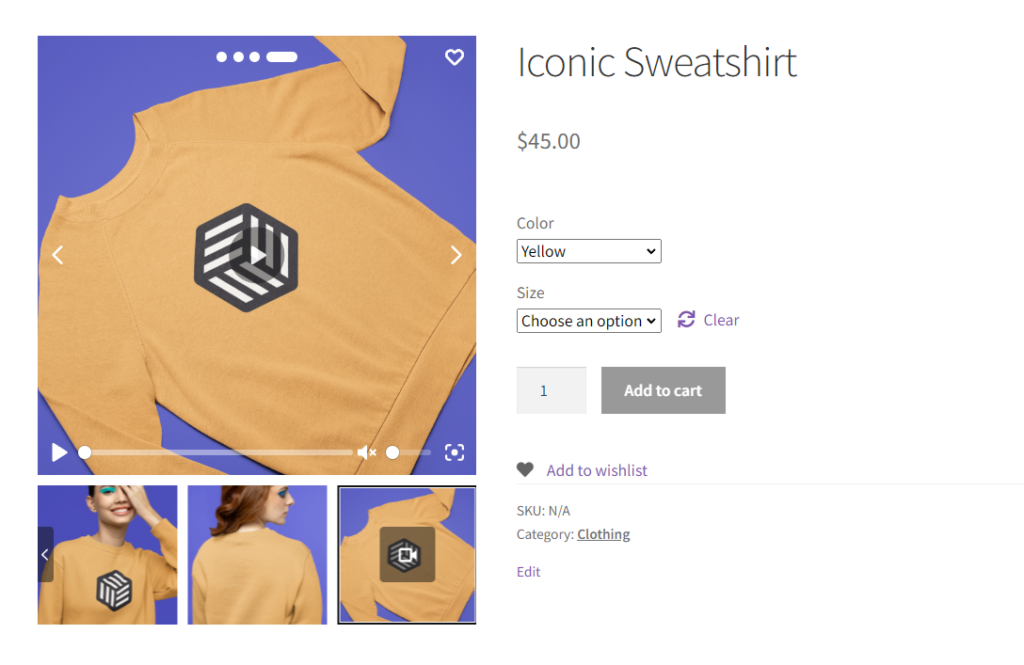
Add product videos to the product page with WooThumbs
By default, the WooCommerce product gallery has very limited video support. You might be stuck with uploading all your product videos to your WordPress site before displaying them on the product gallery. This could slow down your site.
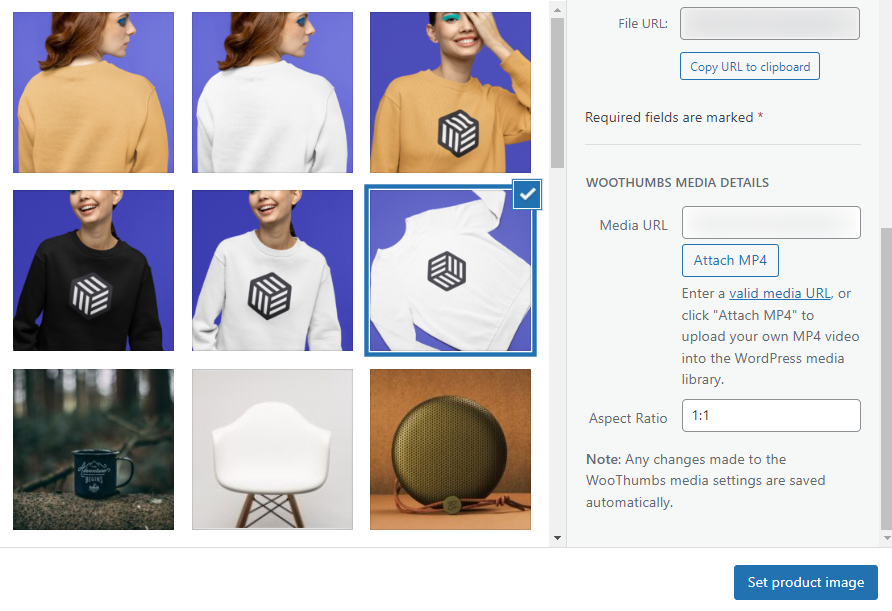
With WooThumbs, you won’t have to worry about this. It has great video support, allowing you to host your video elsewhere (YouTube and Vimeo) and add it to your gallery with a link.
Visual learner? Learn how to add a video to your product page gallery with our YouTube video:
You’ll still have the option to upload videos to WordPress and add them to your gallery. And it’s not just videos alone. You can also add other media (audio) from sources like Soundcloud and Wistia. To top it all up, it has a modern media player with controls you can customize.
WooThumbs for WooCommerce
Customize your WooCommerce product image gallery in minutes with a new layout, embedded video, multiple images per variation, and more.
Learn how to increase ecommerce sales today
Increasing ecommerce sales drive your business forward. This is why it should be a top priority for you as an ecommerce store owner. In this guide, we’ve covered 6 proven strategies that map out what you’ll need to do to boost your sales.
Although you’ll have to put in some work to achieve this, the plugins mentioned in this guide will make it easier:
- Flux Checkout for WooCommerce – Optimize your WooCommerce checkout for increased conversions.
- Iconic Sales Booster for WooCommerce – Implement a powerful cross-selling strategy to increase your sales.
- WooThumbs for WooCommerce – Upgrade your WooCommerce product gallery to encourage site visitors to become paying customers.
Get these plugins today and make the journey to increased ecommerce sales much easier.
Get all 14+ plugins at one low price
Get access to all 14+ of Iconic’s WooCommerce plugins (and any future ones) but joining the All Access Club.

Gina Lucia is our in-house Content Manager at Orderable. She writes articles, user guides, technical documentation, and creates videos on everything WooCommerce and Orderable.
Gina has been working in the WordPress/WooCommerce space since 2012 when she developed WordPress websites for clients large and small.
For the past 8 years, she’s been writing about everything WordPress and WooCommerce, becoming an expert in what makes a WooCommerce store succeed.
When not writing, Gina loves to tend to her vegetable garden, read, or travel to mainland Europe.