Everything you need for your WooCommerce store
Save 50% or more with an Iconic Bundle.
The Plugins
WooCommerce Show Single Variations
Single Site: $99 / yr
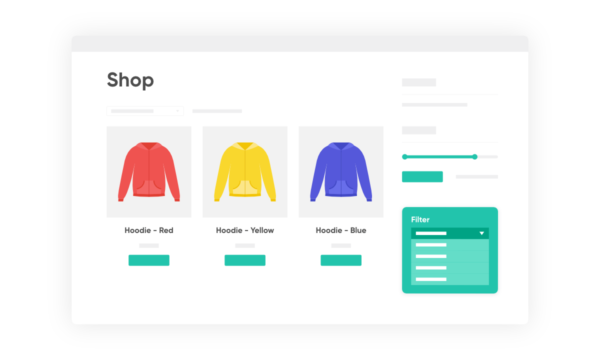
Display individual product variations of a variable product in your product listings. Make it easy for your customers to view and filter product variations.
WooThumbs for WooCommerce
Single Site: $79 / yr
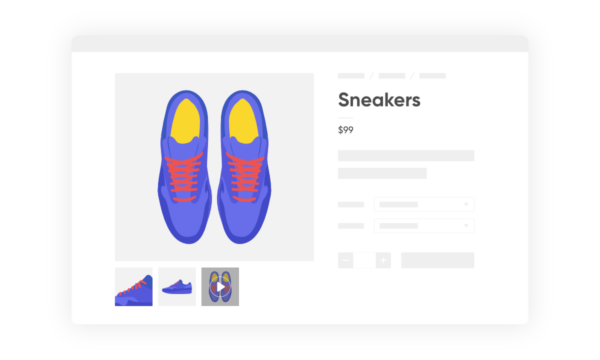
Enable zoom, sliders, video, fullscreen, multiple images per variation, and customisable layout options for your product imagery.
WooCommerce Delivery Slots
Single Site: $99 / yr
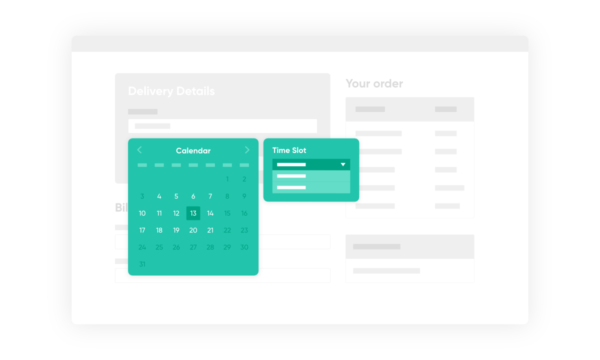
Choose a delivery date and time for each order. Add a limit to the number of allowed reservations, restrict time slots to specific delivery methods, and so much more.
WooCommerce Linked Variations
Single Site: $79 / yr
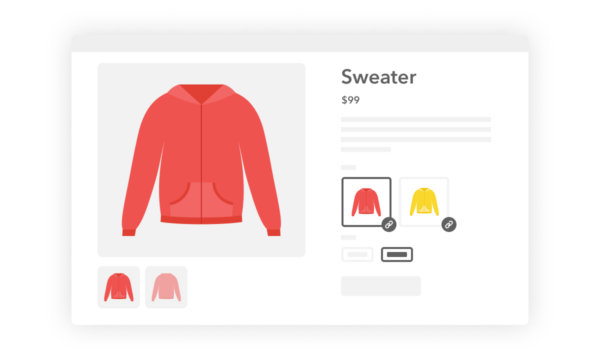
Link a group of WooCommerce products together by attribute; a new way to handle product variations.
WooCommerce Product Configurator
Single Site: $79 / yr
Use transparent image layers for your variable products, removing the need to create hundreds of final product variation images.
WooCommerce QuickTray
Single Site: $49 / yr
A modern take on quick view for WooCommerce; expand product details within your product listings for a convenient shopping experience.
WooCommerce Account Pages
Single Site: $49 / yr
Add and manage pages in your WooCommerce "My Account" area using the native WordPress "Pages" functionality.
WooCommerce Quickview
Single Site: $49 / yr
Quickly view any product from the catalog, without reloading the page. Encourage sales with easy and efficient product browsing.
WooCommerce Attribute Swatches
Single Site: $49 / yr
Bored of the standard dropdown fields when viewing a variable product? Turn them into colour, image, or text swatches!
WooCommerce Custom Fields for Variations
Single Site: $49 / yr
Easily add custom fields to your product variations; the perfect way to display organised additional product data to your customers.
WooCommerce Bundled Products
Single Site: $49 / yr
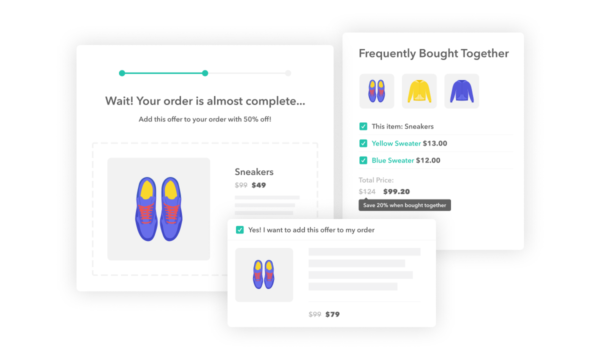
Bundle a selection of products on a single product page. It even works with variable products!
I’m using four of Iconic’s plugins. Their support is kind of like having pizza in Naples – I never thought it could be THIS good.
Excellent plugin that does exactly what I want. Needed to get some help with CSS to make it look as I wanted. Maybe some of the CSS settings could be configurable in the application. Great work!
This plugin was simple to use and is well made. It has hooks & filters to help developers make any necessary adjustments. The plugin author answered our questions quickly and even applied an update to the plugin to expand its functionality per our request. This plugin is much better developed and easier to use than another similar plugin we’ve used. Thanks for creating a better option!
This plugin is a must have to display your images the right way. Sure, Woocommerce updated their gallery function, but still Woothumbs has better functionality. Thanks!
put the matching color swatches over back of tear and they did a fantastic job of hiding damage. i am sooo glad I found them on Amazom!
Was looking to modify the output of the module’s display, which required core modifications. I contacted the developer who was only too happy to implement these as new features in the plugin, going forward.
When I first set up my online store almost five years ago I realised that while the default variable product option for WooCommerce is great, not being able to display these individual variations on the front end in my store catalog was far from ideal and could limit sales.
Comic books are often released with variant covers, these covers are generally completely different from the standard ones and more often than not have limited release amount and different prices to the standard covers.
The Show Single Variations plugin allows me to show all available options at once, allowing customers to add them to their cart directly from the catalog view.
The difference in variable product sales was immediately noticeable. I’m a big believer that less required clicks makes for more sales and this plugin goes a long way to prove it.
Being able to add variations to cart from the catalog view, rather than having to ‘Select options’, load the products main page and then chose which variation(s) the customer wants has led to a dramatic increase in sales.
I would recommend the Show Single Variations plugin to anyone who uses variable products in their WooCommerce store. For me being able to show all variations on the front end is an absolute must.
I had created a pottery site and many designs were not different enough to warrant their own separate product listings, so it made sense to add them as product variations.
A few hours of adding products later, I realized, to my great dismay, product variations do not display in WooCommerce category lists, shop and search pages.
I was on the verge of preparing to muscle through breaking out all of my product variations to separate listings, until a WooCommerce support person steered me in the direction of a nice little plugin called “Show Single Variations”.
With this plugin installed, all I have to do now is select the relevant options inside the product variation’s drop-down to have that product variation display on product listing pages.
If you have a WooCommerce store with lots of products with variations that you don’t want hidden from shop displays and other listings, the elegant “Show Single Variations” is going to make you a very happy camper.
I tried several products with similar features as WooThumbs, so before giving up testing products I decided to give it a try and it’s definitely a relief I found this one. I had some issues at the beginning due to my own theme configuration and the support was great, was able to get it up & running in no time. I highly recommend this plugin and if you are running the Flatsome theme don’t hesitate and go ahead, this one works!
FAQ
Will the bundles ever change?
Over time the bundles may change, however, you will continue to have access to the plugins listed in the bundle when you started your subscription.
If you purchased the Business Bundle, you will have access to all plugins at all times.
What happens if I cancel my subscription?
If you cancel your subscription, you will no longer be able to use the plugins in the bundle once your initial payment period ends.
How do I download the plugins?
Once you place your order, you'll be sent an email containing links to download all the plugins.
Do you offer refunds?
Yes, if you have an issue that cannot be resolved via support within 30 days of purchase, you will be offered a full refund.
Can I use my licence in a development environment?
Yes. Most development environments will not count towards your site limit.
Will my subscription renew automatically?
Yes, your subscription will renew automatically every month or year, until cancelled.
How much money am I saving with a bundle?
You will save at least 35% when you buy a bundle. This percentage is even higher if you opt to pay annually.