

If you’re looking for the best WooCommerce checkout plugins to boost conversions in 2026, this guide is here to help.
Nearly 70% of online shopping carts are abandoned, according to Baymard Institute. And for WooCommerce stores, the default checkout experience is often part of the problem. It’s slow, clunky, and not built for how modern customers shop (especially on mobile).
If you’ve ever thought, “This checkout is costing me sales”, you’re probably right. But the fix doesn’t have to mean hiring a developer or rebuilding your store from scratch.
In this article, we’ll walk you through:
Let’s start with a quick overview of our top picks.
The best WooCommerce checkout plugins for 2026 are:
- Best for streamlining the entire checkout process: Flux Checkout for WooCommerce
- Best cart-to-checkout experience: WooCommerce Fast Cart
- Best for adding or customizing checkout fields: Checkout Field Editor
- Best for Sales funnels and post-purchase upsells: CartFlows
This guide was last updated for 2026 and includes actively maintained, compatible plugins for modern WooCommerce stores.
What to look for in a good WooCommerce checkout plugin
Not all checkout plugins are created equal. Some focus purely on looks, while others dig into performance, conversions, or advanced functionality. Before choosing one, it’s worth taking a step back and asking: what does your store actually need?
Here are the key things to evaluate when picking the right WooCommerce checkout plugin:
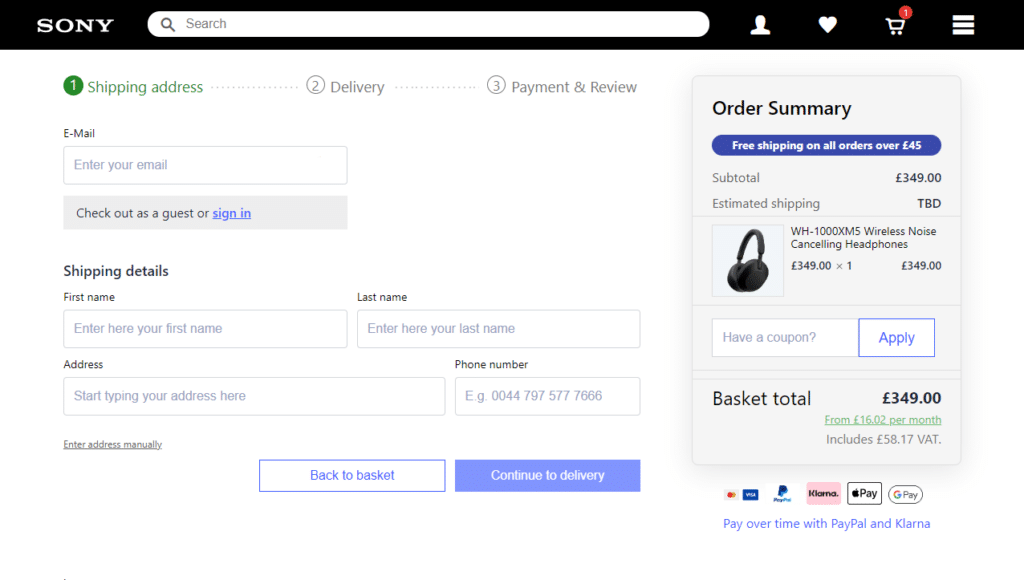
Does it help increase conversions?
The number one goal of any checkout plugin should be reducing friction, especially at the final step.
Look for features like:
- Simplified layouts and fewer form fields.
- Autofill and address autocomplete.
- Guest checkout options.
- Real-time validation and error handling.
Checkout UX matters. Baymard research shows that 18% of US shoppers abandon carts due to a long or complicated process.
Is it mobile-optimized and fast?
More than half of ecommerce traffic comes from mobile, so your checkout should be built for small screens.
The best plugins:
- Use responsive or mobile-first layouts.
- Minimize load times and redirects.
- Avoid requiring unnecessary taps or scrolls.
Does it support upsells and order bumps?
Your checkout is also a revenue opportunity.
Some plugins include:
- Built-in order bumps and cross-sells.
- Smart recommendations based on cart contents.
- Support for one-click post-purchase offers.
If you want to increase average order value, choose a plugin with built-in or compatible cross-sell or upsell tools.
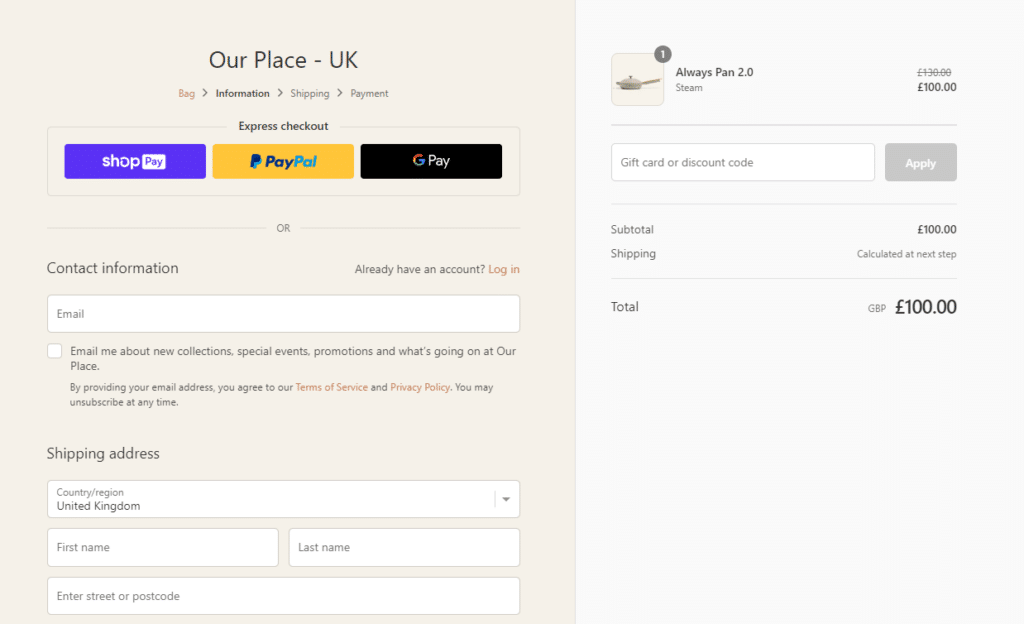
Can you customize fields and layouts?
Some stores need extra checkout fields like delivery notes, VAT IDs, or marketing opt-ins. A good plugin should let you:
- Add, remove, or reorder required fields easily.
- Create conditional logic (e.g. show X if Y is selected).
- Style the layout to match your brand.
If your site uses Elementor or another builder, check if the plugin integrates cleanly with it.
Is it compatible with your theme and tools?
A plugin isn’t useful if it breaks your theme or conflicts with your stack.
Before buying:
- Make sure it works with your WordPress/WooCommerce version.
- Check theme and page builder compatibility (like Astra, Flatsome, Elementor, etc.).
- Look for documentation and active support in case you run into issues.
Takeaway: The right plugin should help you convert more customers, especially on mobile, by reducing friction, supporting upsells, and fitting seamlessly with your theme and tools.
Next up, let’s explore our top plugin picks and how each one stacks up.
7 WooCommerce checkout plugins (in detail)

WooCommerce checkout plugin 1: Flux Checkout for WooCommerce
Best for: Streamlining and modernizing the entire checkout experience.
Price: From $99/year (with a 14-day money-back guarantee)
Flux Checkout for WooCommerce is our own WooCommerce plugin, and we built it to solve a problem most WooCommerce stores face: the default WooCommerce default checkout is slow, clunky, and outdated. Flux replaces that experience with a fast, intuitive, mobile-first, multi-step layout that feels like a modern checkout should.
But Flux Checkout goes beyond just layout. With smart UX features, customizable content blocks, and even a conversion-focused thank you page, Flux gives you full control over every stage of the checkout journey, before and after the purchase.
Why we love it:
- Built-in smart UX features
Includes address autocomplete, inline validation, and dynamic field visibility to speed up the process. - Optimized for conversions
Focused layout, progress indicators, and minimal distractions help reduce abandonment at every stage. - Cross-sells inside checkout
Suggest relevant products without interrupting the flow. Perfect for increasing average order value. - Customizable thank you page
Keep customers engaged post-purchase with a conversion-optimized thank you screen you control. Ideal for cross-sells, CTAs, or order details. - Flux Elements: add content blocks to your checkout
Use pre-built Elements (or build your own) like banners, FAQs, trust badges, and custom messages. Add them with the WordPress block editor.
Take note: Designed for WooCommerce stores focused on improving the checkout experience, not for full sales funnel building
Bottom line: Flux gives your WooCommerce store a clean, mobile-first checkout that’s built to convert. Complete with cross-sells, smart UX, and dynamic content blocks.
Flux Checkout for WooCommerce
Flux Checkout transforms the default WooCommerce checkout into one that’s lightning-fast, distraction-free, and reduces checkout abandonment.
Checkout plugin 2: WooCommerce Fast Cart (Barn2)
Best for: Cart-to-checkout speed and simplicity.
Price: From $79/year
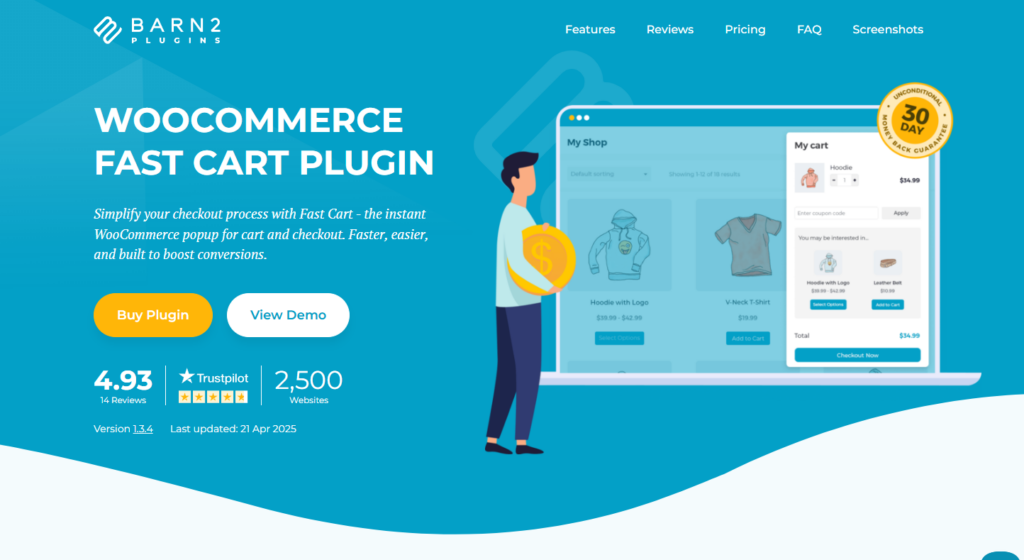
WooCommerce Fast Cart is all about minimizing steps. Instead of redirecting customers to a separate checkout page, it brings the WooCommerce cart page and checkout directly into a pop-up modal, so shoppers can review, update, and complete their purchase without ever leaving the product page.
This fast, Ajax-powered experience works especially well for smaller catalogs and stores where speed = sales.
Why we like it:
- Floating cart + embedded checkout for quick order completion.
- Great for mobile and desktop.
- Can reduce abandonment by keeping the purchase flow compact and distraction-free.
Take note: Not designed for complex multi-product carts or detailed customizations. Best for simple, quick-buy experiences.
Here’s the key benefit: Fast Cart speeds up the buying process by letting customers check out in a pop-up. No page reloads, no interruptions.
Checkout plugin 3: PeachPay for WooCommerce
Best for: Express checkout and wallet integrations.
Price: Free
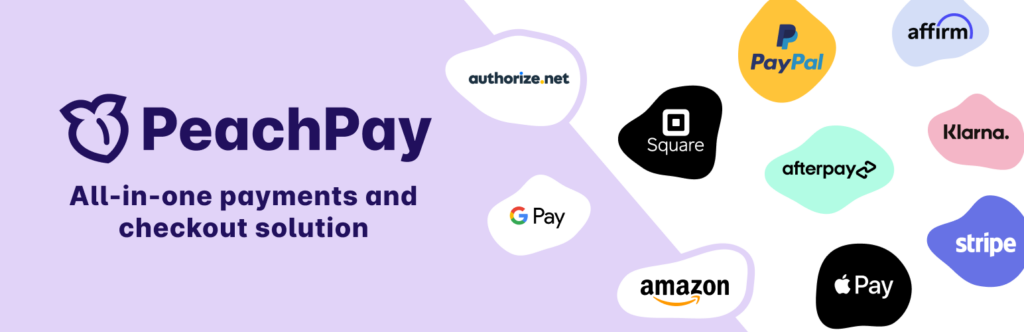
PeachPay offers a one-click checkout experience designed to keep things lightning fast. With built-in support for Apple Pay, Google Pay, PayPal, and Stripe, it’s ideal for stores that want to offer a smoother payment flow without touching their layout.
Setup is minimal, and repeat customers can check out in seconds with saved details, making it a solid option for speeding up purchases, especially on mobile.
Why we like it:
- Apple Pay, Google Pay, and PayPal payment methods out of the box.
- One-click repeat checkout for returning customers.
- Completely free, with revenue coming from payment gateways, not you.
Take note: PeachPay focuses on payments, not layout or UX. It’s great for speed, but not meant to replace your full checkout design or add customization features.
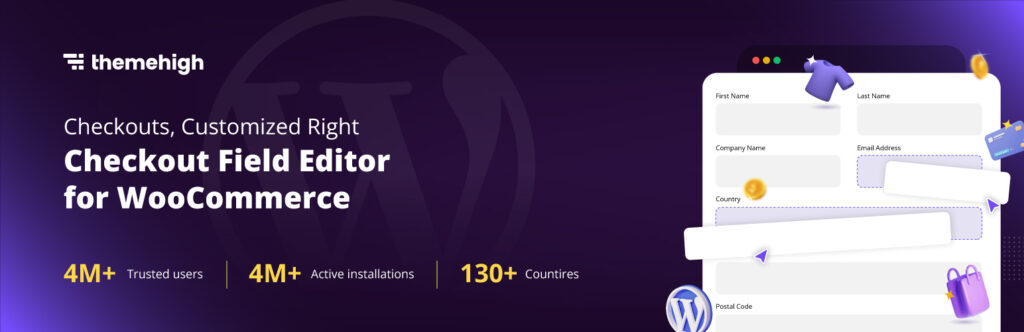
WooCommerce checkout plugin 4: Checkout Field Editor (by ThemeHigh)
Best for: Customizing checkout fields.
Price: Free (Pro from $49/year)
Need to collect more than just the basics? Checkout Field Editor makes it easy to add, remove, or reorder billing, shipping, and additional fields on your WooCommerce checkout page.
Whether it’s VAT numbers, delivery notes, or marketing opt-ins, you can tailor the form without touching code.
Why we like it:
- Drag-and-drop interface.
- Supports text fields, checkboxes, dropdowns, and more.
- Includes conditional logic and field validation in the Pro version.
Take note: This plugin doesn’t change your checkout layout, it focuses purely on the form fields.
In short: If you need more control over your checkout fields, like adding VAT numbers, delivery notes, or opt-ins, this plugin does the job cleanly and without code.

WooCommerce checkout plugin 5: CheckoutWC
Price: From $99/year
CheckoutWC replaces the standard WooCommerce checkout with a clean, conversion-optimized layout modeled after Shopify’s streamlined flow. It splits the process into three simple, user-friendly steps, making the experience faster, more focused, and easier for customers to complete.
Designed to work out of the box with most stores, it’s ideal for shop owners who want a plug-and-play checkout upgrade without rebuilding everything from scratch.
Why we like it:
- Shopify-style layout that’s familiar and proven to convert.
- Three-step flow with real-time field validation and error handling.
- Customizable templates with styling options and translations built in.
Take note: CheckoutWC replaces the layout, not the logic. So for upsells, extra fields, or funnels, you’ll want to pair it with another plugin. Best for stores looking to improve visual checkout UX quickly.
Quick recap: CheckoutWC swaps out WooCommerce’s default one page checkout for a polished, three-step layout that looks modern and improves user flow.
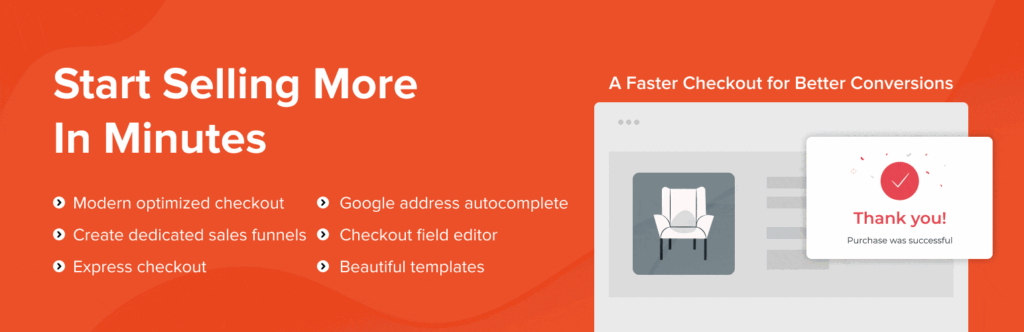
Checkout plugin 6: CartFlows
Best for: Sales funnels and post-purchase upsells.
Price: Free (Pro from $239/year)
CartFlows is a powerful checkout funnel builder that turns your WooCommerce store into a revenue engine. With it, you can create landing pages, one-click upsells, order bumps, and custom thank you pages. Ideal for stores selling digital products, courses, or high-ticket items.
Why we like it:
- Full control over the funnel: checkout, upsell, thank you page.
- Drag-and-drop builder (works with Elementor, Gutenberg, etc.).
- Dynamic order bumps and post-purchase offers.
Take note: More of a sales funnel builder than a traditional checkout UX tool.

Checkout plugin 7: WooCommerce Checkout Add-Ons
Price: From $79/year
WooCommerce Checkout Add-Ons is a WooCommerce extension that lets you enhance your checkout with extra options, fees, and fields, all without touching code. Whether you want to offer gift wrapping, upsell services, or add custom messages, this plugin makes it easy to monetize and personalize the checkout process.
It’s especially useful for stores that want to add functionality without overhauling their entire checkout layout.
Why we like it:
- Add paid or free add-ons like gift options, tips, or personal notes.
- Supports conditional logic to show/hide fields based on customer input.
- Integrates directly into the native WooCommerce checkout flow.
Take note: This plugin enhances what’s inside your checkout, not how it looks or flows. Best paired with a layout-focused plugin like Flux if you want both form and function.
WooCommerce checkout plugin FAQs
What does a WooCommerce checkout plugin do?
A WooCommerce checkout plugin enhances or replaces parts of the default checkout process. Some focus on design and layout (like turning the form into a multi-step flow), while others add functionality, like extra fields, cross-sells, one-click payments, or upsells. The goal is to reduce friction, improve the user experience, and boost conversion rates.
Do I really need a checkout plugin if I already use WooCommerce?
Technically, no, but the default WooCommerce checkout might not cut it for you If you’re serious about reducing cart abandonment, improving mobile UX, or customizing the experience to match your brand, a plugin can make a big difference. Even simple improvements like auto-filling addresses or streamlining steps can lead to higher sales.
Will these plugins slow down my site?
Most modern checkout plugins are built with performance in mind and won’t noticeably impact your site speed, especially if you’re using a well-optimized theme and hosting. In fact, many of these plugins actually improve perceived speed by making the checkout process faster and more intuitive for users.
That said, always avoid stacking too many heavy plugins together, especially ones that load unnecessary scripts on every page.
Can I use more than one checkout plugin?
Sometimes, but be cautious. Many checkout plugins are designed to take over the entire checkout experience, so combining them can cause conflicts. The best approach is to use one main layout plugin (like Flux checkout or CheckoutWC), and pair it with add-on-style plugins that enhance specific functionality (like Checkout Field Editor or Checkout Add-Ons).
The verdict: WooCommerce checkout plugins
When it comes to improving your WooCommerce checkout, the right plugin depends on what you need most. Speed, customization, upsells, or simply a better layout.
Here’s a quick recap of our top picks:
- Flux Checkout for WooCommerce is the most well-rounded option if you want to streamline your entire checkout process with a mobile-first, conversion-focused design.
- WooCommerce Fast Cart is ideal if you’re looking to shorten the add to cart, to checkout journey with a fast, embedded pop-up experience.
- Checkout Field Editor is a great choice for adding extra fields and tailoring what information you collect in your checkout form.
- CartFlows is your go-to for building complete sales funnels with post-purchase upsells and custom flows.
Flux Checkout for WooCommerce
Flux Checkout transforms the default WooCommerce checkout into one that’s lightning-fast, distraction-free, and reduces checkout abandonment.

Gina Lucia is our in-house Content Manager at Orderable. She writes articles, user guides, technical documentation, and creates videos on everything WooCommerce and Orderable.
Gina has been working in the WordPress/WooCommerce space since 2012 when she developed WordPress websites for clients large and small.
For the past 8 years, she’s been writing about everything WordPress and WooCommerce, becoming an expert in what makes a WooCommerce store succeed.
When not writing, Gina loves to tend to her vegetable garden, read, or travel to mainland Europe.