
WooCommerce Attribute Swatches
The Best Variation Swatches for WooCommerce Plugin
Replace the default WooCommerce variation dropdown menu with variation swatches for WooCommerce. Add color swatches, image swatches, and modern text buttons to your variable product pages.
Iconic plugins are trusted by over 20,000 WooCommerce Businesses and Online Shops
Visual Product Options
Modernize WooCommerce Attributes With WooCommerce Product Swatches
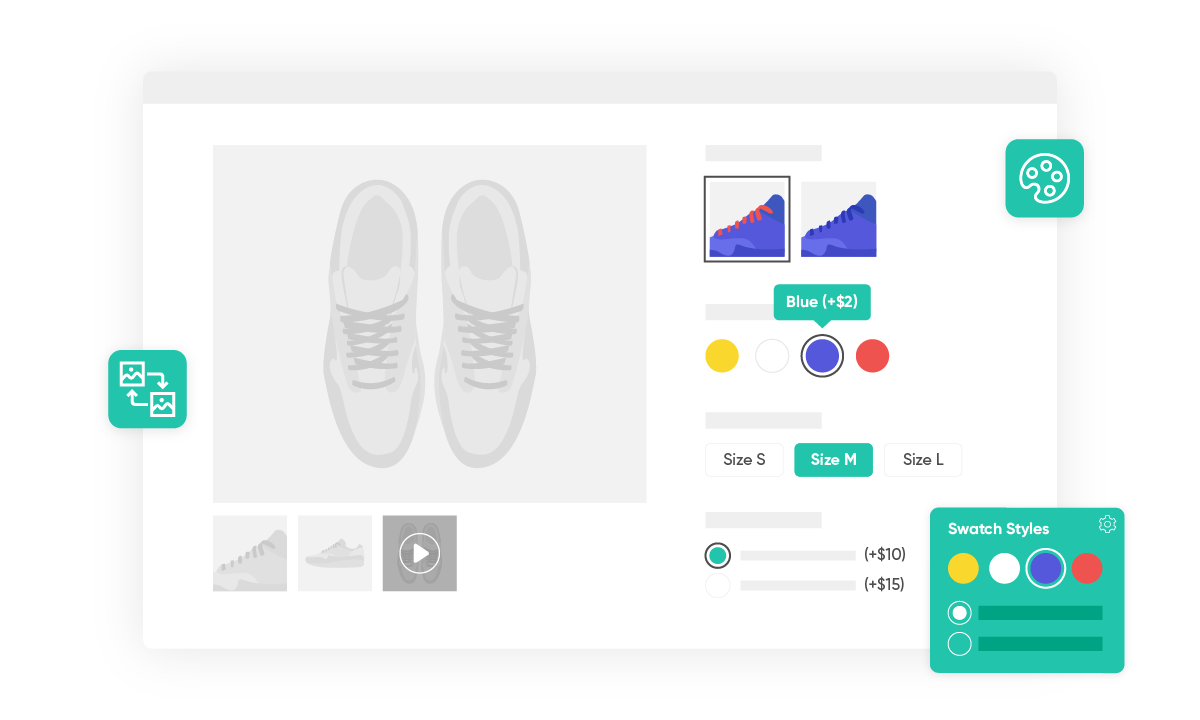
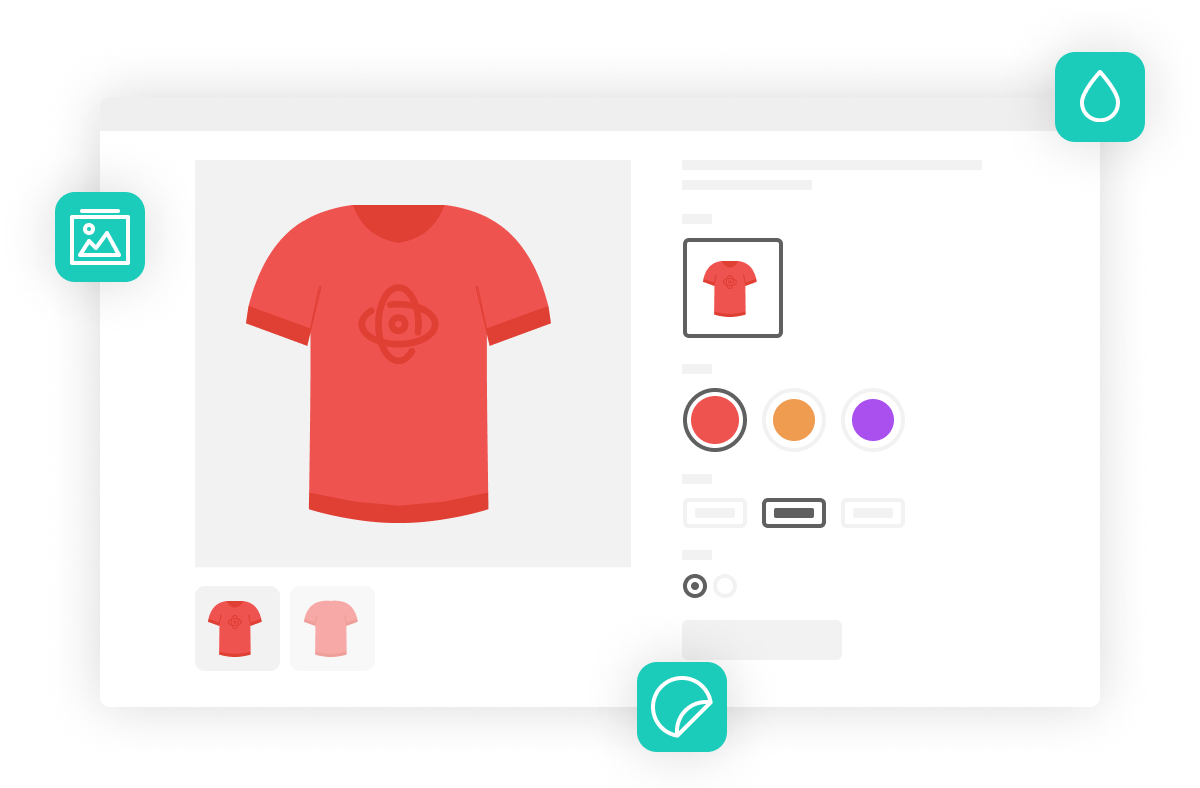
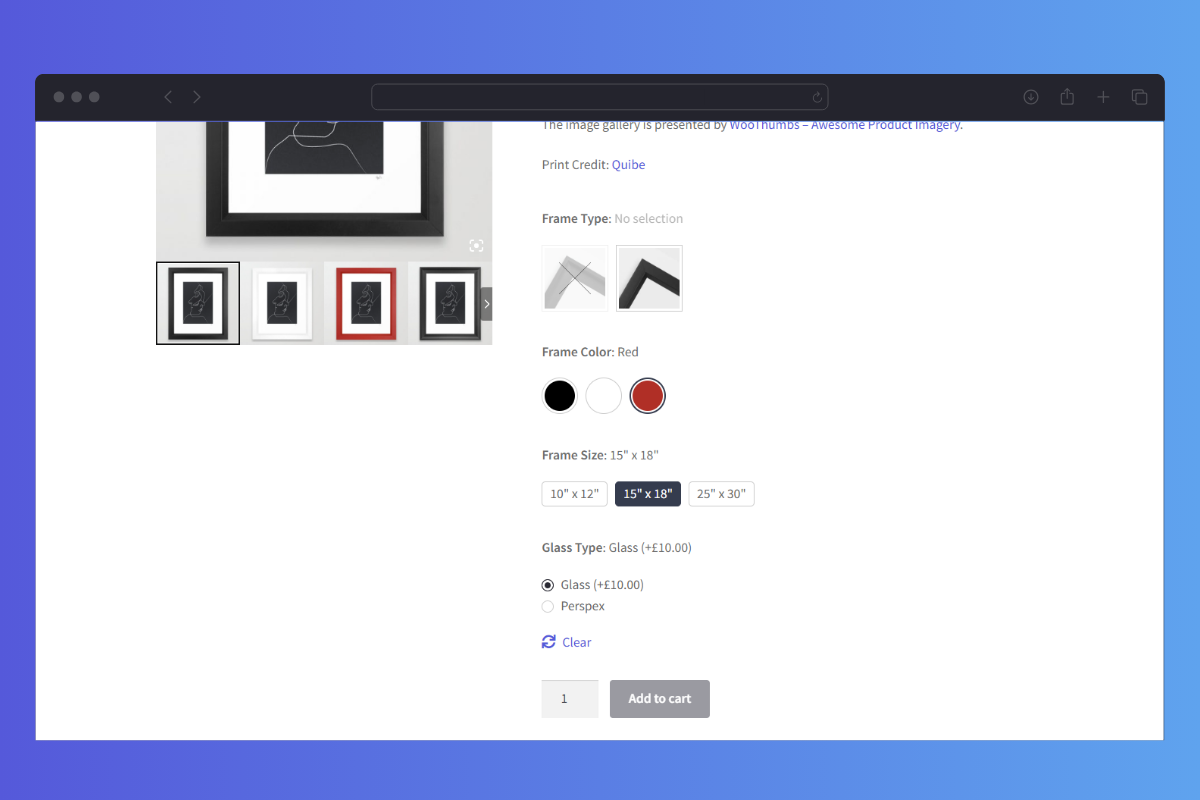
- Add visual color variation swatches to any attribute. Use a hex code, or our user-friendly color picker to get as specific as you’d like
- Add image variation swatches by uploading a material, finished product, or texture product image to each attribute.
- Upgrade other product attributes with clean text button swatches and radio buttons.
- Set all variation swatches as global attributes, or for each individual product attribute variation.
This plugin helped us craft the perfect buying experience for our customers.
 Brenden Jones
Paper Tower
Brenden Jones
Paper Tower
Customize Variation Swatches for WooCommerce
Customize Your WooCommerce Variation Swatches
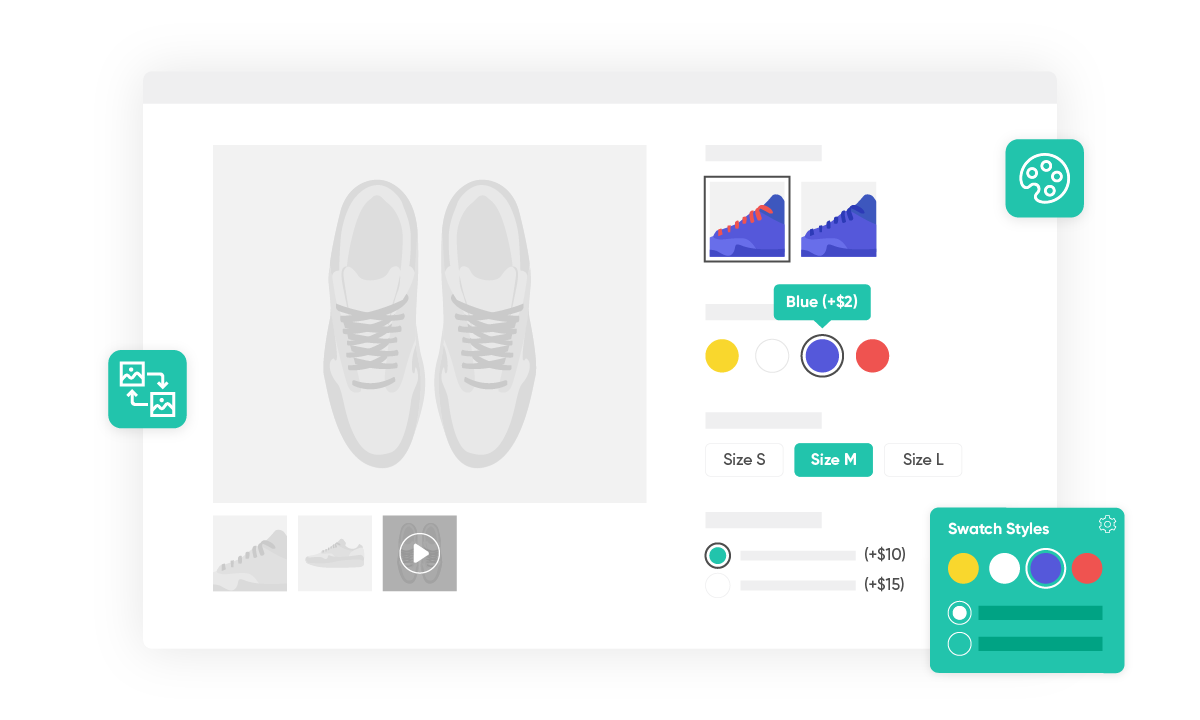
- Include a tooltip text description (of your attribute name) when customers hover over your attributes for more information and better user experience.
- Customize your variation swatch shape (round or square), size (in pixels), and the order they appear in.
- Decide how you want variation swatches to appear once selected with a tick, or added attribute swatch border.
- Enable a larger preview of image swatches when a customer hovers over one.
- Decide how you’d like your variation swatches displayed when you have a lot of them. Options include stacked, single line, and slider display.
I’m absolutely in love with this plugin. I can’t imagine going back to how the shop was before! Thanks for giving my shop this new improved functionality and look!
Ben Andersen LotusEco
Upgraded WooCommerce Product Filters
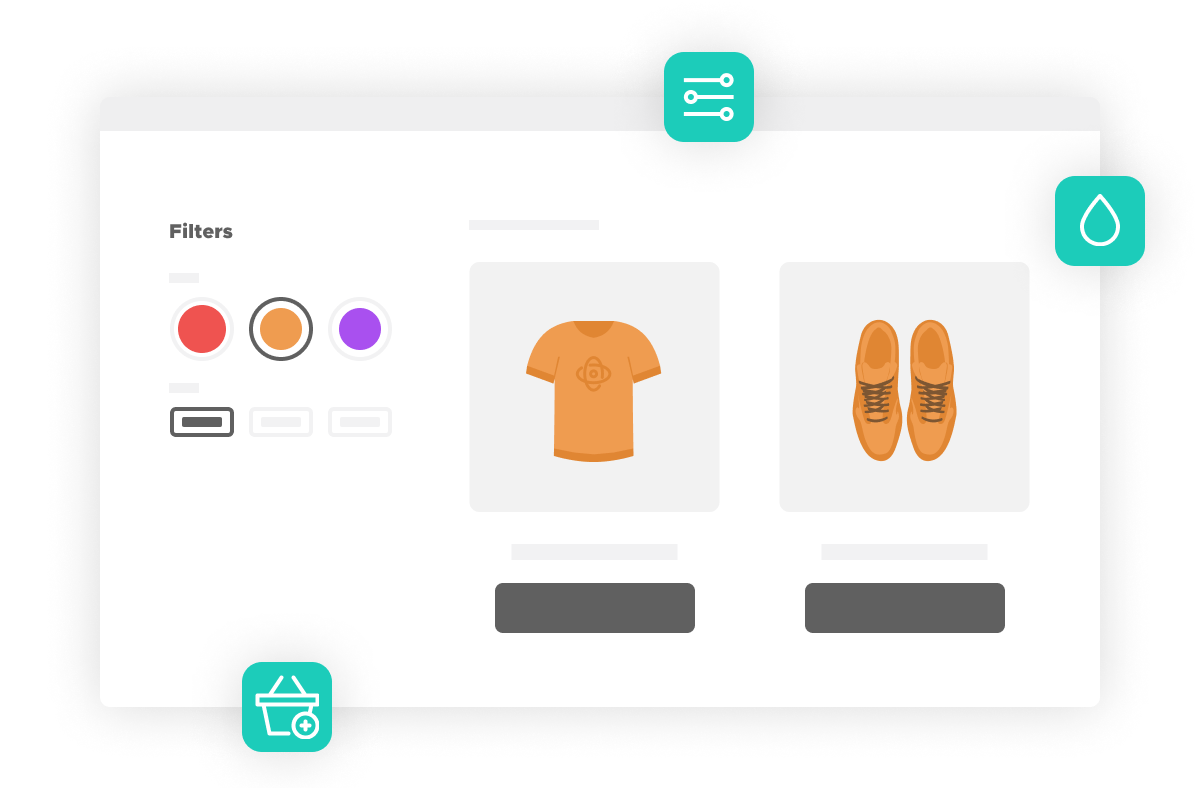
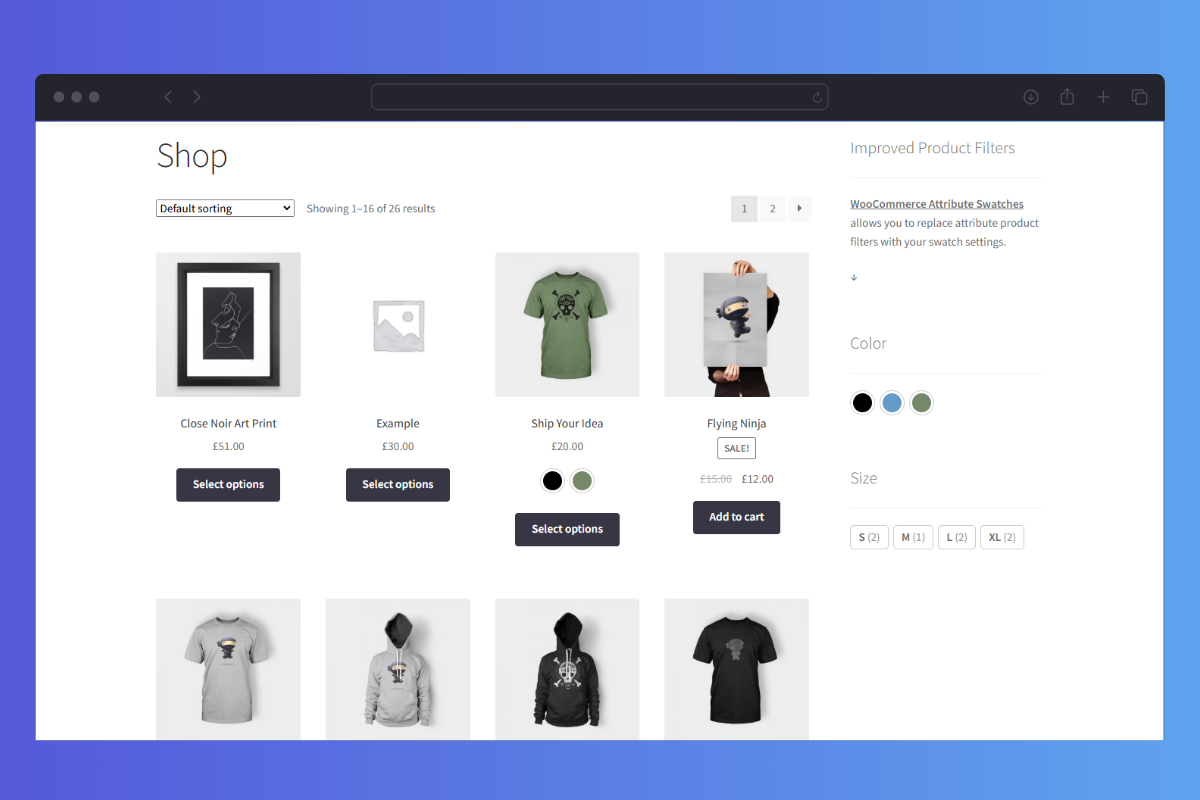
Add Variation Swatches for WooCommerce in Product Filters
- Decide if you want attribute swatches to be used in your online store’s product filters or not.
- Customize this for each set of attributes to tailor variation swatches to suit you.
- With an improved and visual product filter, you’ll help customers quickly find the products they’re looking for.
Show off your different available colors, sizes – any attribute with simple and pretty swatches on the shop and category pages. Five stars and two thumbs up.
 Lars Koudal
WordPress Consultant
Lars Koudal
WordPress Consultant
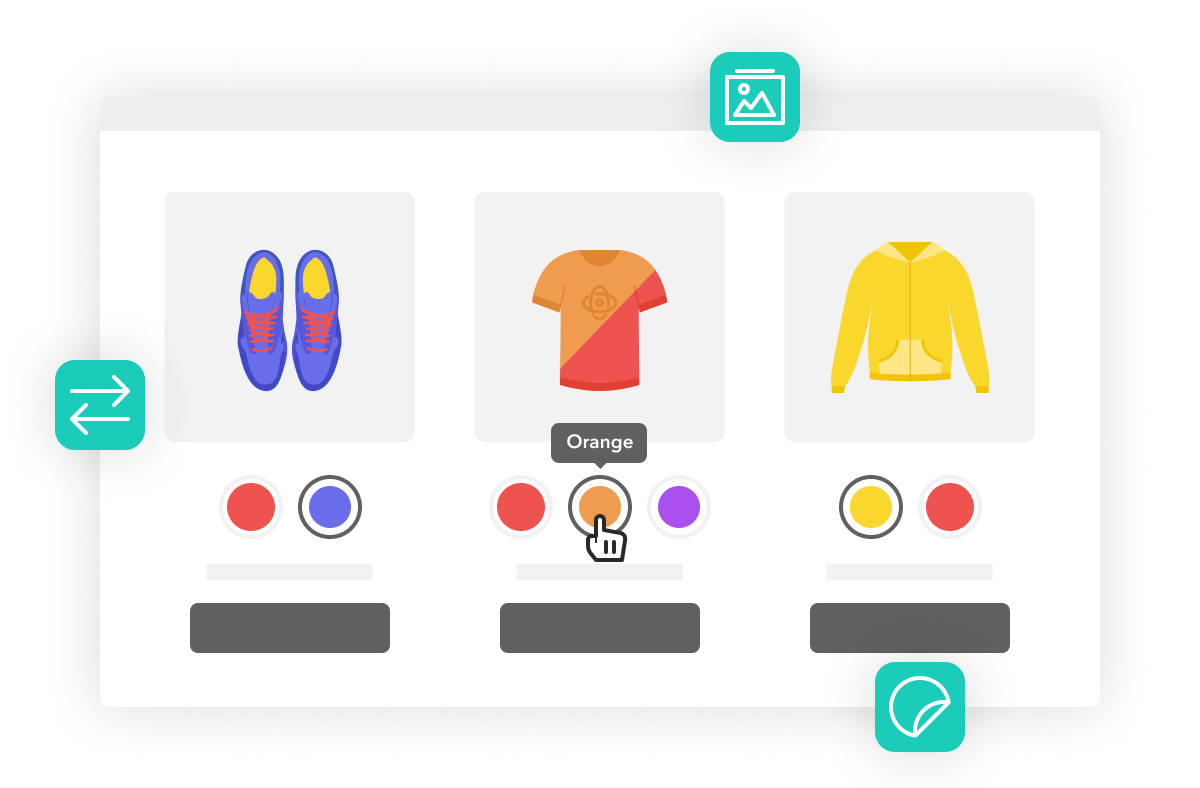
Display Swatches in the Catalog
Use Product Variations Swatches on the Shop Page
- Optionally show attribute swatches underneath WooCommerce product variations on the shop, category, and archive pages.
- When a swatch type is clicked, customers will see that attribute’s product image or they’ll be taken to the product page with a variation link (whichever option you pick).
- Decide which swatches to display on a per-product basis, or store-wide.
- By adding swatches to the shop and catalog pages, customers will be able to see exactly what’s available, even before visiting the product page.
I’ve used several swatch plugins, but this one is the best. It is easy to customize and it works great with other plugins from Iconic.
 Victor Hopman
Yourplants
Victor Hopman
Yourplants
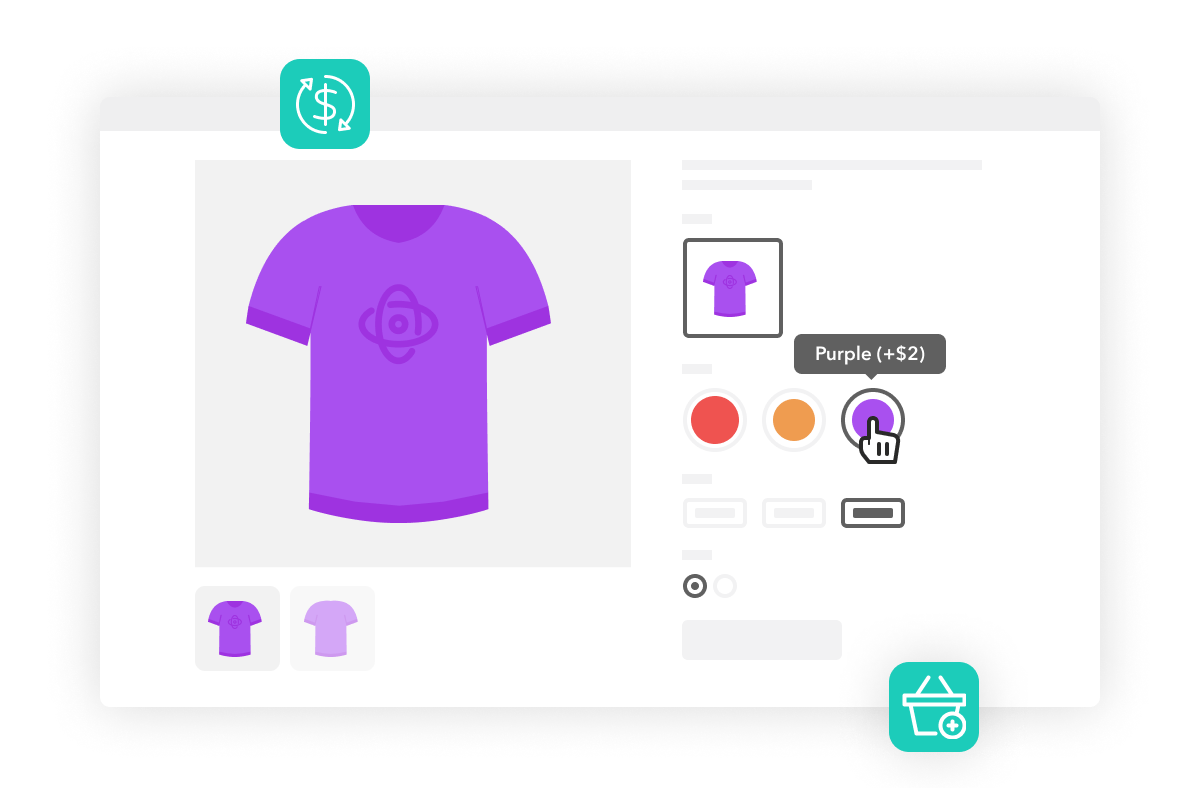
WooCommerce Attribute Frees & Pricing
Fine Tune Your Pricing by Adding Attribute Fees
- Add fees to some, all, or none of your selected attributes. I.e. When the ‘Material’ is ‘Gold’ add $15 to the product price.
- Customers will see an accurate price update inline as they explore your product options on the single product page.
- Set complex pricing structures for your variation options with this WooCommerce variation swatches plugin.
We have tried most Attribute Swatches plugins for WooCommerce but none of them have been this great and fast. The support from James and team has been unbeatable!
 Robert Hedlund
MiniDesign
Robert Hedlund
MiniDesign
30-day money-back guarantee
Theme compatibility focused
World-class support
More Incredible Features
WooCommerce Attribute Swatches also includes all of the following features — Optimize your WooCommerce store today and increase sales and conversions.
Categorize & Group Swatches
Create swatch groups to make your customer’s decision easier. For example, group product colors into plain and patterned.
Assign Swatches Globally or Per-Product
Set your swatch styling for all products at once, or override it on a per-product basis.
Modern Swatch Designs
Choose between different swatch designs and then customize them further on a per-attribute basis.
Customize Shape and Size
Easily change the shape and size of your variation swatches for WooCommerce to suit the situation.
Tooltip Swatch Hints
Enable tooltips when hovering over visual swatches to help customers browse your variants. These automatically appear on the frontend of your online store as your attribute names.
Large Preview for Image Swatches
Enable large image previews on hover to give your customers an up-close preview of the product option.
View Swatch Availability
Out-of-stock variations and unavailable swatches are marked as such, making the shopping process straightforward.
Theme and Page Builder Compatible
WooCommerce Attribute Swatches works well with many themes, page builders, add-ons, and 3rd-party plugins including Elementor, Divi, WPML, and more.
Quickview Compatible
WooCommerce Attribute Swatches works perfectly with our Quickview plugin.
Screenshots
See how WooCommerce Attribute Swatches looks for both customers and admin users.



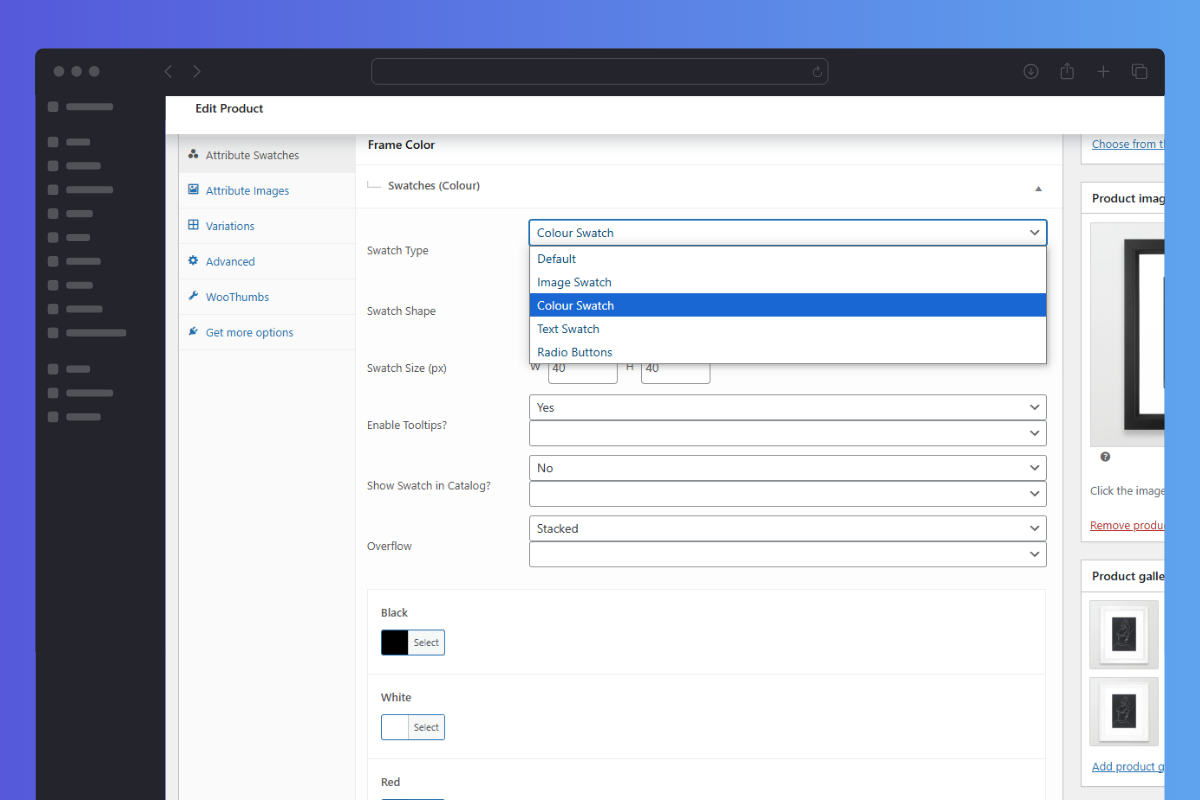

Choose Your License
Which plan is right for you? Whichever one you choose, you’ll get access to this incredible plugin and our 5-star support.
Product License
14+ Sales-Boosting Plugins From Only $299
Get this plugin and more when you join the All Access club. Instantly increase your store’s selling power and usability.
Bundle up.
Get WooThumbs, Attribute Swatches, Image Swap, and Quickview for only $256 $149 with our Customize WooCommerce Bundle.
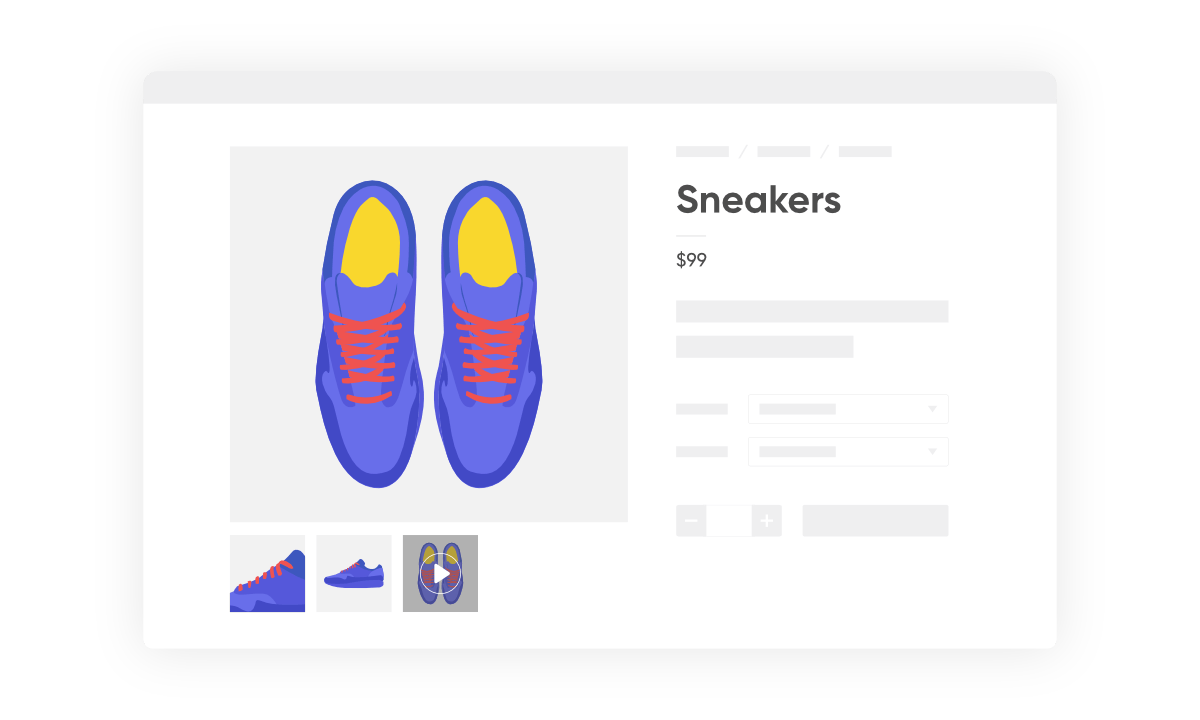 WooThumbs
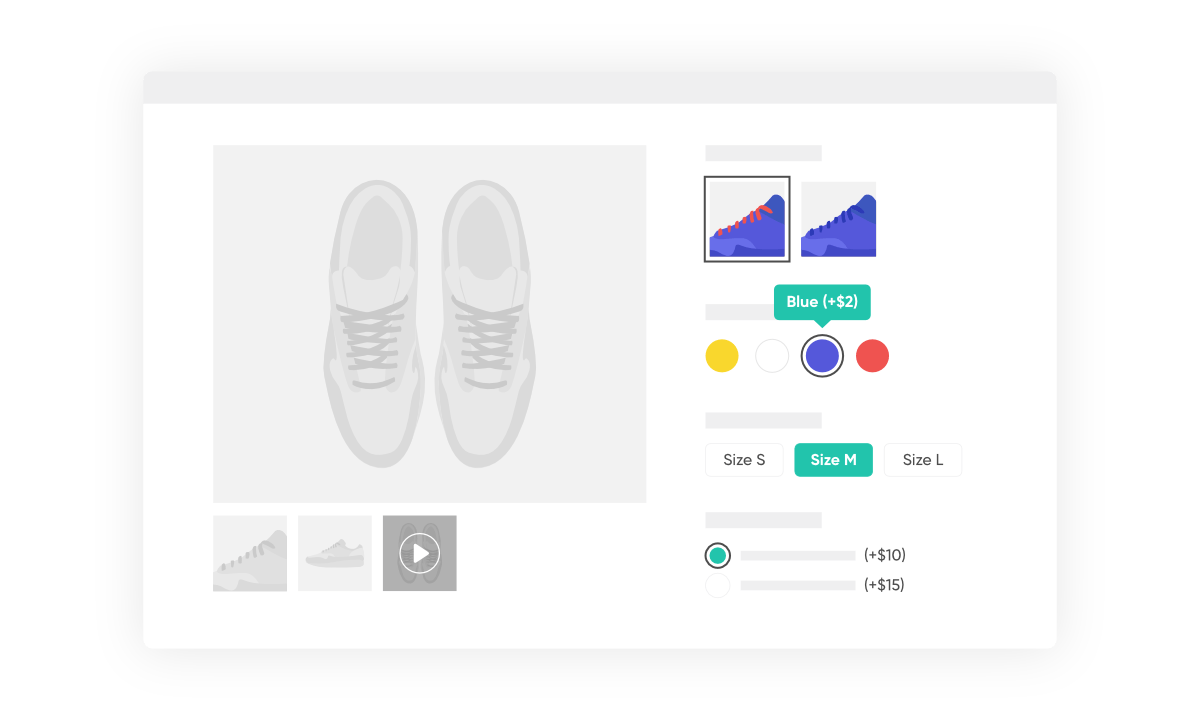 Attribute Swatches
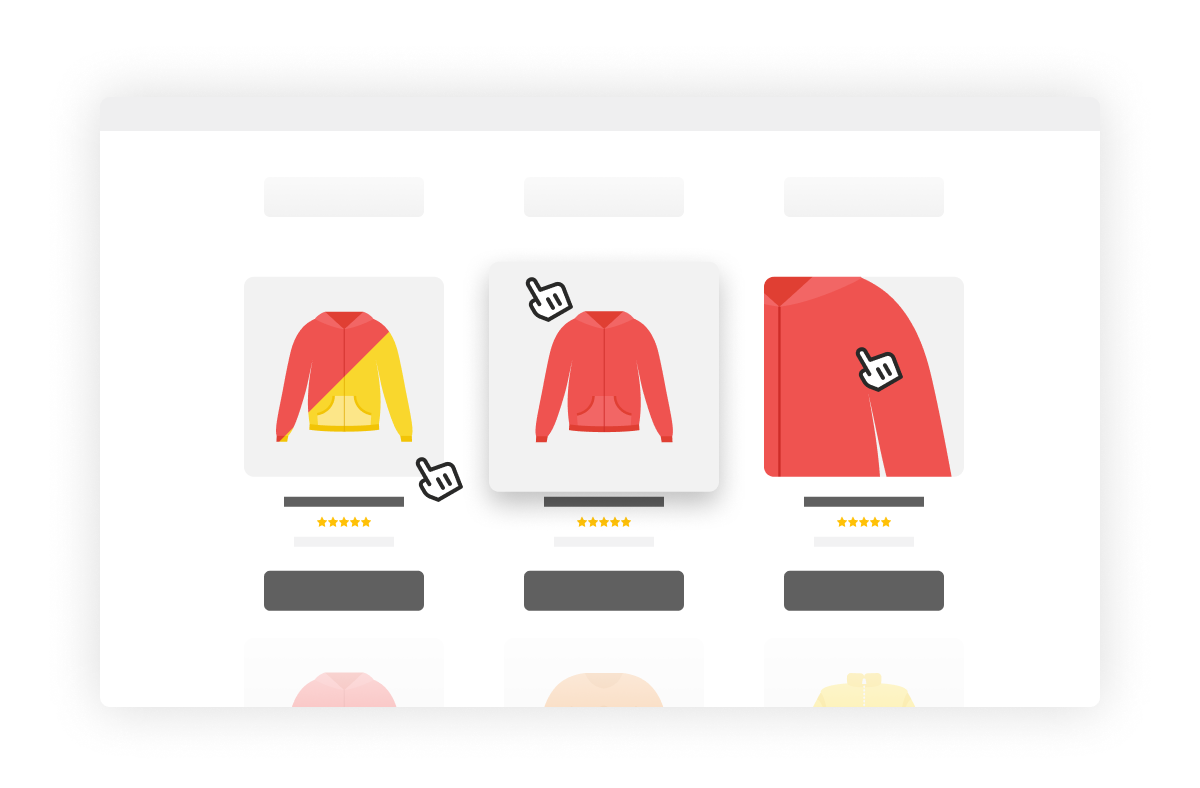 Image Swap

100% No-Risk Money Back Guarantee
You are fully protected by our 100% Money Back Guarantee. If you aren’t completely satisfied within 30 days of purchase, you’re more than welcome to a full refund!
- Version: 1.21.1
- Updated: 24 Oct 2025
- Released: 16 May 2016
- WordPress: 6.8
- WooCommerce: 10.3.0
- View Changelog
Frequently Asked Questions
Have you got a question about WooCommerce Attribute Swatches? Check out some of the most popular questions and answers below.
-
Can I change the domain associated to the license?
Yes. Our system checks against the number of active installs, rather than the specific domain names. You can deactivate the plugin on one domain and then activate it on another domain with no issues.
-
Can I still use the plugin when my licence expires?
Yes, you can still use the plugin at its full capacity even after your license expires. However, you will no longer be able to receive updates or support for the plugin.
-
Can I use my licence in a development environment?
Yes. Most development environments will not count towards your site limit.
-
Do you offer lifetime licenses?
No. We do not offer any lifetime licenses for our plugins.
-
Do you offer refunds?
Yes, if you decide within 30 days of purchase our plugin is not for you, we’ll happily refund you in full.
-
Do you offer a free trial?
No, however, we do have a 30-day money-back guarantee. If you decide within 30 days of purchase our plugin is not for you, we’ll happily refund you in full.
-
Do you offer multi-site licenses?
Yes, we do (and they’re heavily discounted)! When the checkout modal opens, you can choose between 1 Site, 3 Sites, and 30 Sites under Plan Selected at the top. If you have any other requirements, please get in touch via our support page.
-
Is this a lifetime licence, or will it stop working after 1 year?
The license is an annual subscription. It can be canceled at any time. If you cancel the subscription, the plugin will continue to work as normal until the end of the paid-for period.
Once the license expires or is canceled, you will no longer receive updates or support for the plugin.
After expiration or cancellation, the WooCommerce plugin will continue to work on your site.
-
Why do I need a subscription?
WooCommerce is constantly evolving. A subscription model allows us to continue supporting the latest releases and offer the best support we can.
-
Will it work with my theme?
All Iconic plugins are tested with multiple WooCommerce themes and page builders. As long as your theme is well-coded and WooCommerce compatible, it should work. Want to double-check? In our documentation, you’ll find a list of compatible plugins, themes, and page builders for every one of our plugins.
If you experience any compatibility issues at all, our support team is here to help you work through them as quickly as possible.
-
Will my subscription renew automatically?
Yes, your subscription will renew automatically every year unless you cancel it. If you do decide to cancel it, your license will still be valid for the paid-for period; this means you will still receive updates and support during that time.
-
Do you offer monthly plans?
We only offer annual plans for all our WooCommerce plugins and bundles.
Customer Reviews
Great
excelent plugin. Easy to use
Just the thing my WooCommerce store was missing!
I’m absolutely in love with this plugin. I can’t imagine going back to how the shop was before! Thanks for giving my shop this new improved functionality and look!
Excellent
This plug in works perfectly we are very happy with the results. Thanks!
Perfect for my client’s site
Did exactly what I needed it to with no issues at all.
Most versatile plugin
After checking out a few other plugins with more or less (read: less) functionality This one proved to be the most versatile and complete solution. And it comes woth great support too.