
WooCommerce Linked Variations
The WooCommerce Linked Products Plugin for Your Online Store
Link together individual products without using variations in your WooCommerce store. Use color, image, or text swatches to allow customers to switch to similar products of your choosing.
Iconic plugins are trusted by over 20,000 WooCommerce Businesses and Online Shops
Add WooCommerce Linked Products
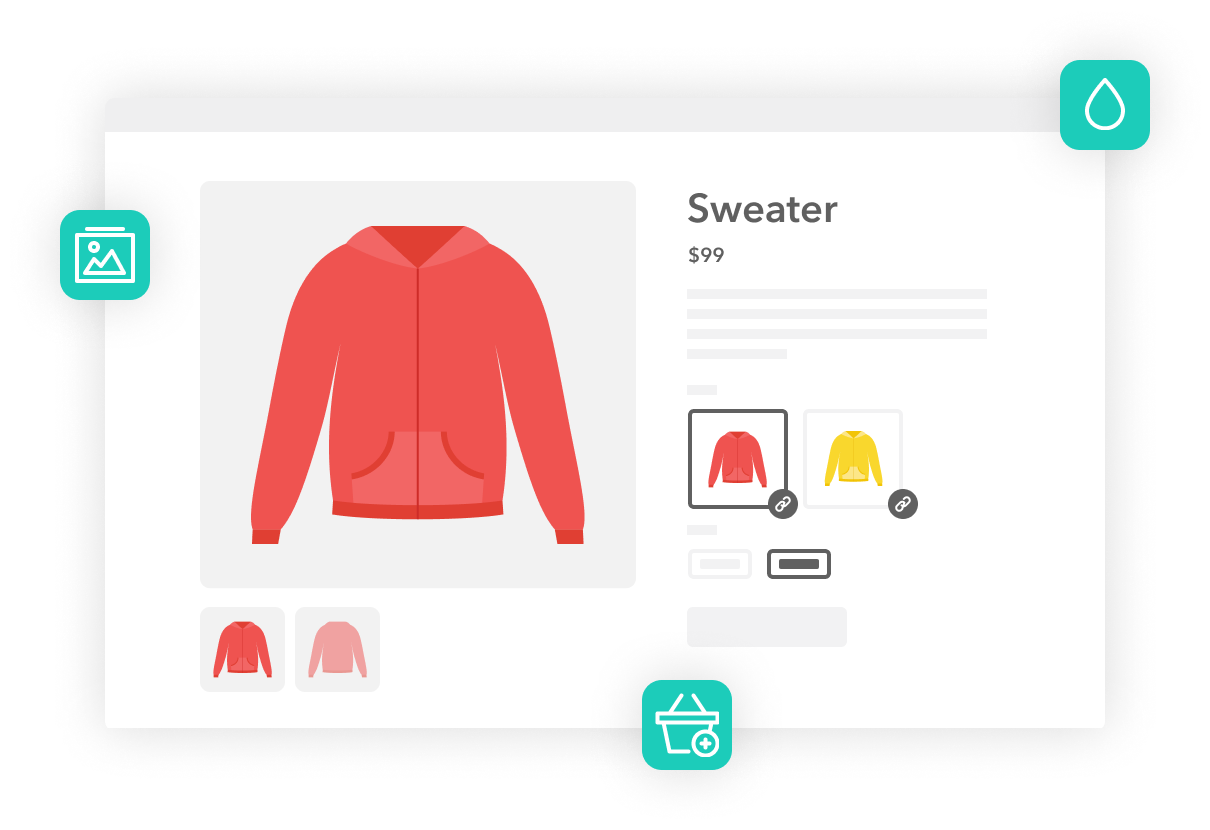
Create Linked Products Without Variations
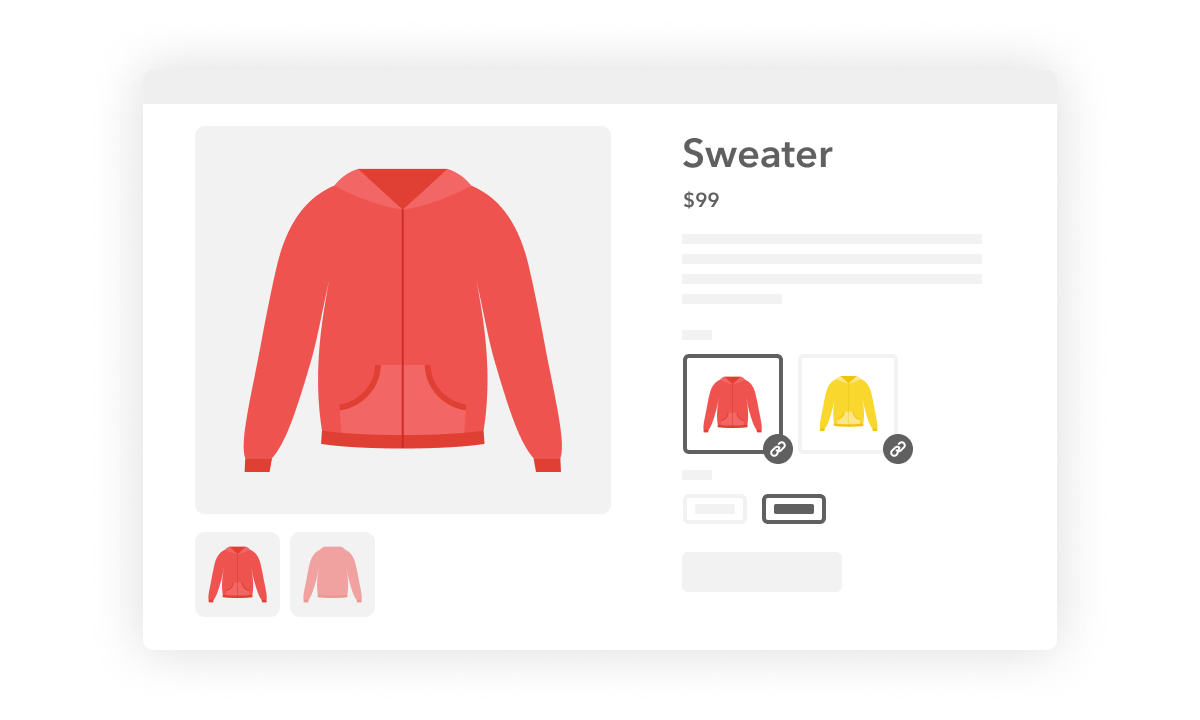
- Create swatch-style/text links between separate products in your WooCommerce store. Link them via any attribute of your choice.
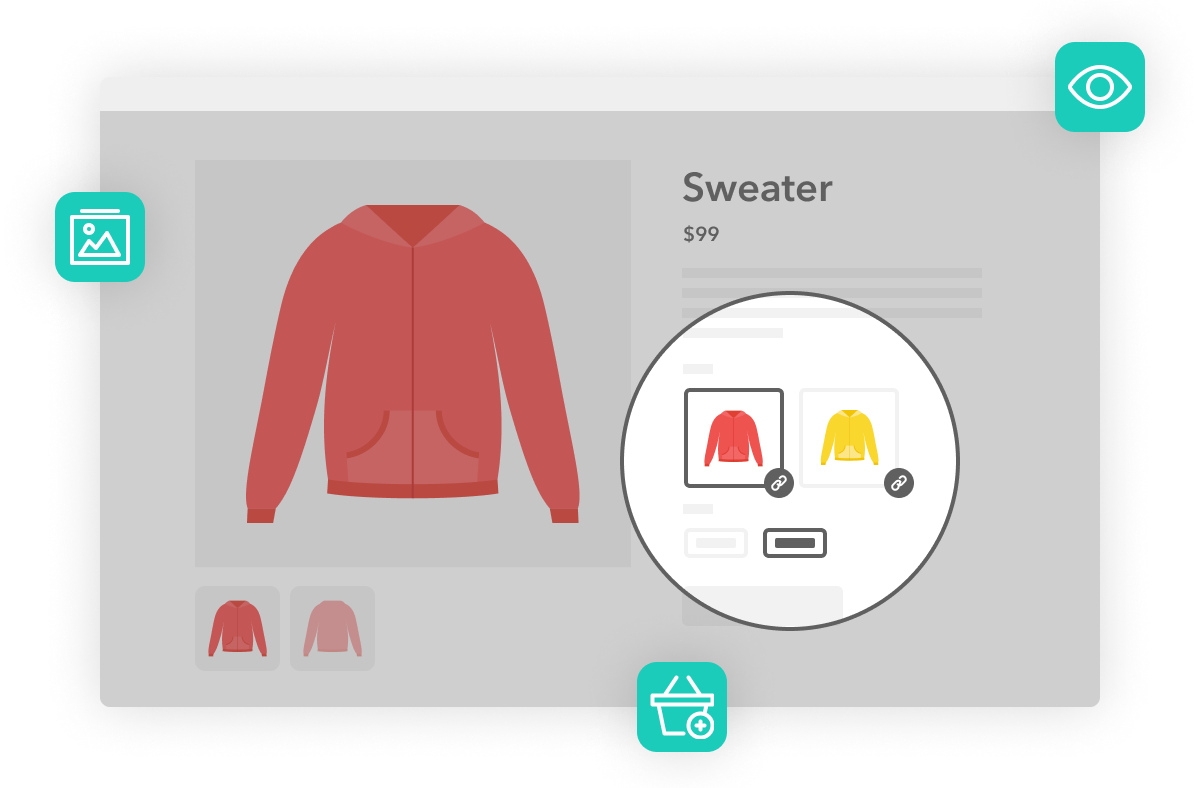
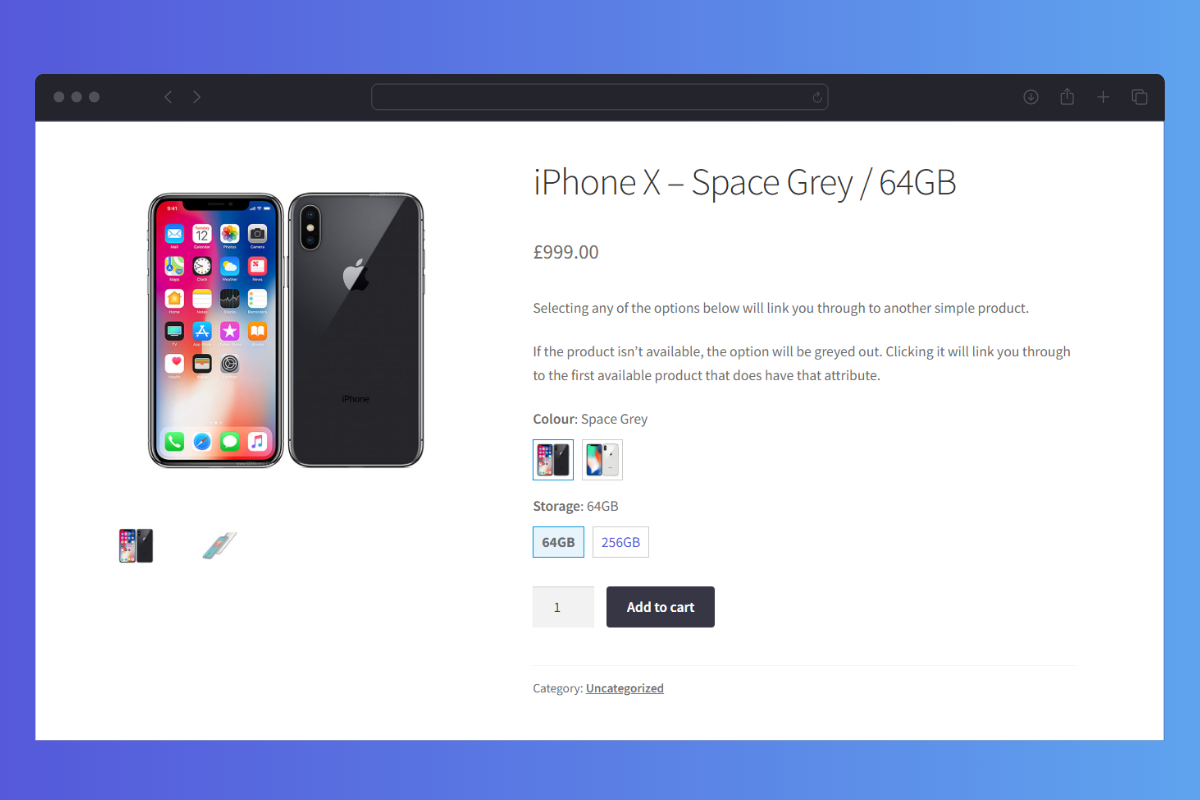
- On the main product page, customers will see image or text previews of your linked products. By clicking one, customers will be taken to a new product page containing the linked product.
- These linked products look like variable products but are actually single products you link together within the plugin.
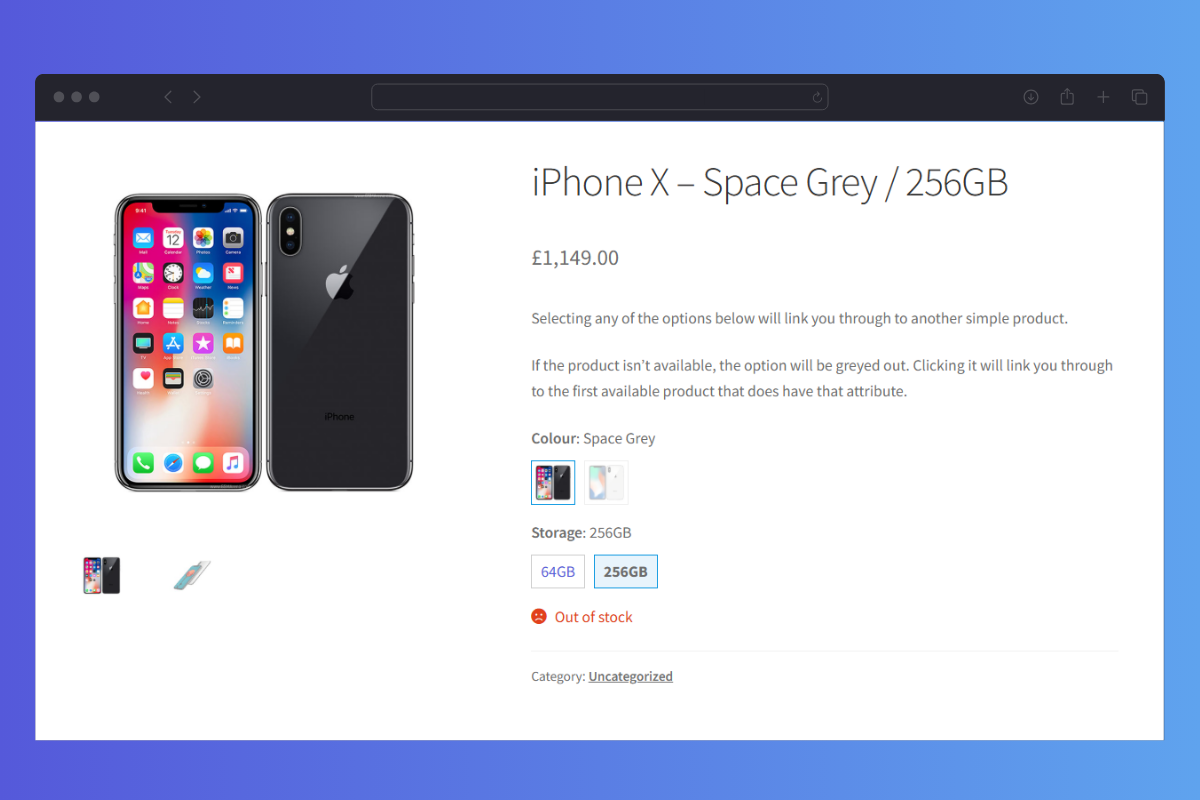
- Unavailable/out-of-stock products are faded out, which reduces customer frustration and establishes trust.
Perfect if you want to create individual products and link them to each other as if they where variations! Same product but different colour, for example.
 Robin
Artlinkz
Robin
Artlinkz
Create Linked Products Without Variations
Customize Your Linked Products
- Link any number of products together either by manually adding specific products to a group or via their category or product tags.
- Then, select the attribute that links them together. This will be the swatch the customer clicks on to move between each of your products.
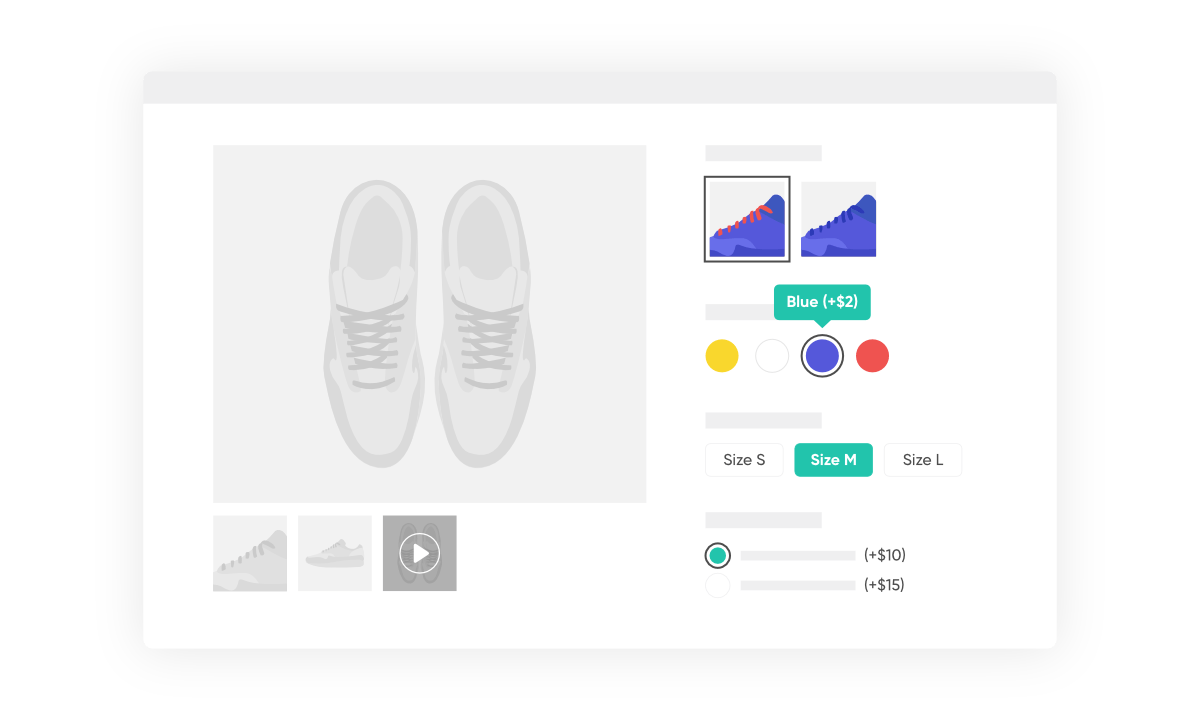
- Customize the style of your swatches and keep them as either buttons or dropdown menus.
The easiest way to display single products like variation products on the product page. This gives you the best of both worlds in you webshop. Easy to set up. Love it!
 Harry Krijnen
Kroost
Harry Krijnen
Kroost
Accurate Search and Filter Results
Help Customers Find What They’re Looking For
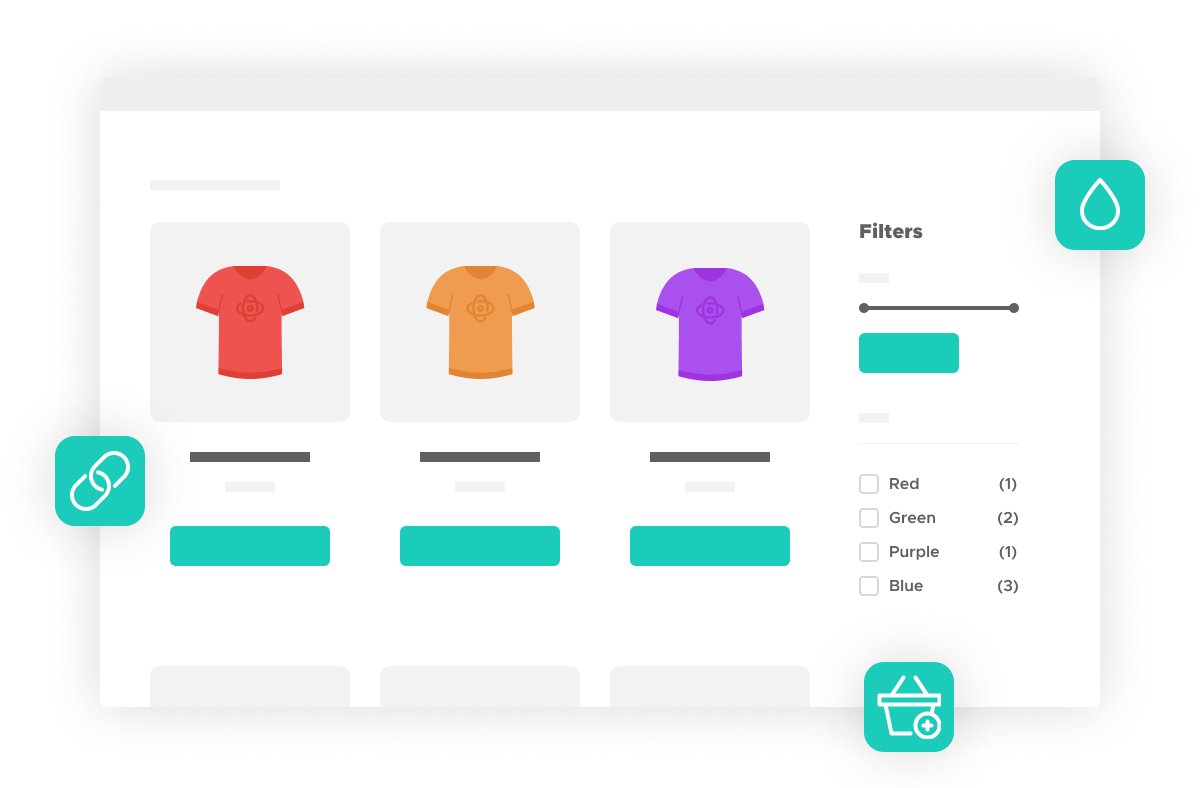
- By linking together your products with WooCommerce Linked Variations, you’ll increase your product catalog compared to creating variable products.
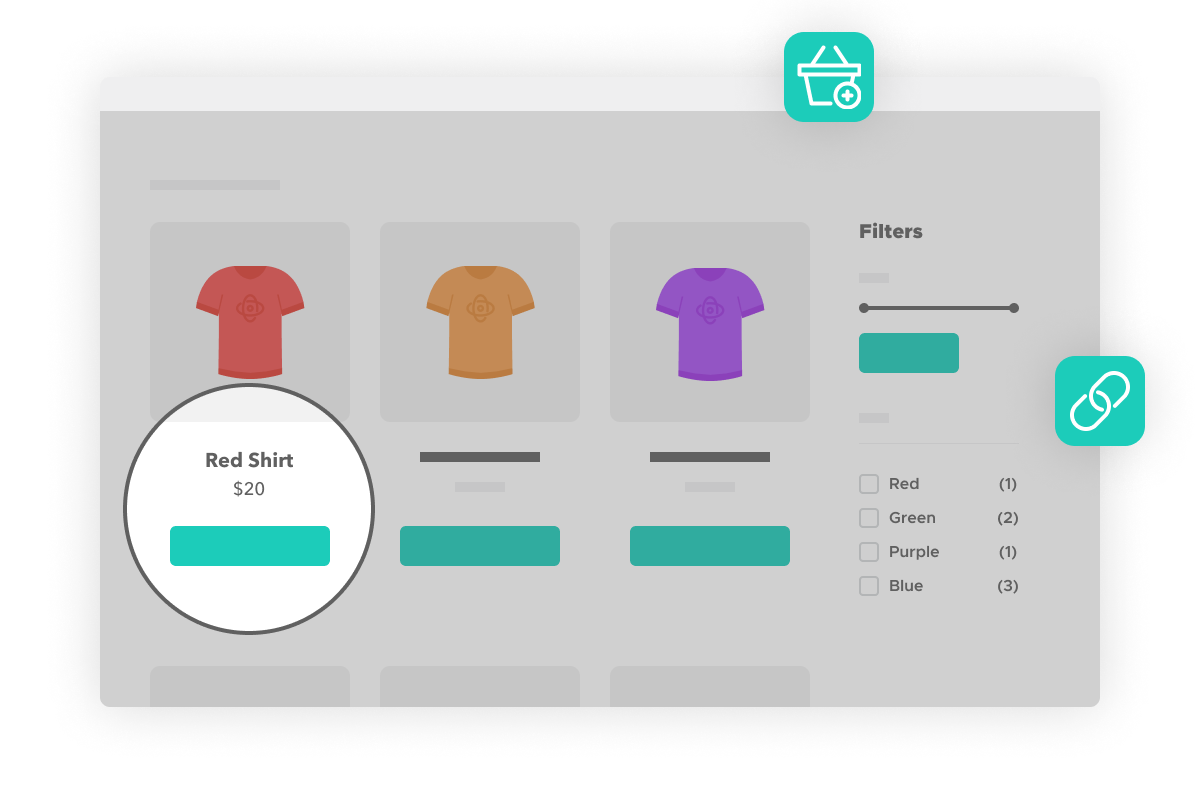
- Because your products are separate, customers will be able to search and filter through product categories to get specific results rather than one variable product.
- By linking products together in this way, you’ll offer customers more choices and an easy way to look through similar products.
Perfect plugin, integrates seamlessly into WooCommerce and was the perfect solution to make our product variations ready for Google Shopping. Very useful and a must have for every WooCommerce store.
 Victor Hopman
Studio Victor Hopman
Victor Hopman
Studio Victor Hopman
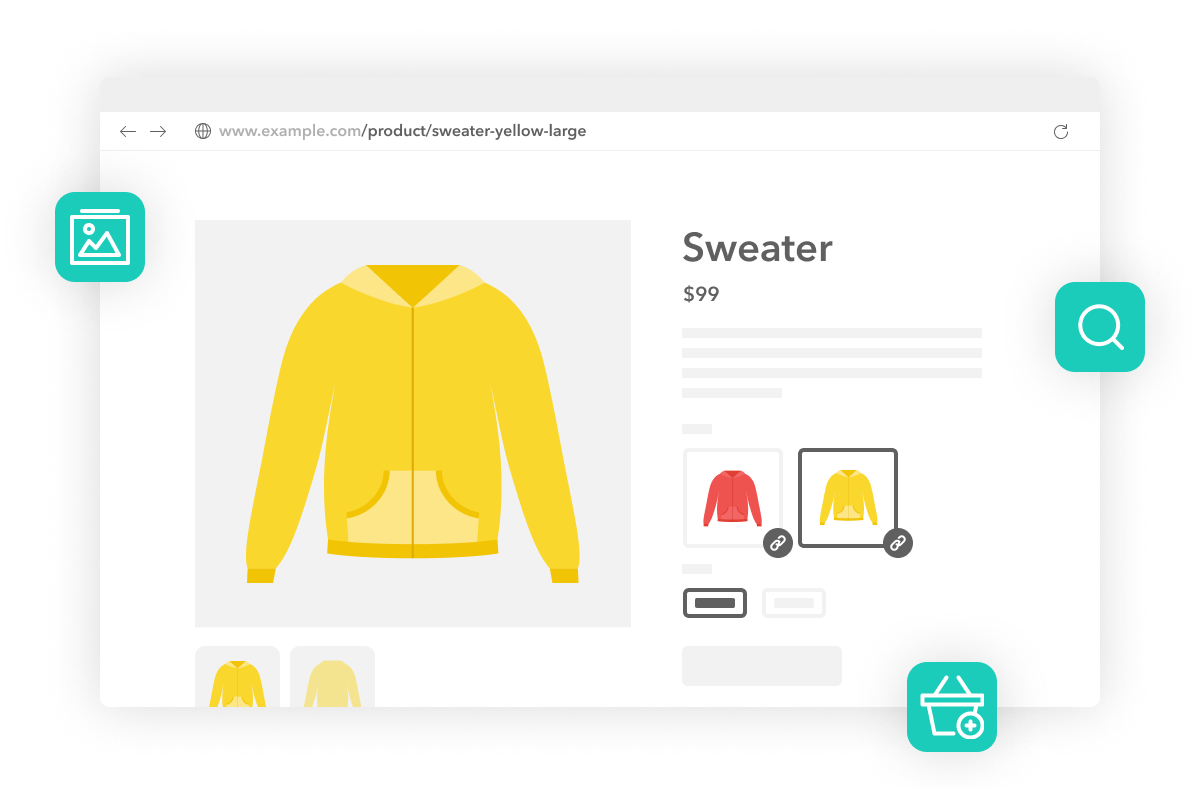
Individual Product URLs
User-Friendly and Search-Friendly Experience
- Each product has its own URL so it can be indexed by Google – making your store more SEO and search-friendly.
- Clicking a product option (either image swatch or other attribute) takes you to that product’s page. So you can customize each product page without restriction.
- These individual products keep their unique product name, product description, product gallery, upsell products, and more. Allowing you to customize them for better SEO and user experience.
- With fewer variations and more linked single products, your store will get a performance boost. Woo themselves recommended more separate products as best practice.
WooCommerce Linked Variations solved one of my biggest issues – to link products on product level. I tried several other plugins but I think this one is unique. Very easy to use. I highly recommend IconicWP!
 Johan
Divites
Johan
Divites
30-day money-back guarantee
Theme compatibility focused
World-class support
More Incredible Features
WooCommerce Linked Variations also includes all of the following features — Optimize your WooCommerce store today and increase sales and conversions.
Increased Product Range
Instead of creating variable products, create simple products and give each its own unique product page URL, title, and description.
Display Options
Display your product links as text links, dropdowns, or product images.
Product Linking
Create internal links between similar products using attributes like color, size, or anything else.
Improved Product Filtering
Show exact product matches from a store search, including the relevant product image.
Shareable Product Variations
When customers share your products via email or social media, they’ll be able to use a direct link to their preferred variation.
Better Search Coverage
Because each variant has a unique URL, title, and description, Google can index them, giving you better long-tail search coverage.
Screenshots
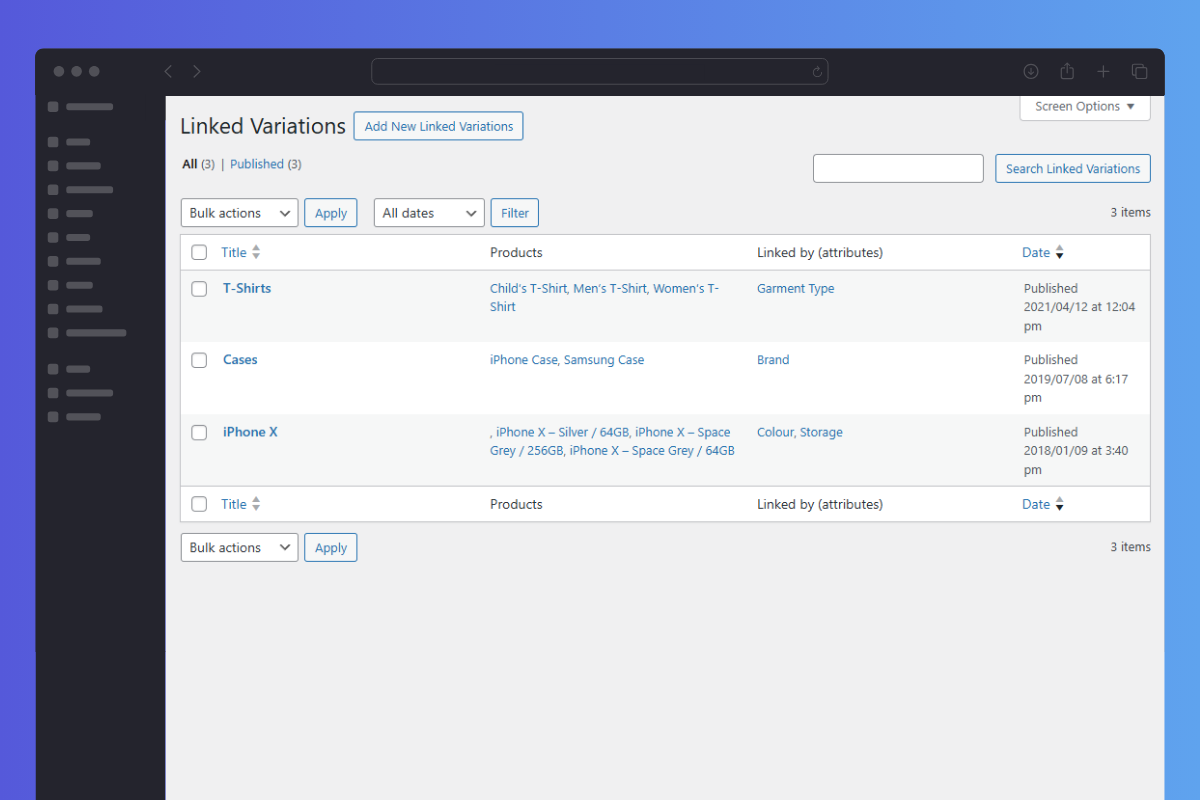
See how WooCommerce Linked Variations looks for both customers and admin users.

Choose Your License
Which plan is right for you? Whichever one you choose, you’ll get access to this incredible plugin and our 5-star support.
Product License
14+ Sales-Boosting Plugins From Only $299
Get this plugin and more when you join the All Access club. Instantly increase your store’s selling power and usability.
Bundle up.
Get Linked Variations, Attribute Swatches, and WooThumbs for only $237 $149 with our WooCommerce Linked Products Bundle.
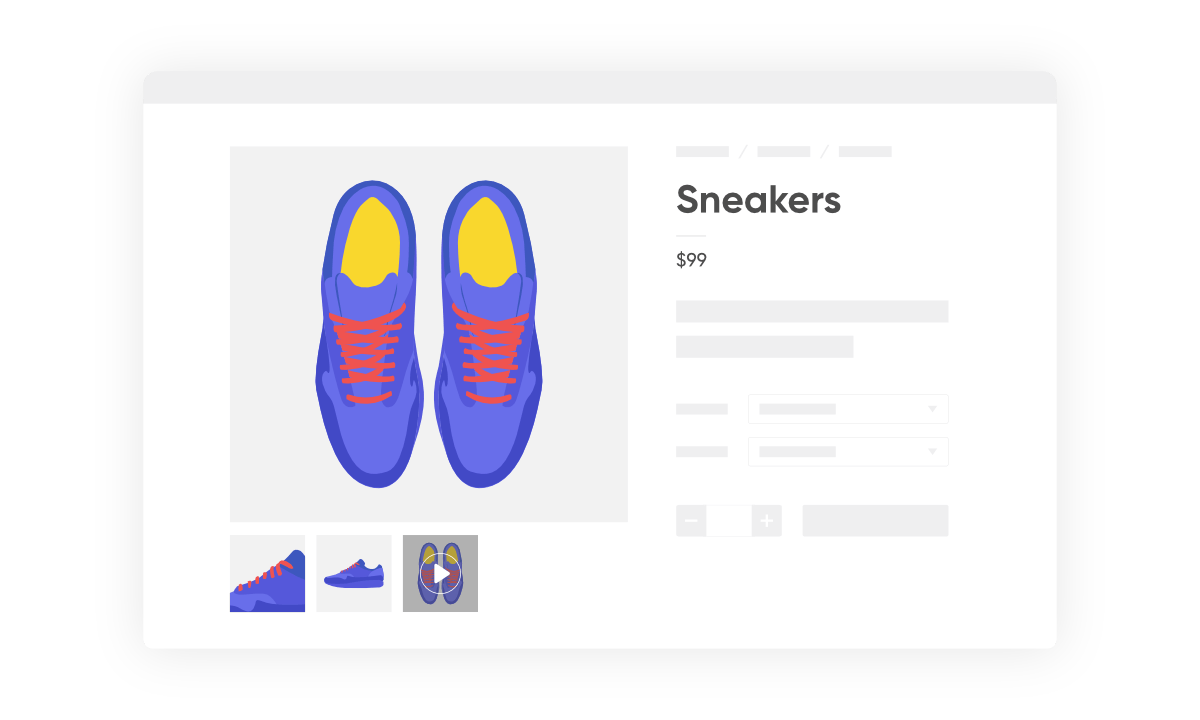
 Linked Variations
 Attribute Swatches
 WooThumbs

100% No-Risk Money Back Guarantee
You are fully protected by our 100% Money Back Guarantee. If you aren’t completely satisfied within 30 days of purchase, you’re more than welcome to a full refund!
- Version: 1.12.0
- Updated: 18 Nov 2025
- Released: 8 Jan 2018
- WordPress: 6.8
- WooCommerce: 10.3.5
- View Changelog
Frequently Asked Questions
Have you got a question about WooCommerce Linked Variations? Check out some of the most popular questions and answers below.
-
How is this different from your other plugin, WooCommerce Show Single Variations?
The two plugins give a similar final result, but each would be used for a different scenario.
If you have variations of a product with the same (or very similar) titles and descriptions, then WooCommerce Show Single Variations is for you. Google would only index the parent product, and you won’t be flagged for duplicate content.
If you have variations with different titles and descriptions, you may find WooCommerce Linked Variations better. Each variation (single product page, in this case) would then be indexed separately and will give you more results in Google.
-
Is WooCommerce Linked Variations different from linked products in WooCommerce?
The default WooCommerce setup comes with a product data section on the edit product page. The Linked Products tab is within this. Here, you’re able to add upsell and cross-sell products (related products and product recommendations).
WooCommerce Linked Variations doesn’t use this to set up your linked products. Instead, the plugin adds a menu item called Linked Variations. Here, store owners can link together your individual products with the settings built into WooCommerce Linked Variations.
-
What product types does WooCommerce Linked Variations work with?
WooCommerce Linked Variations is designed to work with simple products as an alternative to using variable products.
-
Can I change the domain associated to the license?
Yes. Our system checks against the number of active installs, rather than the specific domain names. You can deactivate the plugin on one domain and then activate it on another domain with no issues.
-
Can I still use the plugin when my licence expires?
Yes, you can still use the plugin at its full capacity even after your license expires. However, you will no longer be able to receive updates or support for the plugin.
-
Can I use my licence in a development environment?
Yes. Most development environments will not count towards your site limit.
-
Do you offer lifetime licenses?
No. We do not offer any lifetime licenses for our plugins.
-
Do you offer refunds?
Yes, if you decide within 30 days of purchase our plugin is not for you, we’ll happily refund you in full.
-
Do you offer a free trial?
No, however, we do have a 30-day money-back guarantee. If you decide within 30 days of purchase our plugin is not for you, we’ll happily refund you in full.
-
Do you offer multi-site licenses?
Yes, we do (and they’re heavily discounted)! When the checkout modal opens, you can choose between 1 Site, 3 Sites, and 30 Sites under Plan Selected at the top. If you have any other requirements, please get in touch via our support page.
-
Is this a lifetime licence, or will it stop working after 1 year?
The license is an annual subscription. It can be canceled at any time. If you cancel the subscription, the plugin will continue to work as normal until the end of the paid-for period.
Once the license expires or is canceled, you will no longer receive updates or support for the plugin.
After expiration or cancellation, the WooCommerce plugin will continue to work on your site.
-
Why do I need a subscription?
WooCommerce is constantly evolving. A subscription model allows us to continue supporting the latest releases and offer the best support we can.
-
Will it work with my theme?
All Iconic plugins are tested with multiple WooCommerce themes and page builders. As long as your theme is well-coded and WooCommerce compatible, it should work. Want to double-check? In our documentation, you’ll find a list of compatible plugins, themes, and page builders for every one of our plugins.
If you experience any compatibility issues at all, our support team is here to help you work through them as quickly as possible.
-
Will my subscription renew automatically?
Yes, your subscription will renew automatically every year unless you cancel it. If you do decide to cancel it, your license will still be valid for the paid-for period; this means you will still receive updates and support during that time.
-
Do you offer monthly plans?
We only offer annual plans for all our WooCommerce plugins and bundles.
Customer Reviews
Amazing Support. Above and Beyond
This is a great product. I had some previous settings that was interfering with the WooCommerce Linked Variations. Jhimross was kind enough to look through my website and pinpoint what was causing an issue. He explained things well and fixed the issue. When I contacted him a second time about another small issue he even created a short video to walk me through the info I needed to know.I always got responses within 24 hours and the product is working great. Highly recommend.
Very good!
Perfect plugin, integrates seamlessly into WooCommerce and was the perfect solution to make our product variations ready for Google Shopping. Very useful and a must have for every WooCommerce store.
Very usefull plugin
WooCommerce Linked Variations is a very nice plugin. It improve the customer experience a lot.
Great
Did exactly what I was looking for. Great support as well.
Time saver & super handy to link products between themselves
Perfect if you want to create individual products and link them to each other as if they where variations (same product, but different colour for example)!