
Image Swap for WooCommerce
The Image Swap Plugin for Your WooCommerce Store
Add gallery-like image swap effects to your product images on the shop, catalog, search, and filter results pages with Image Swap for WooCommerce.
Iconic plugins are trusted by over 20,000 WooCommerce Businesses and Online Shops
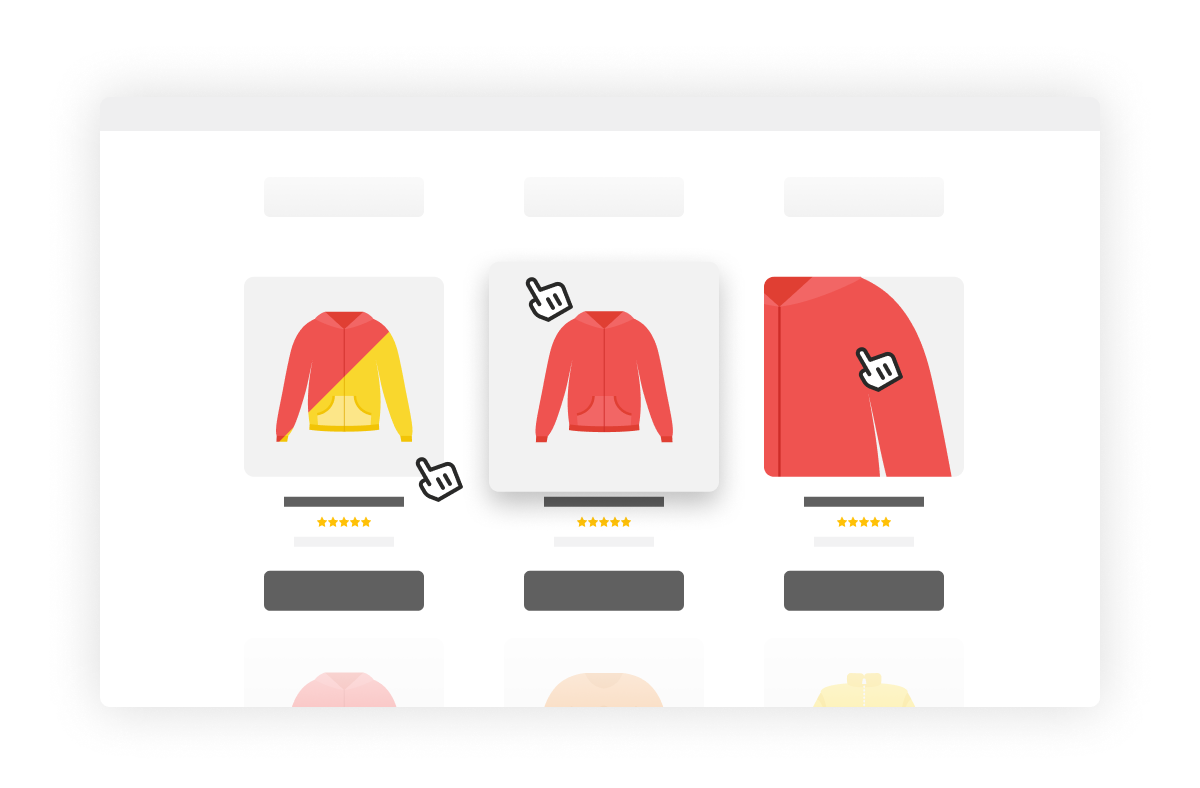
Shop & Catalog Page Image Swap
Show Multiple Product Images on the Shop Page
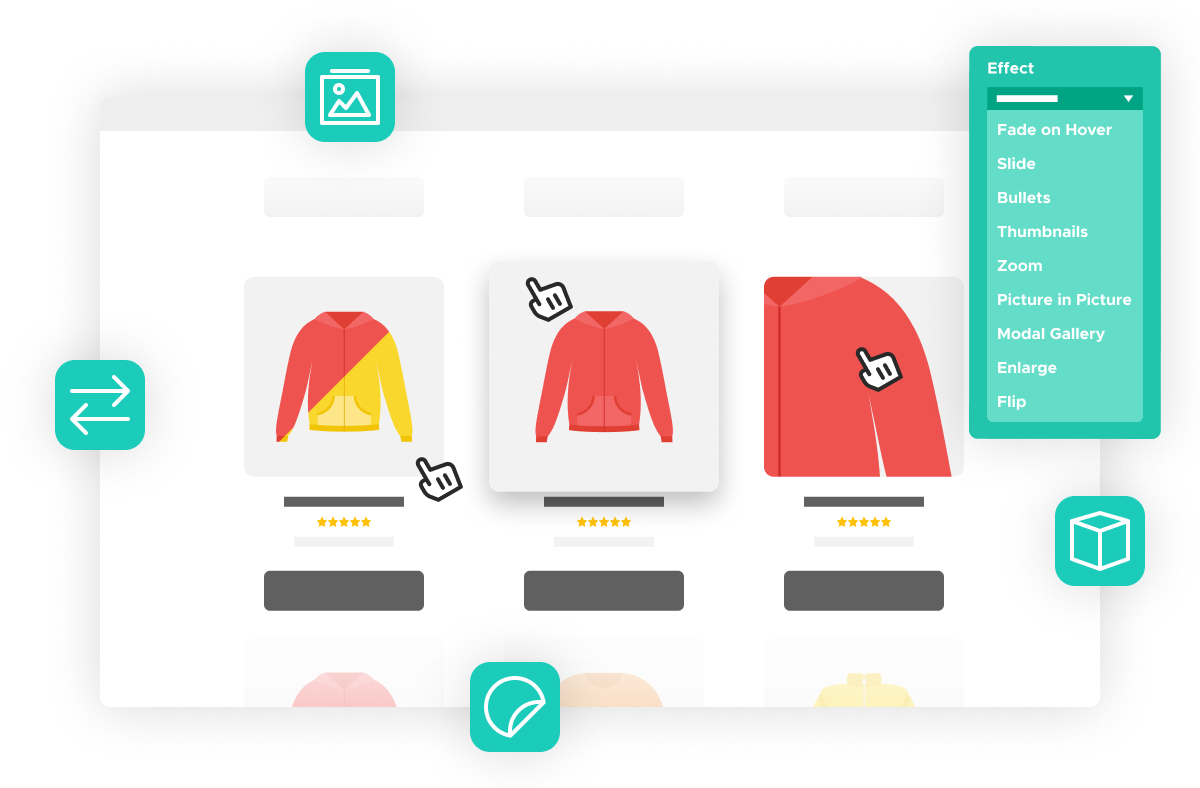
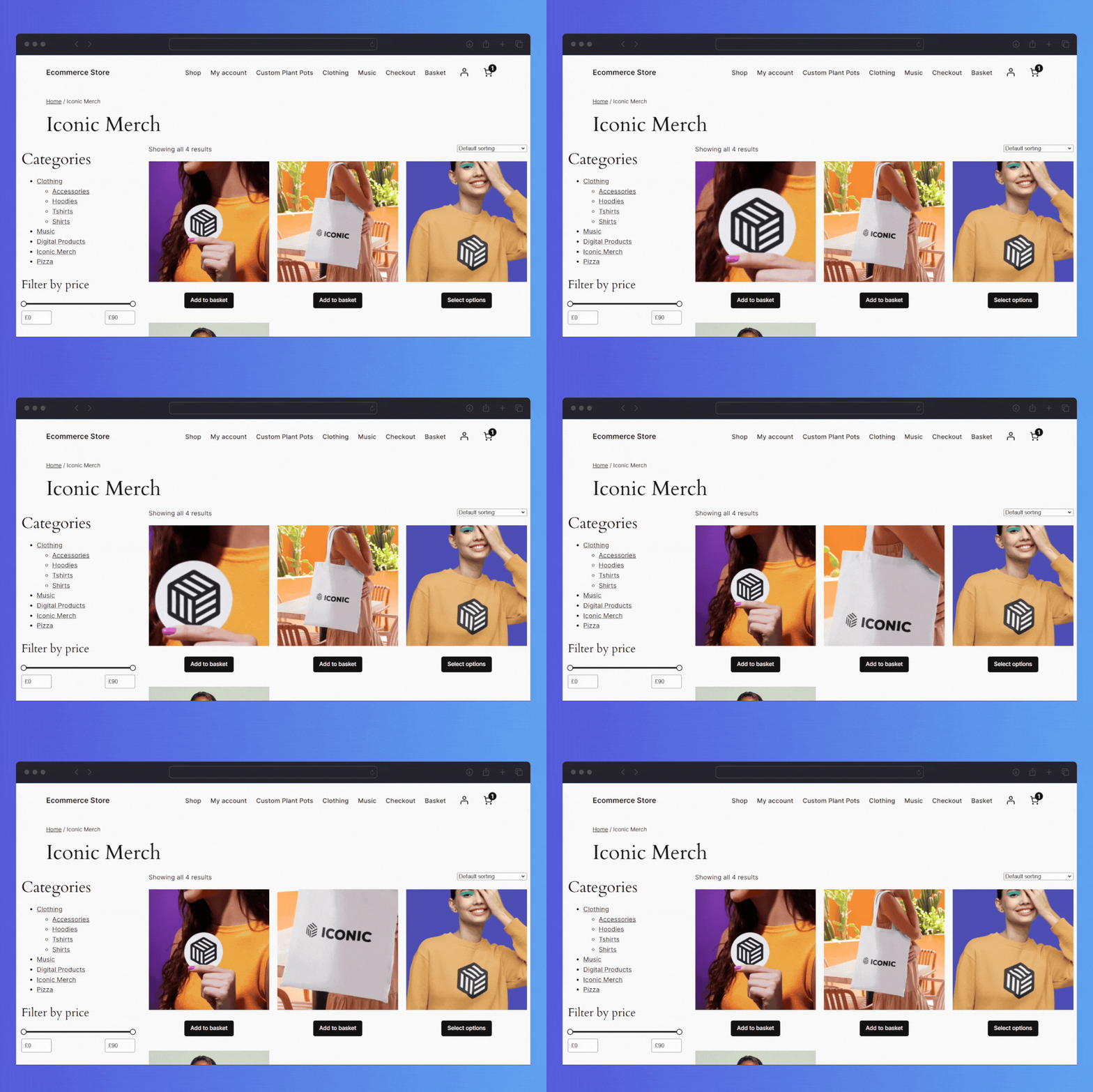
- Image Swap for WooCommerce acts like a product gallery on the shop page. Select your animation type, and it will cycle through the product images you set in the single product gallery.
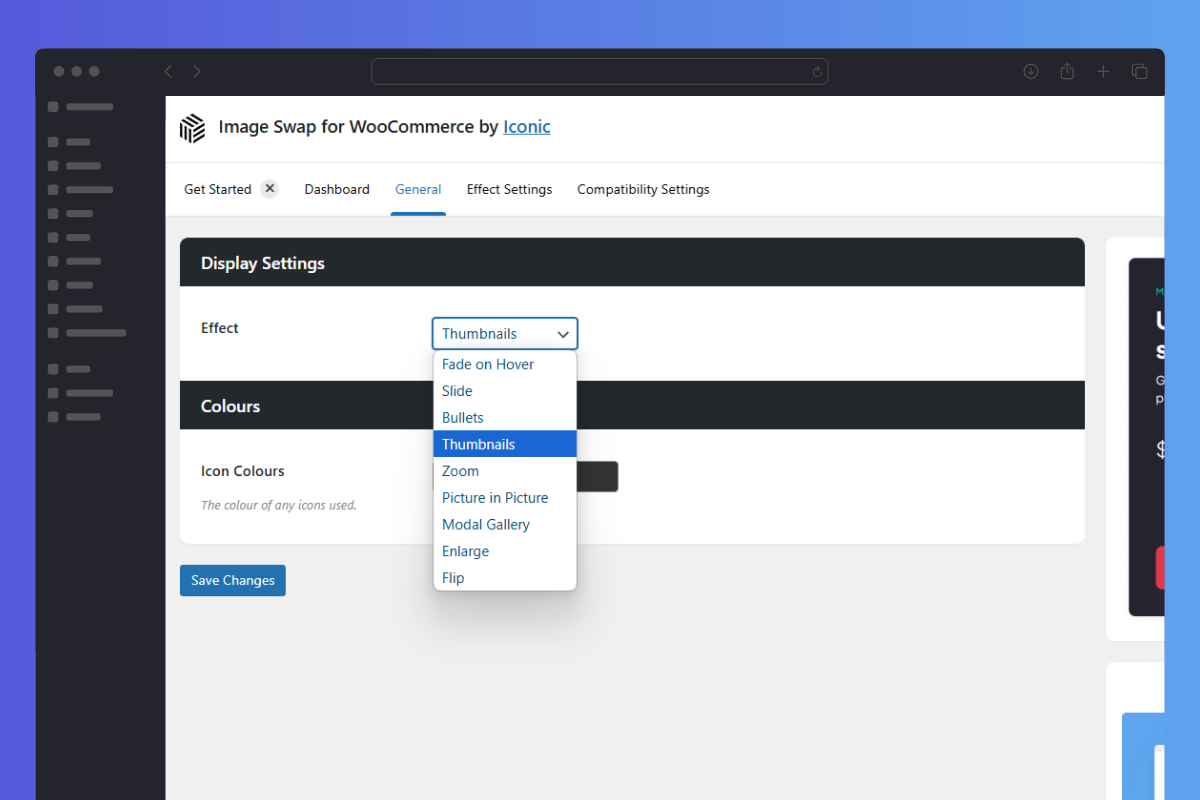
- Pick from 9 different image effects, including: Fade, Slide, Bullets, Thumbnails, Zoom, Picture-in-Picture, Modal Gallery, Enlarge, and Flip.
Effect Customization
Customize Your Image Swap Effects
- No matter which effect you choose, you’ll be able to customize each element of it.
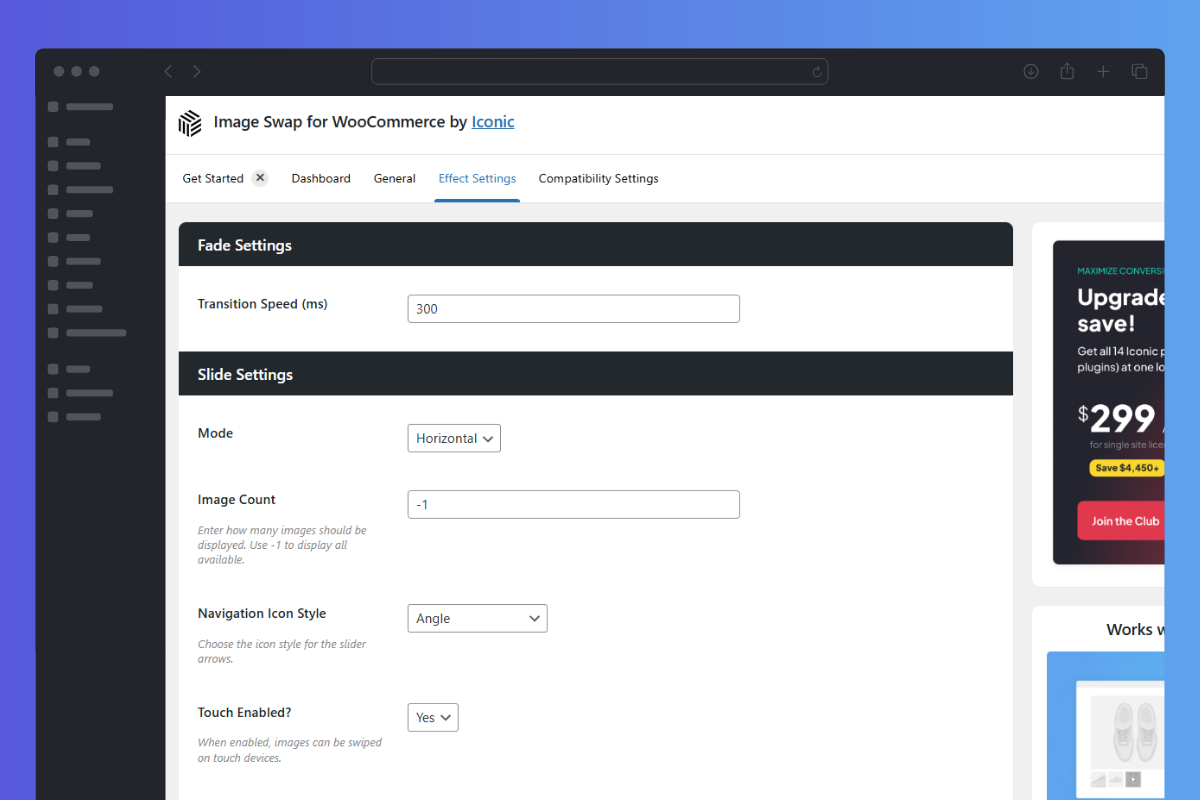
- Pick a slider effect? Make it horizontal, vertical, change the navigation icon style, transition effect, speed, and more.
- Pick a thumbnail effect? Decide how many images to show in a row, the spacing, and the image count.
- You’ll be able to customize every effect type to suit your store.
Highly Compatible
Works Well With Any Theme
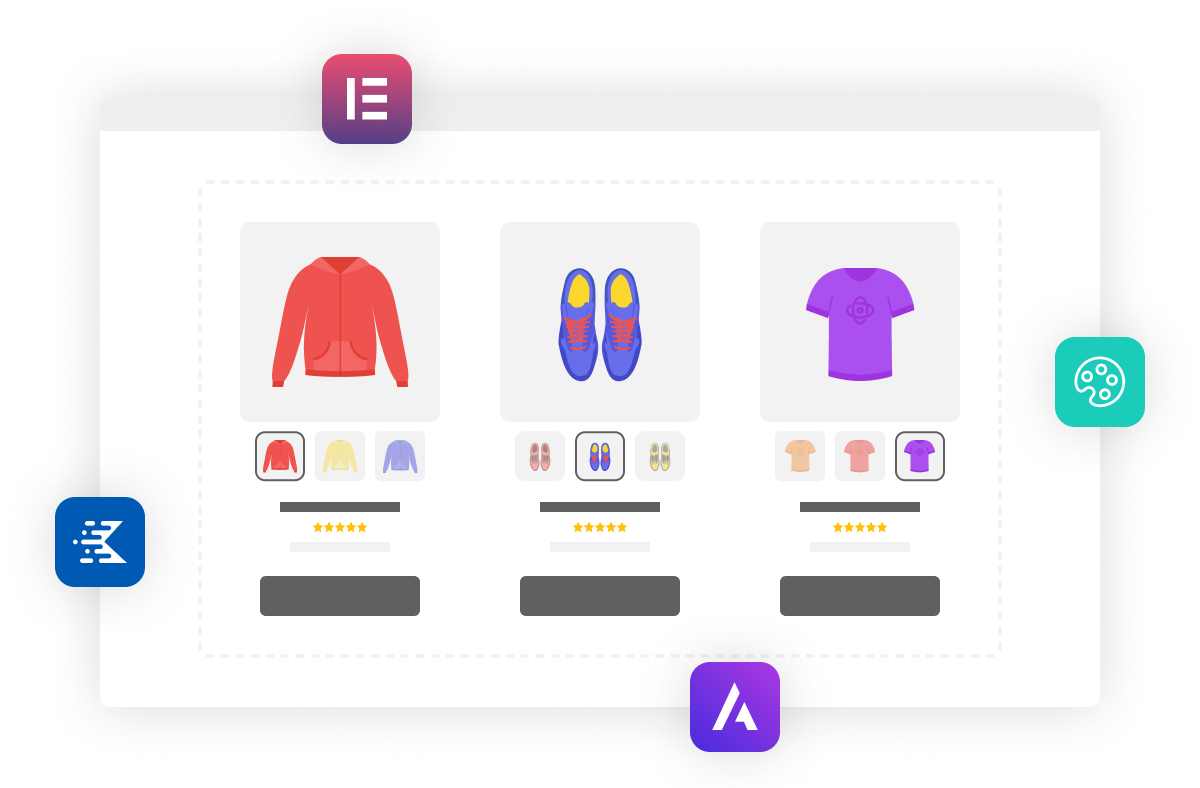
- Easily add effects to any WooCommerce theme. No code required!
- Works well with page builders like Elementor. Add effects to any product listing.
- Compatible with block-based shop/category page loops.
30-day money-back guarantee
Theme compatibility focused
World-class support
More Incredible Features
Image Swap for WooCommerce also includes all of the following features — Optimize your WooCommerce store today and increase sales and conversions.
Multiple Effects
Choose from 9 different effects to match the style of your WordPress theme and online store.
Compatible
Works great with any well-coded WordPress theme, page builder, template, and block editor. Compatible with many of our other plugins.
Fade on Hover Effect
Fade between two different product images when a customer hovers over the main product image. Customize this by changing the transition speed.
Slide Effect
Create a slider effect by allowing customers to navigate between two or more product images with arrow buttons. Customize this via the mode, navigation style, image count, transition effect, speed, and more.
Bullet Navigation
Create a bullet navigation slider effect by allowing customers to see more product images by clicking the bullet icons on your image. Customize this via the bullet position, mode image count, transition speed, and more.
Thumbnails
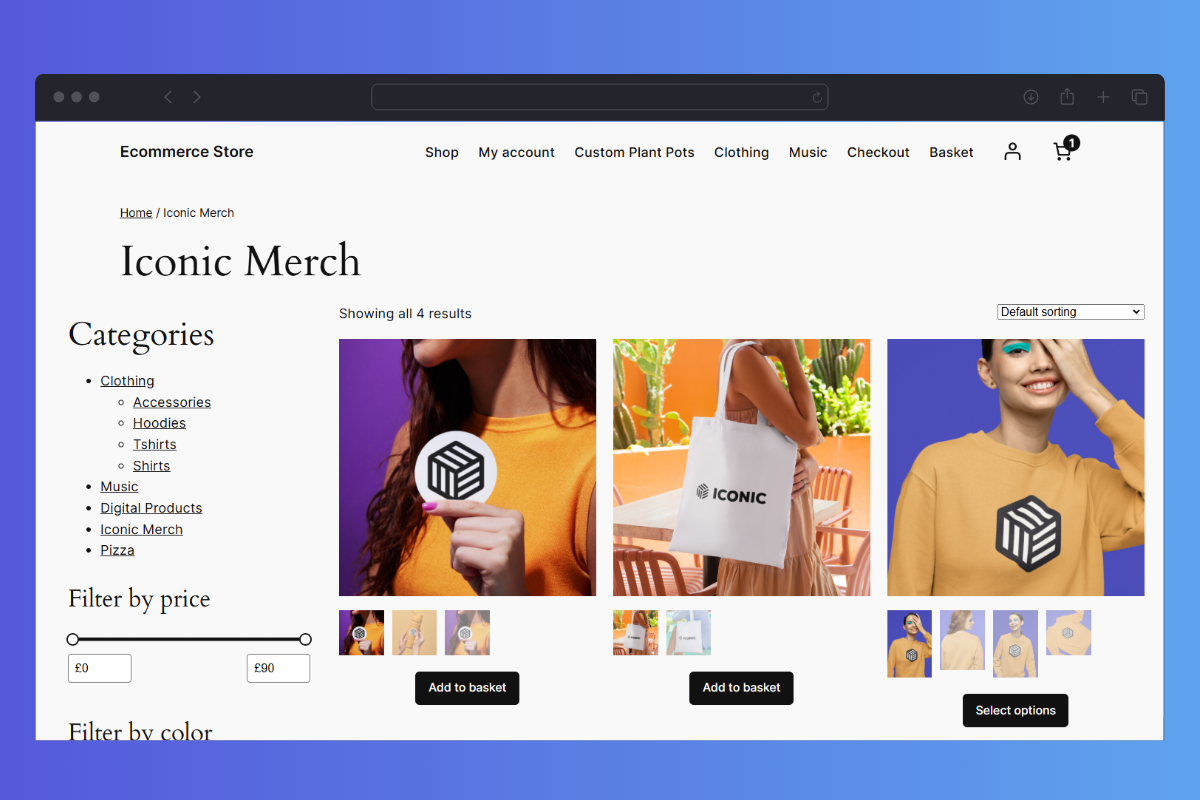
Create an image gallery-like effect on the shop page by allowing customers to navigate through your product images with thumbnails. Customize this with how many images you want in a row, their spacing, and the image count.
Zoom Effect
Allow customers to zoom into the main image on hover. Customize this by editing the max zoom amount.
Picture-in-Picture
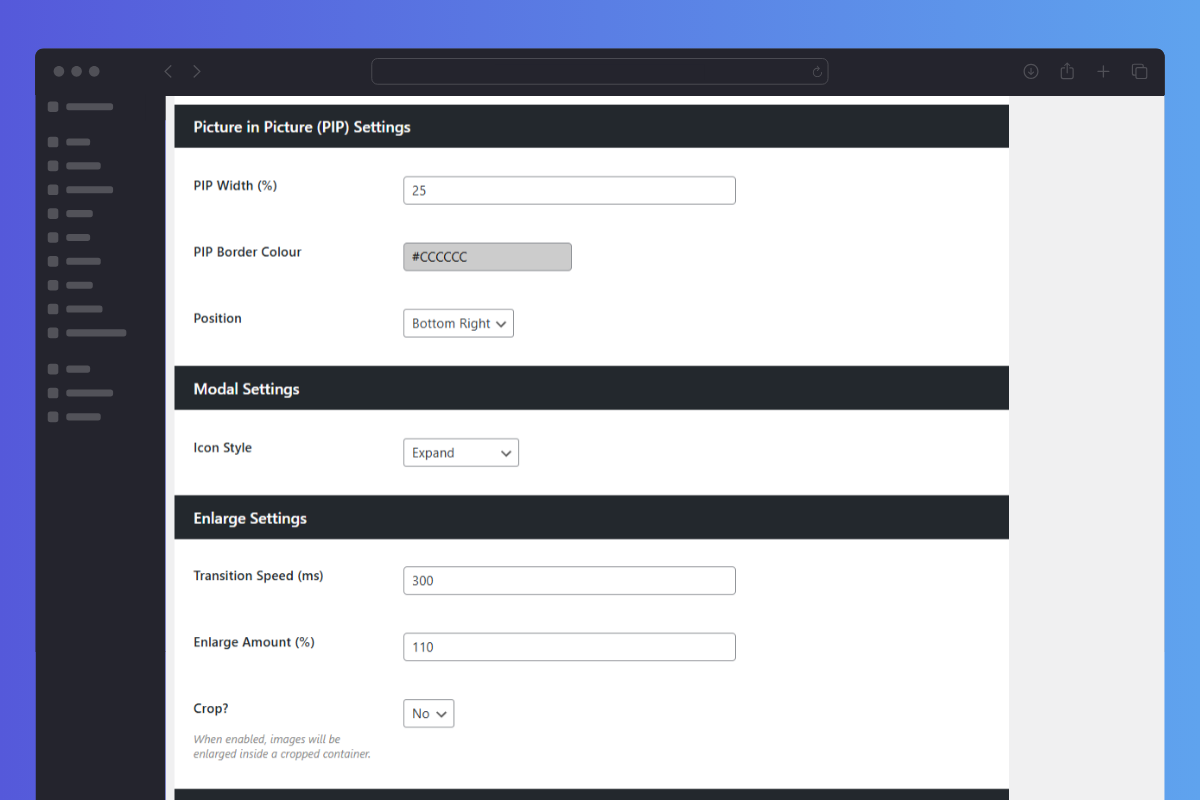
The picture-in-picture effect allows customers to swap between images where the thumbnail of the next image is inside the main image. Customize this by changing the PIP width, border color, and position.
Modal Gallery Effect
Allow customers to view your product image in full size with the modal gallery effect. Customize this by changing the icon style.
Enlarge Effect
Have the product image slightly enlarge right on the product page. Customize this with the transition speed, enlarge amount, and options to crop the image or not.
Flip Effect
Flip the main image and reveal the second image in your product gallery with the flip effect. Customize this by adjusting the transition speed.
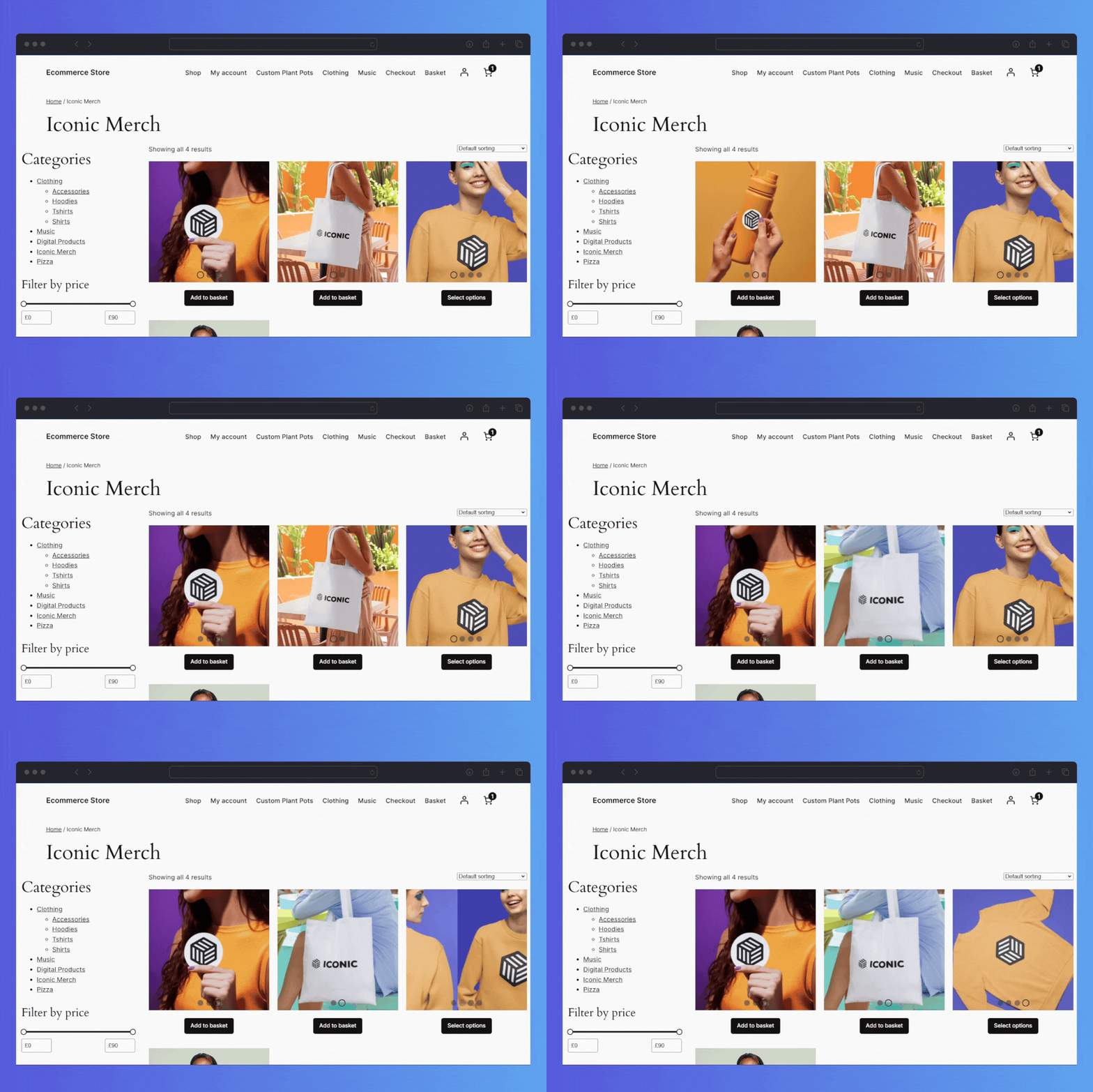
Screenshots
See how Image Swap for WooCommerce looks for both customers and admin users.
Choose Your License
Which plan is right for you? Whichever one you choose, you’ll get access to this incredible plugin and our 5-star support.
Product License
14+ Sales-Boosting Plugins From Only $299
Get this plugin and more when you join the All Access club. Instantly increase your store’s selling power and usability.
Bundle up.
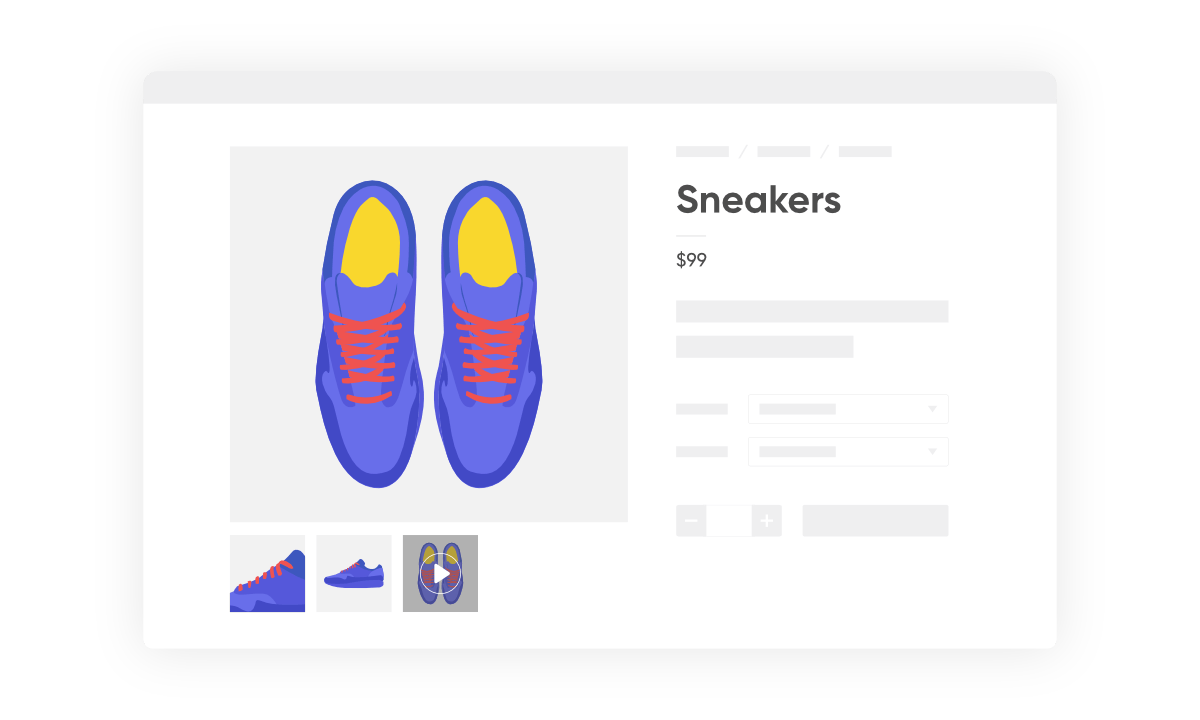
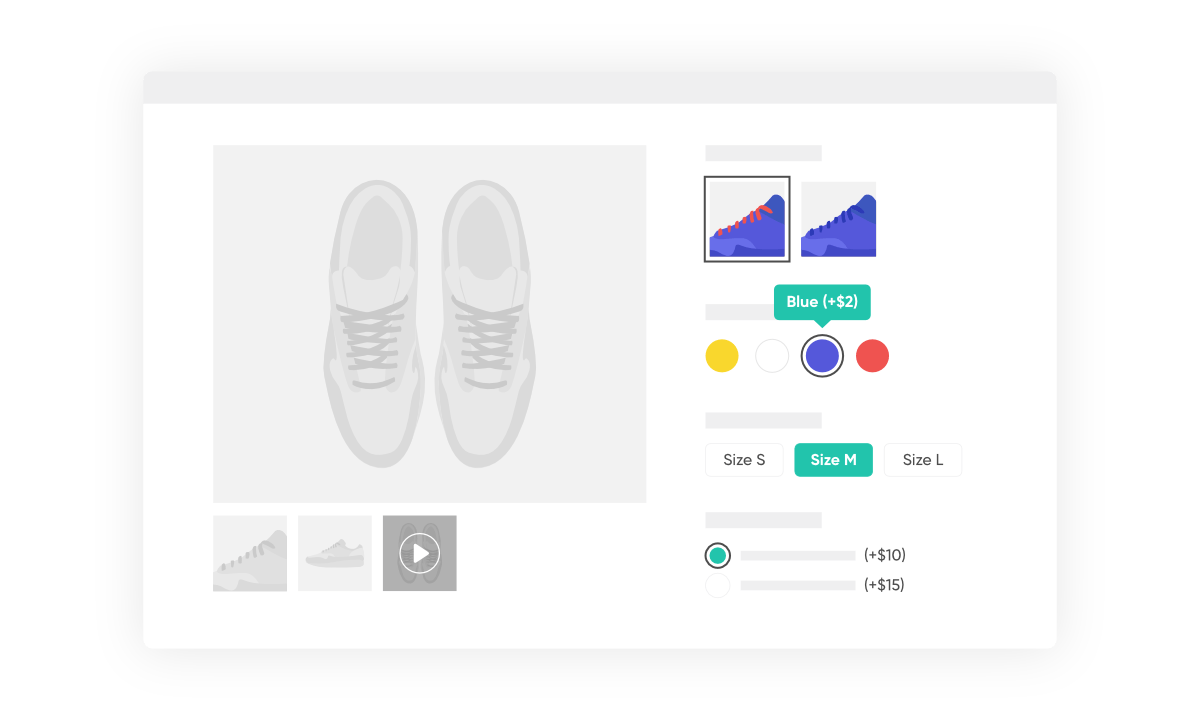
Get WooThumbs, Attribute Swatches, Image Swap, and Quickview for only $256 $149 with our Customize WooCommerce Bundle.
 WooThumbs
 Attribute Swatches
Image Swap
Attribute Swatches
Image Swap

100% No-Risk Money Back Guarantee
You are fully protected by our 100% Money Back Guarantee. If you aren’t completely satisfied within 30 days of purchase, you’re more than welcome to a full refund!
- Version: 2.13.0
- Updated: 01 Sep 2025
- Released: 17 May 2021
- WordPress: 6.8
- WooCommerce: 10.1.2
- View Changelog
Frequently Asked Questions
Have you got a question about Image Swap for WooCommerce? Check out some of the most popular questions and answers below.
-
Can I change the domain associated to the license?
Yes. Our system checks against the number of active installs, rather than the specific domain names. You can deactivate the plugin on one domain and then activate it on another domain with no issues.
-
Can I still use the plugin when my licence expires?
Yes, you can still use the plugin at its full capacity even after your license expires. However, you will no longer be able to receive updates or support for the plugin.
-
Can I use my licence in a development environment?
Yes. Most development environments will not count towards your site limit.
-
Do you offer lifetime licenses?
No. We do not offer any lifetime licenses for our plugins.
-
Do you offer refunds?
Yes, if you decide within 30 days of purchase our plugin is not for you, we’ll happily refund you in full.
-
Do you offer a free trial?
No, however, we do have a 30-day money-back guarantee. If you decide within 30 days of purchase our plugin is not for you, we’ll happily refund you in full.
-
Do you offer multi-site licenses?
Yes, we do (and they’re heavily discounted)! When the checkout modal opens, you can choose between 1 Site, 3 Sites, and 30 Sites under Plan Selected at the top. If you have any other requirements, please get in touch via our support page.
-
Is this a lifetime licence, or will it stop working after 1 year?
The license is an annual subscription. It can be canceled at any time. If you cancel the subscription, the plugin will continue to work as normal until the end of the paid-for period.
Once the license expires or is canceled, you will no longer receive updates or support for the plugin.
After expiration or cancellation, the WooCommerce plugin will continue to work on your site.
-
Why do I need a subscription?
WooCommerce is constantly evolving. A subscription model allows us to continue supporting the latest releases and offer the best support we can.
-
Will it work with my theme?
All Iconic plugins are tested with multiple WooCommerce themes and page builders. As long as your theme is well-coded and WooCommerce compatible, it should work. Want to double-check? In our documentation, you’ll find a list of compatible plugins, themes, and page builders for every one of our plugins.
If you experience any compatibility issues at all, our support team is here to help you work through them as quickly as possible.
-
Will my subscription renew automatically?
Yes, your subscription will renew automatically every year unless you cancel it. If you do decide to cancel it, your license will still be valid for the paid-for period; this means you will still receive updates and support during that time.
-
Do you offer monthly plans?
We only offer annual plans for all our WooCommerce plugins and bundles.