
WooThumbs for WooCommerce
The Most Powerful WooCommerce Product Gallery Plugin
Customize your WooCommerce product image gallery in minutes with a new layout, embedded video, multiple images per variation, and more.
Iconic plugins are trusted by over 20,000 WooCommerce Businesses and Online Shops
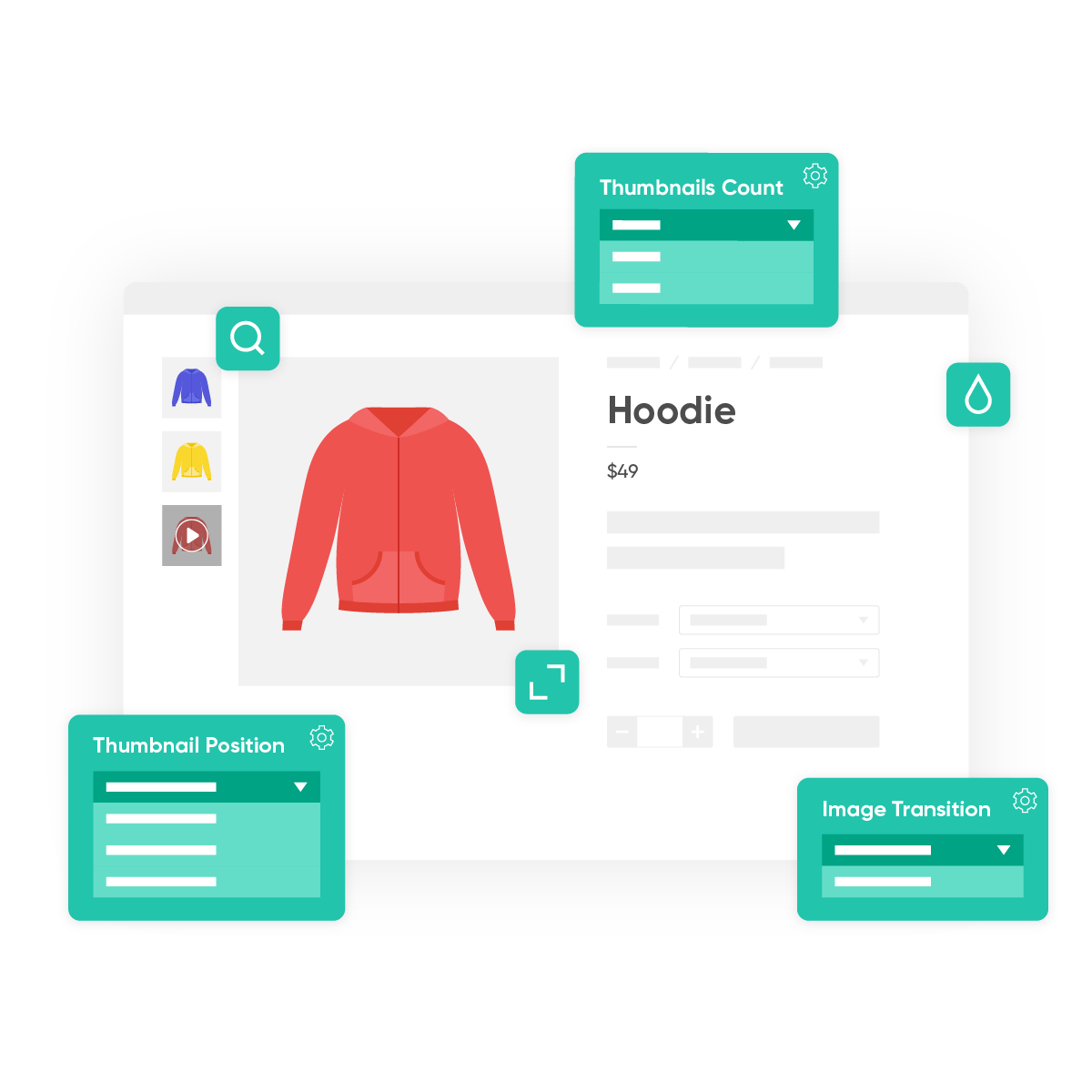
Customize your WooCommerce product gallery
Upgrade Your WooCommerce Product Image Gallery
- Upgrade the default WooCommerce product gallery with WooThumbs for WooCommerce and improve conversions.
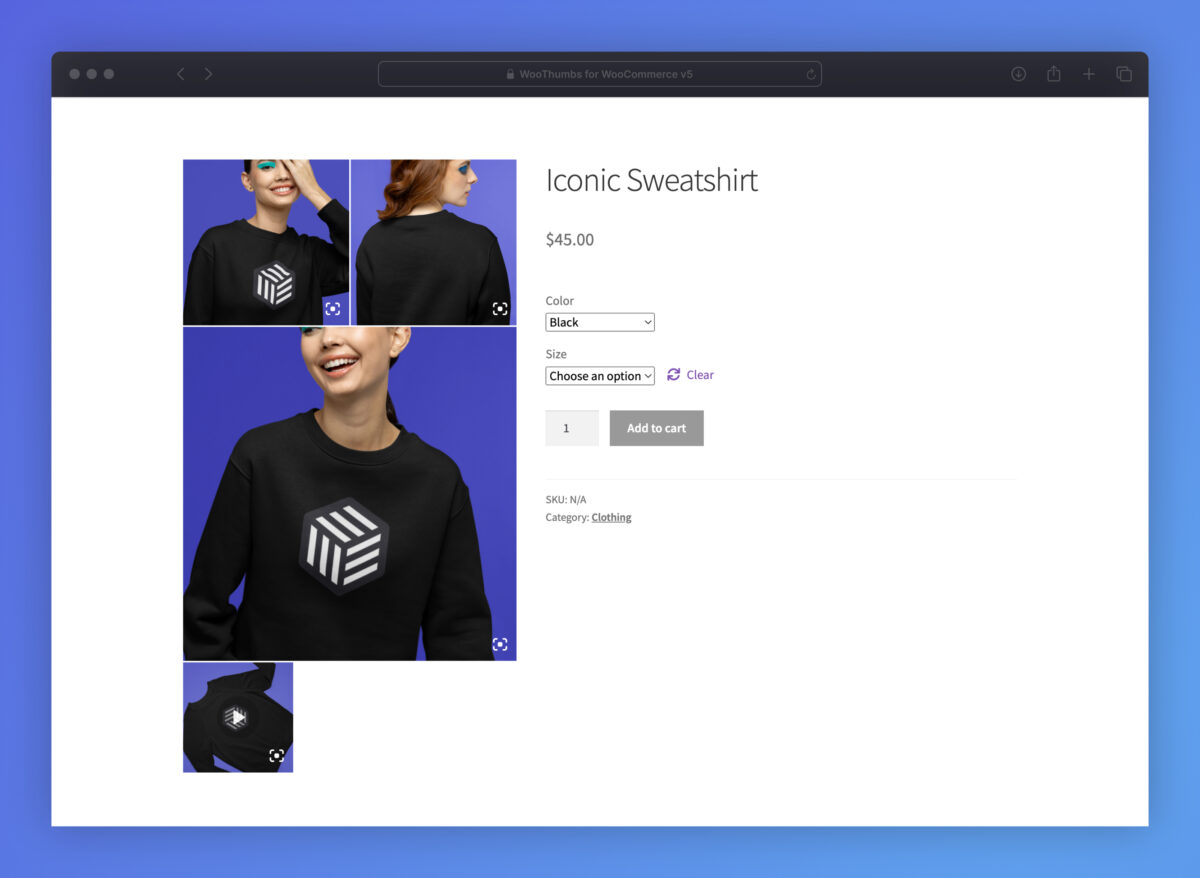
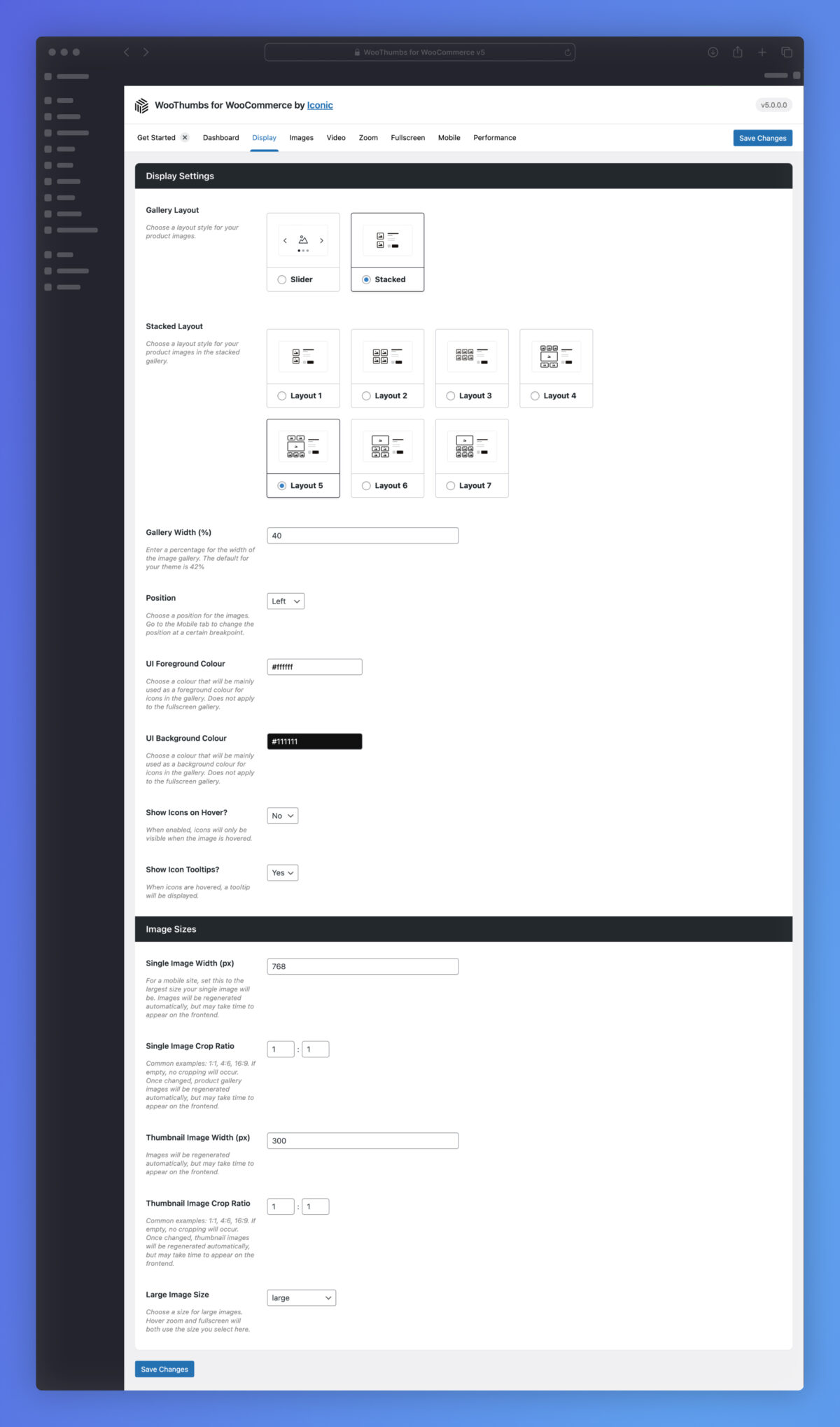
- Opt for a carousel gallery layout or a modern stacked image gallery layout, depending on your ecommerce store’s style.
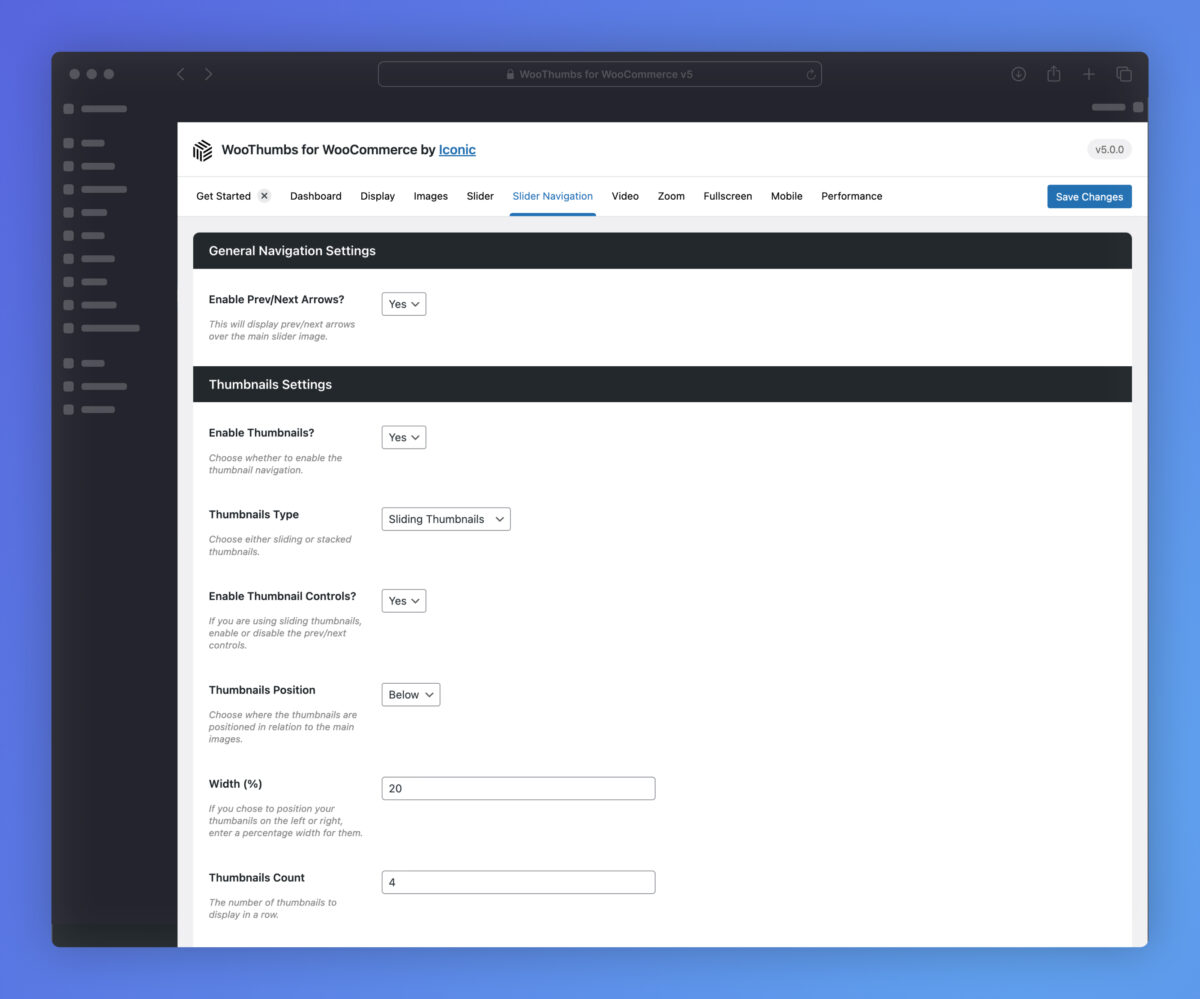
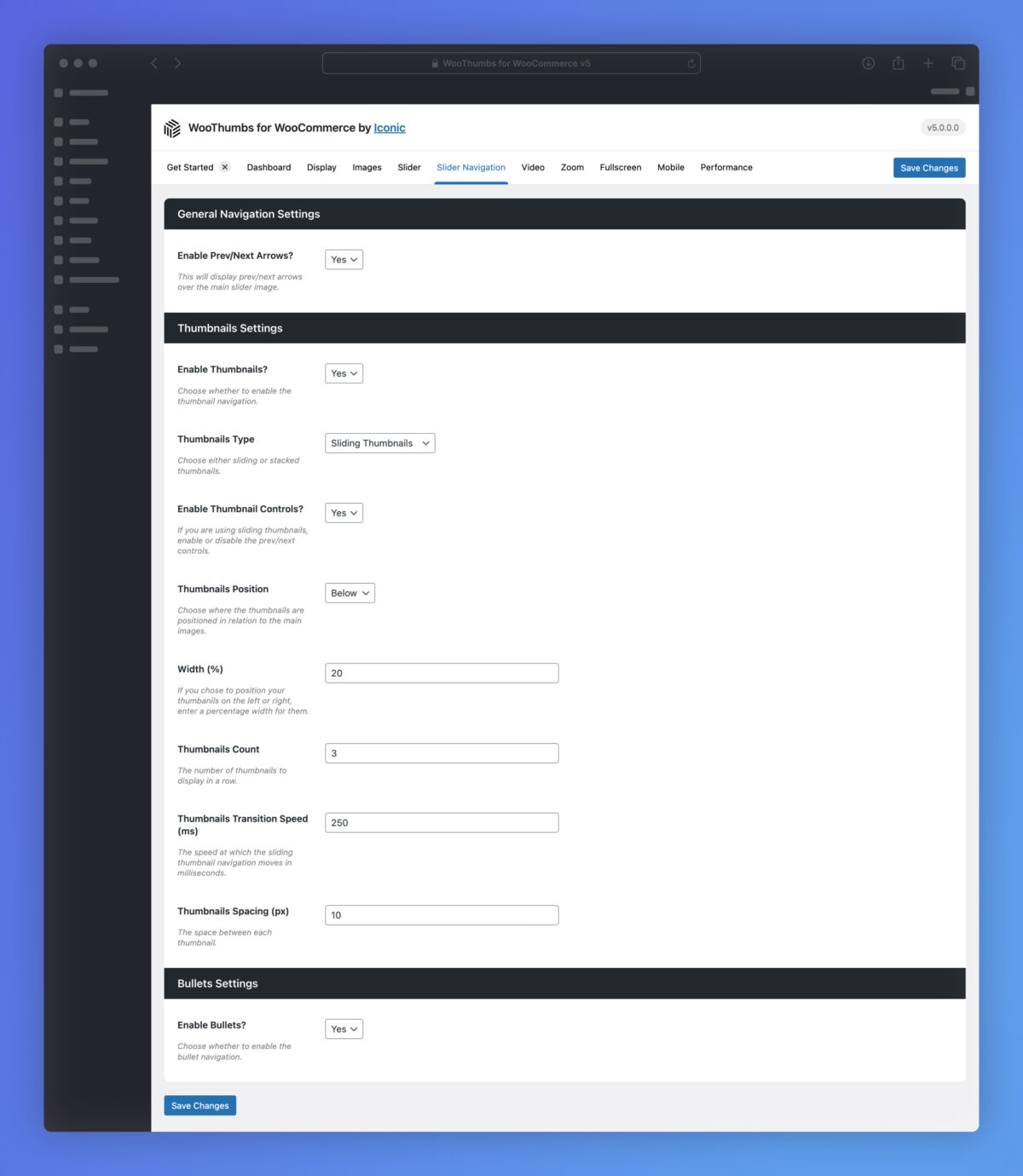
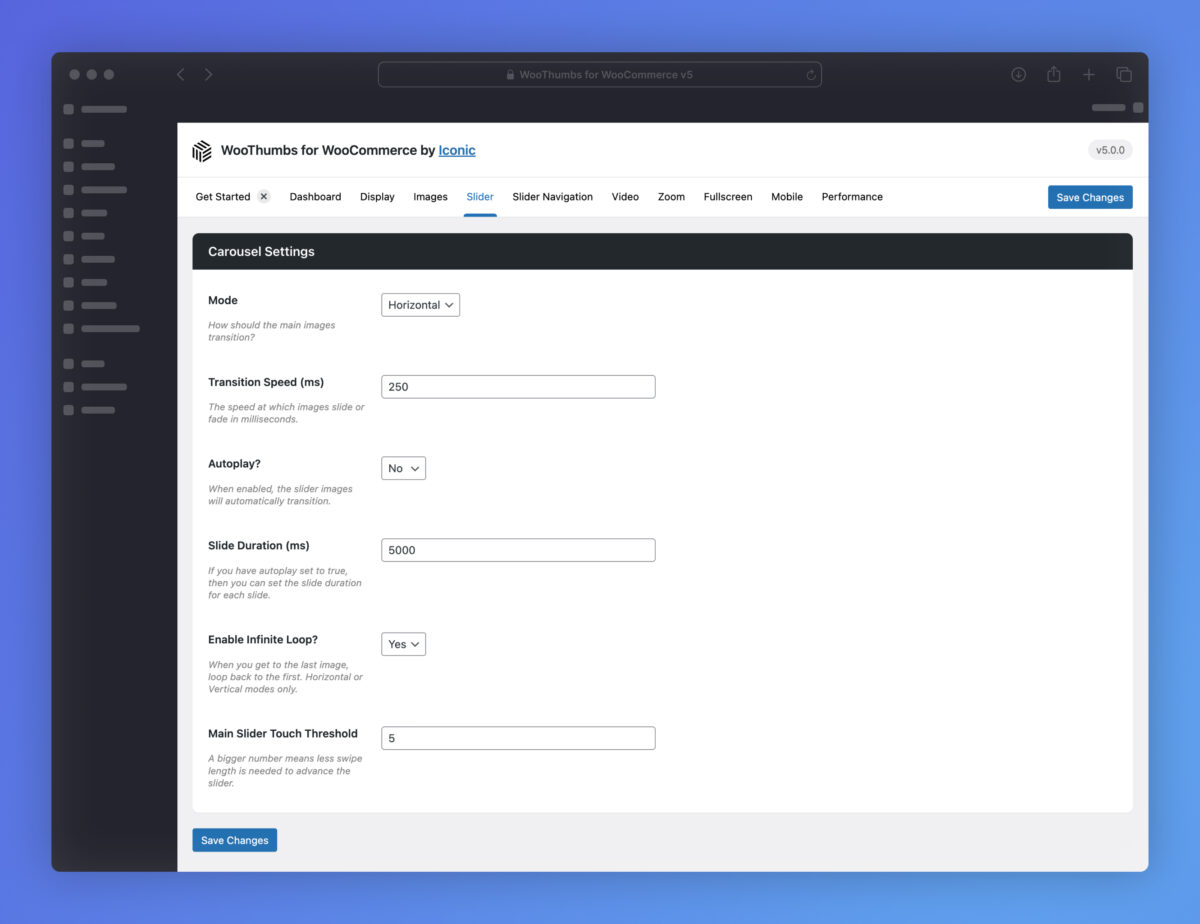
- Customize the gallery thumbnail image position, slider autoplay options, transitions, image sizes, lightbox controls, and zoom options.
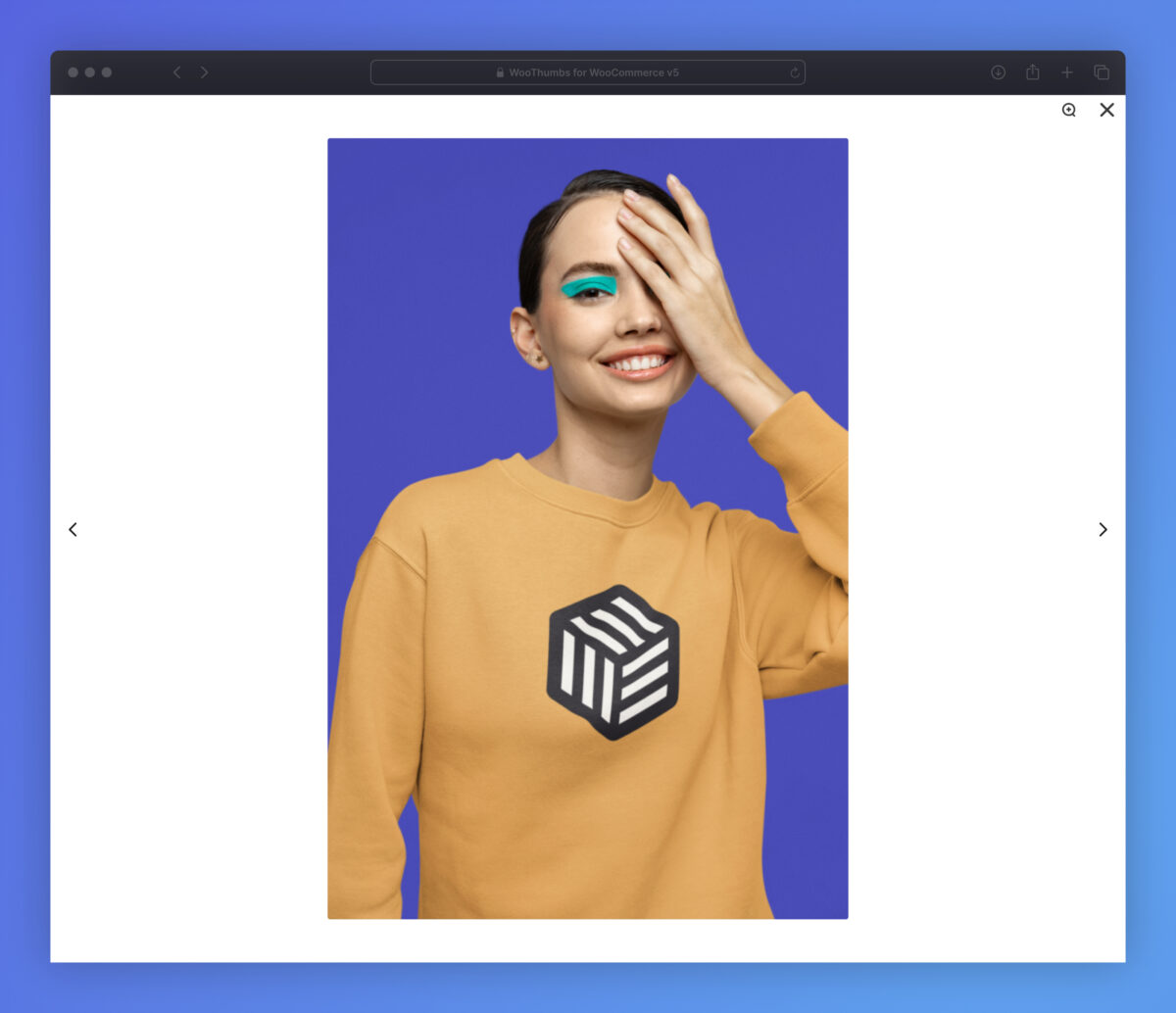
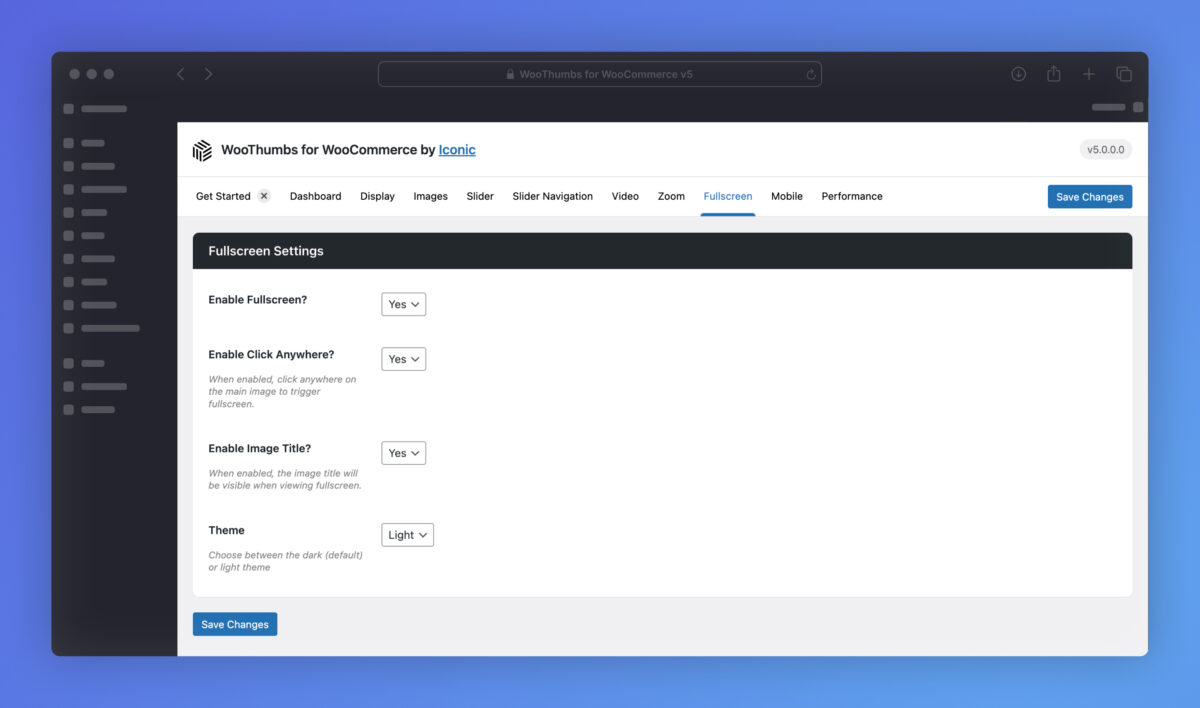
- Let customers see product images in fullscreen, with an upgraded and modern popup lightbox.
This plugin gave us control over the WooCommerce product image gallery to improve the user experience.
 Brenden Jones
Smartman Tools
Brenden Jones
Smartman Tools

WooCommerce product gallery video
Add Product Video to Your WooCommerce Product Gallery
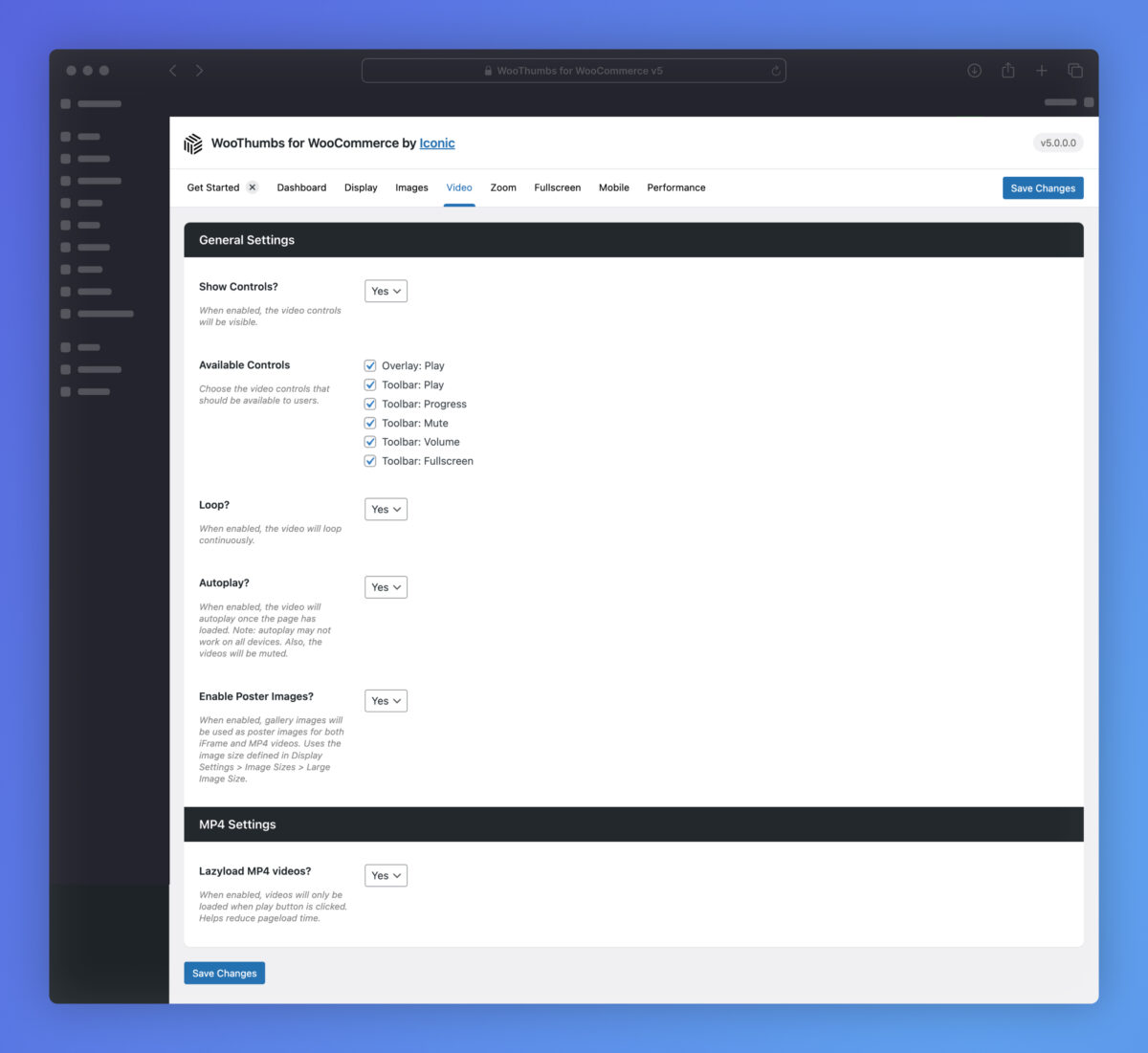
- Add product video to your WooCommerce product gallery with the WooThumbs for WooCommerce plugin.
- Upload product video to WordPress and easily add it to your single product page gallery.
- Or host product videos elsewhere (YouTube & Vimeo) and add them to your product gallery with a link.
- Add other media to your video gallery. Including Soundcloud, Wistia, or any page via an iframe.
- All WooCommerce product gallery media looks slick, with a modern media player, complete controls you can customize.
Does exactly what I was looking for: a quick way to replace product photos with short Instagram-style videos. Easy to install and set up too. Thanks!
 Eric
North Designs
Eric
North Designs

Additional Variation Images
The Best Product Gallery Slider for Product Variations
- Improve how customers interact with your variable products with this product gallery slider plugin.
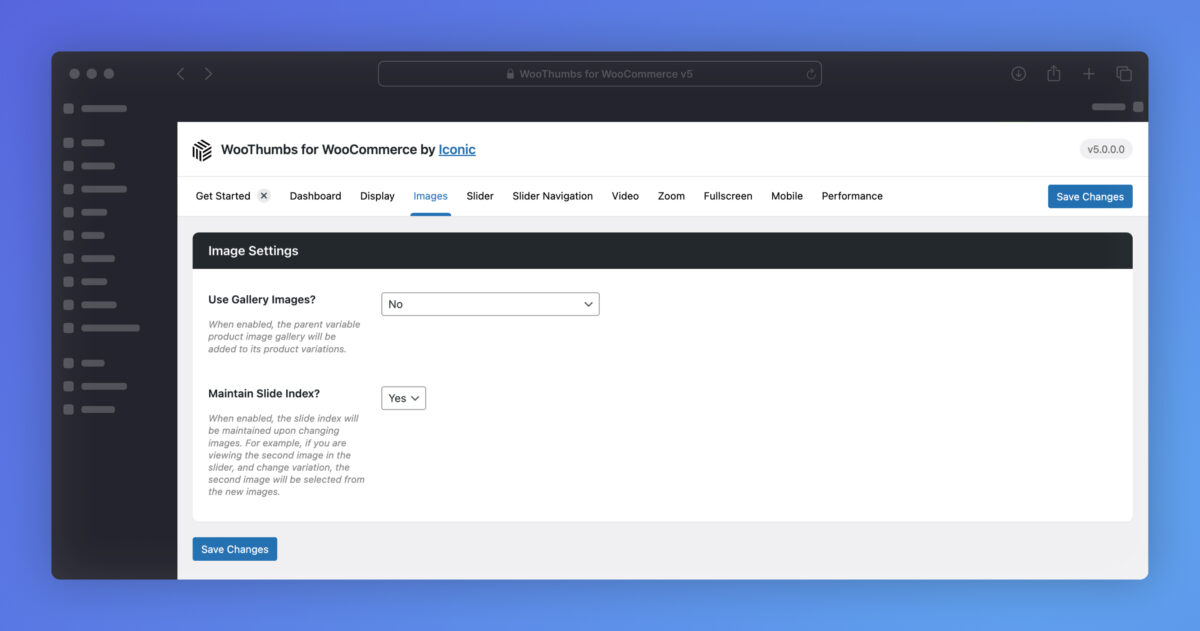
- Add multiple images per product variation and give your customers more visual product information.
- Assign product images to attributes so customers only need to select one dropdown to see an updated product featured image.
I was stuck trying to find a solution for multiple images per variation – with this plugin it’s easy and customizable. It is a great plugin.
 Jose Valencia
Llompart
Jose Valencia
Llompart
Great Compatibility
Page Builder and Plugin Support
- WooThumbs for WooCommerce works well with page builders like Elementor, Divi, and Visual Composer.
- Should you be using a WordPress theme instead, WooThumbs works with many, including Astra, Flatsome, Avada, and more.
We’ve had nothing but the smoothest time using this plugin. Great developers, too, and well supported!! Recommend highly.
Nick Gaswirth
30-day money-back guarantee
Theme compatibility focused
World-class support
More Incredible Features
WooThumbs for WooCommerce also includes all of the following features — Optimize your WooCommerce store today and increase sales and conversions.
Theme and Plugin Compatibility
WooThumbs for WooCommerce works well with many of the top WordPress themes, templates, pagebuilders, and 3rd-party plugins. Including Elementor Pro, Divi, Astra, and more.
Priority Support
Should you encounter any issues with WooThumbs working with your existing theme, page builder, or 3rd-party plugin, we offer compatibility support as part of our customer service.
Additional Variation Images
Give your customers the full picture with multiple images per variation.
Attribute Images
Assign images to attributes so product gallery images load based on an individual attribute selection.
Embedded Video and Media
Embed product video and other media directly into your single product gallery.
Fully Customizable
Store owners can customize all aspects of the WooCommerce product gallery slider, including image gallery slider speeds, layout, colors, and more.
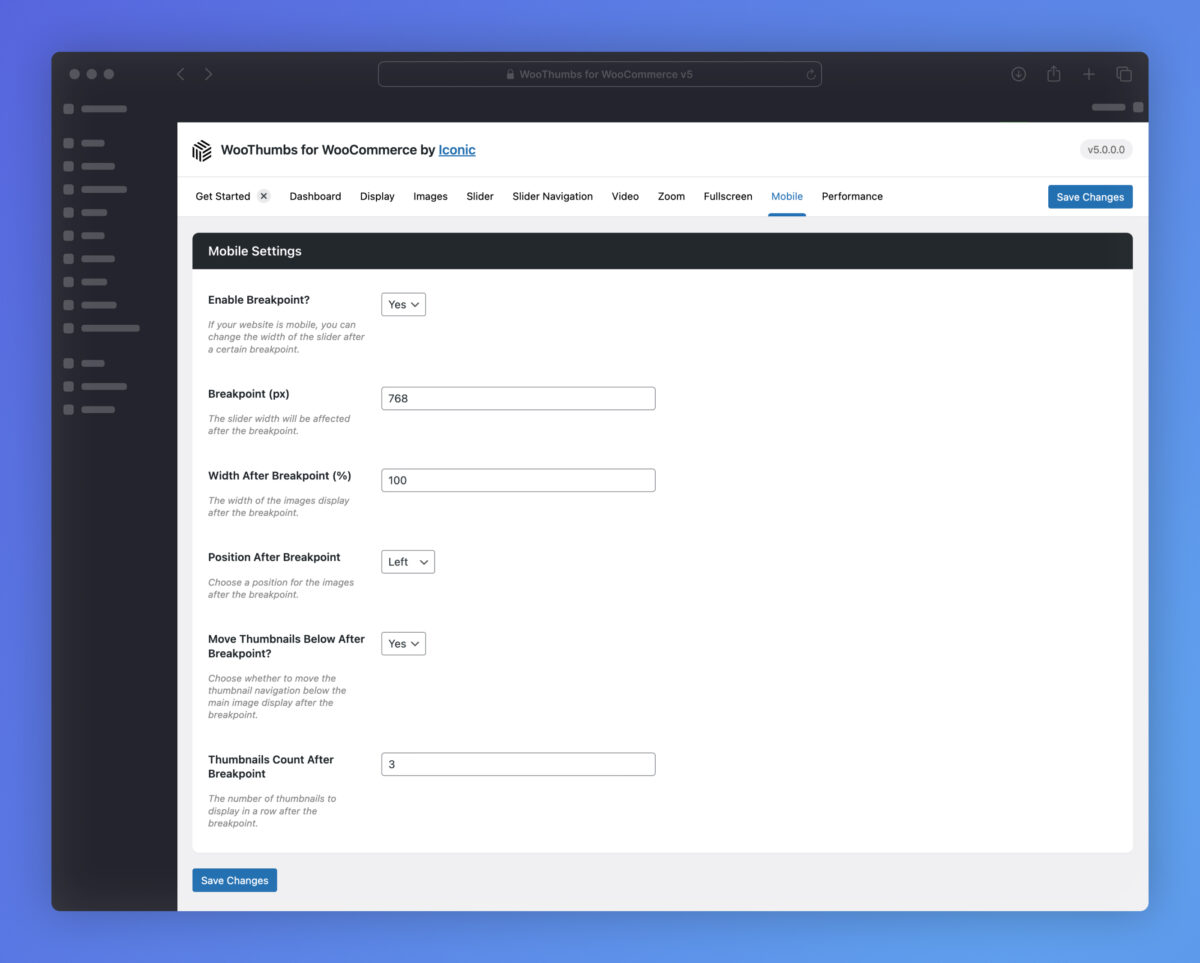
Mobile Friendly
WooThumbs for WooCommerce works great on all devices and implements user-friendly pinch-and-zoom capabilities.
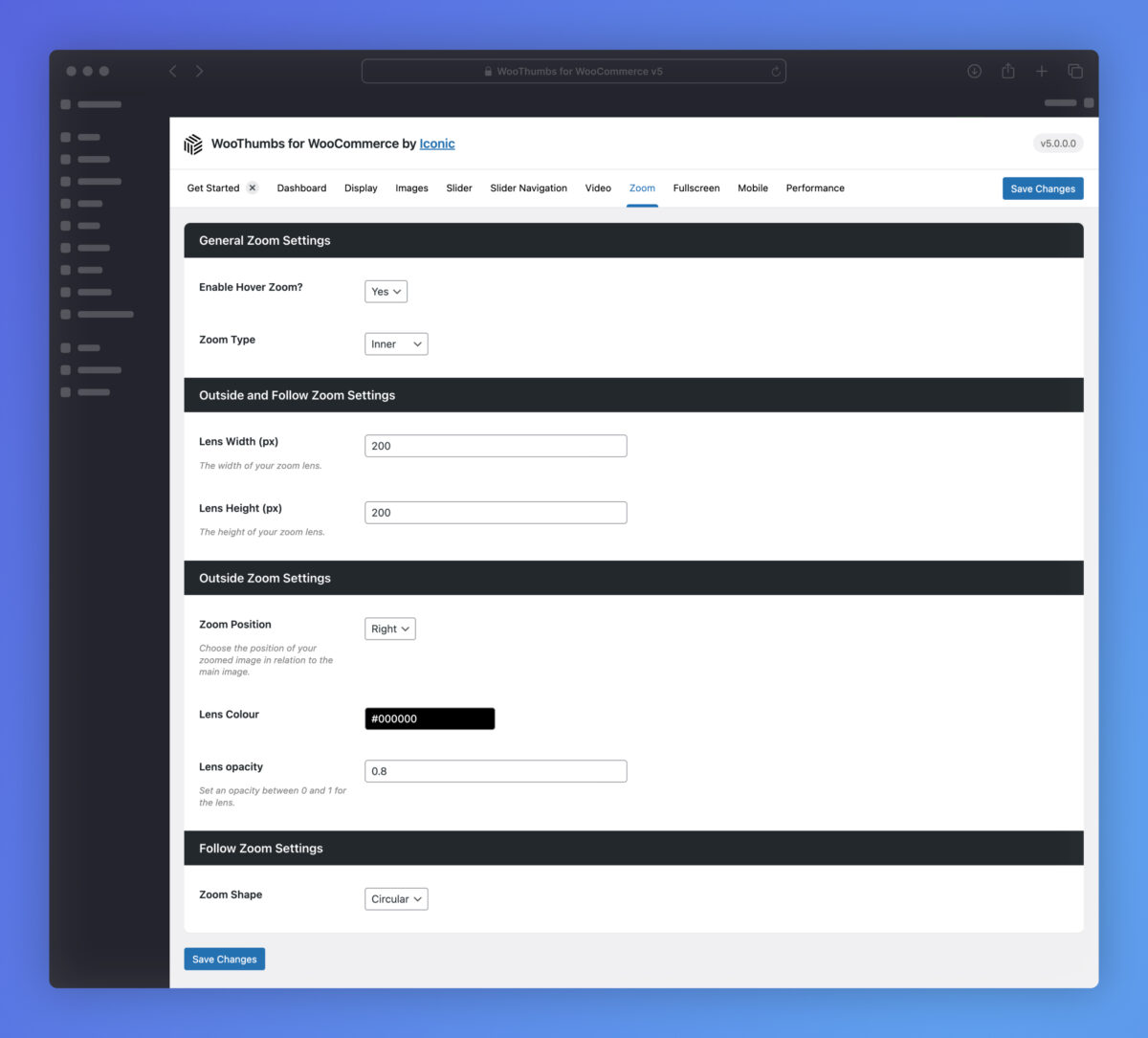
Zoom Effects
Choose from multiple image zoom-in effects, including inner, outer, and follow.
Full-Screen Product Gallery
Let customers view product images and embedded media in full-screen with our mobile-friendly product gallery slider for WooCommerce.
Accessible
All images within the WooThumbs for WooCommerce gallery are accessible for the visually impaired.
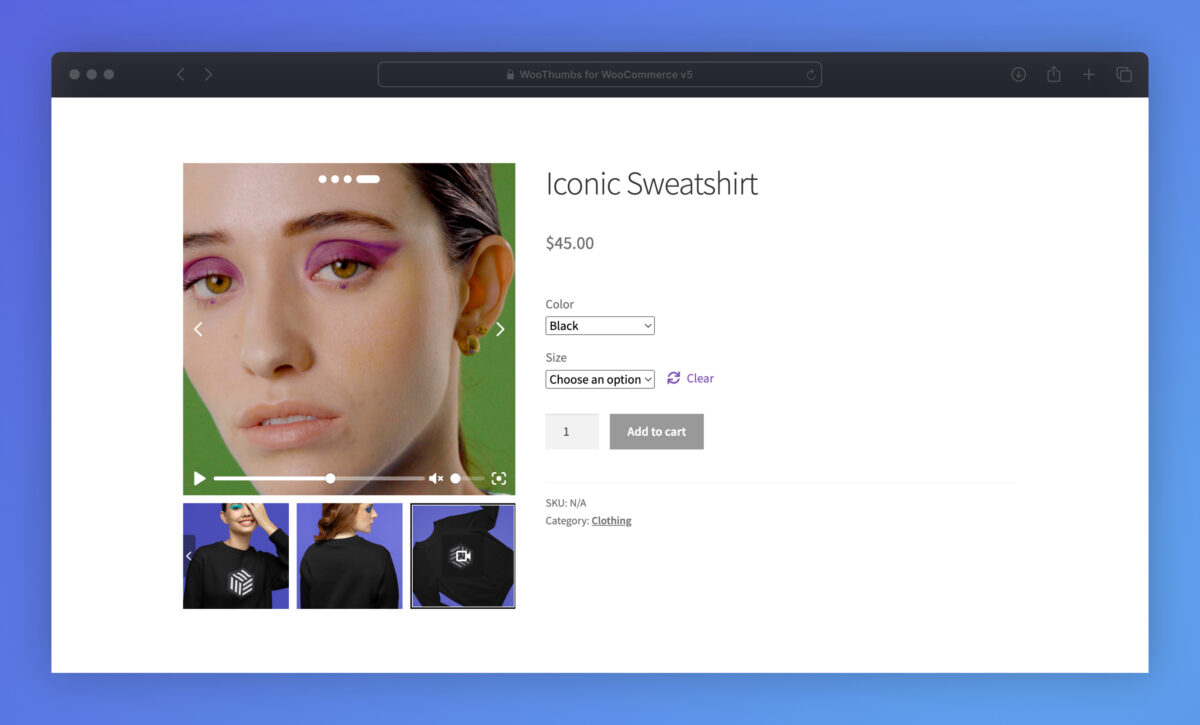
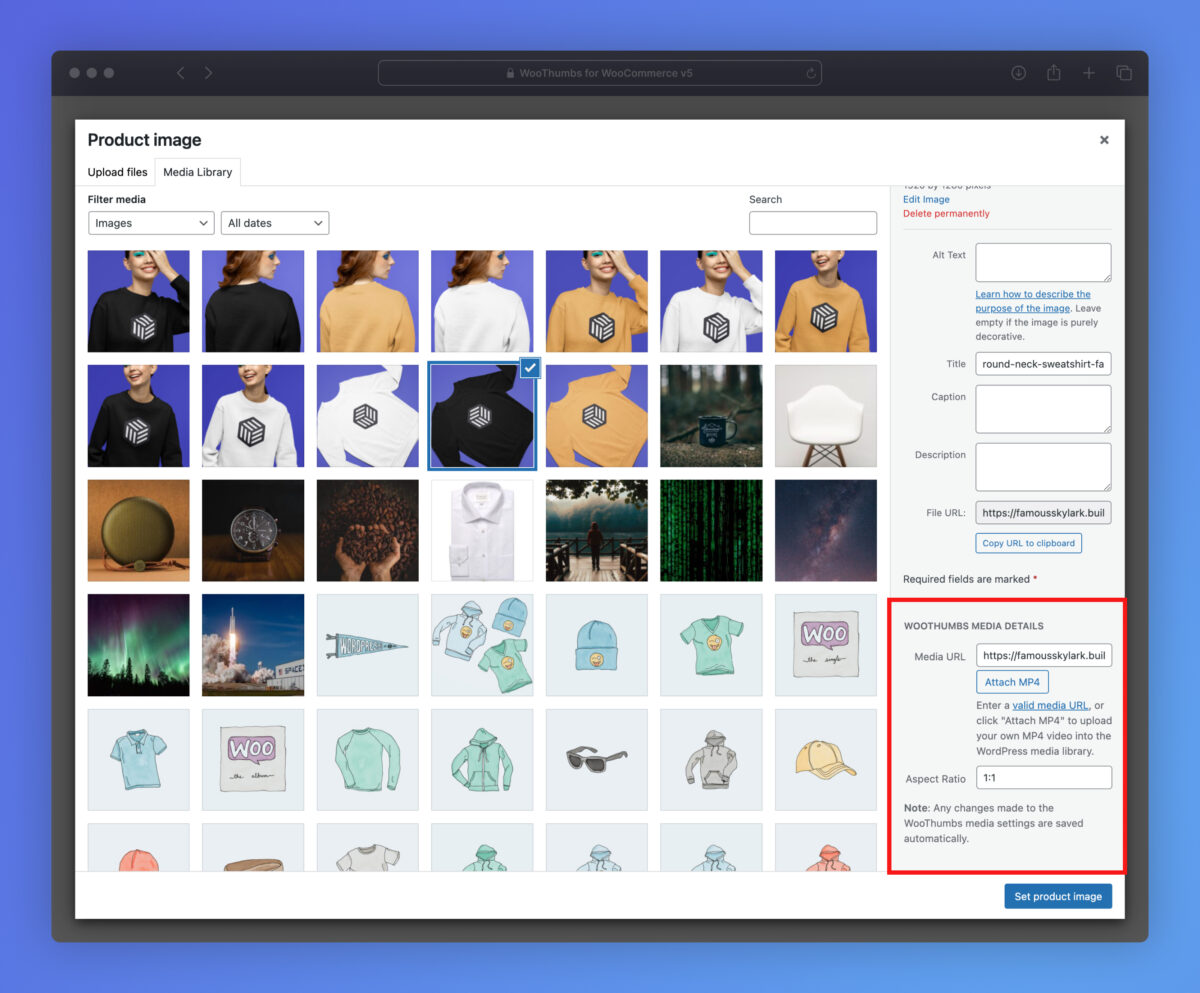
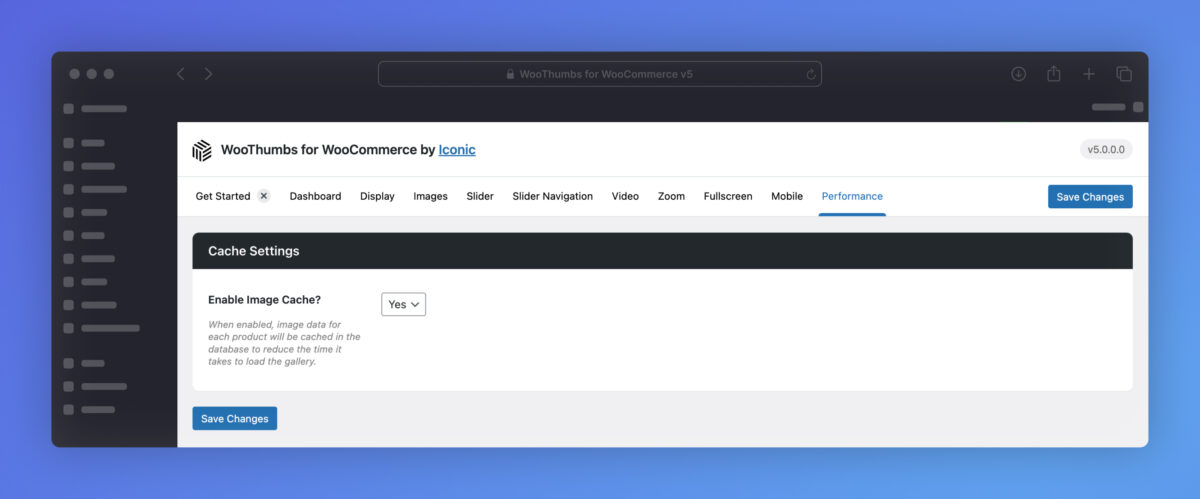
Screenshots
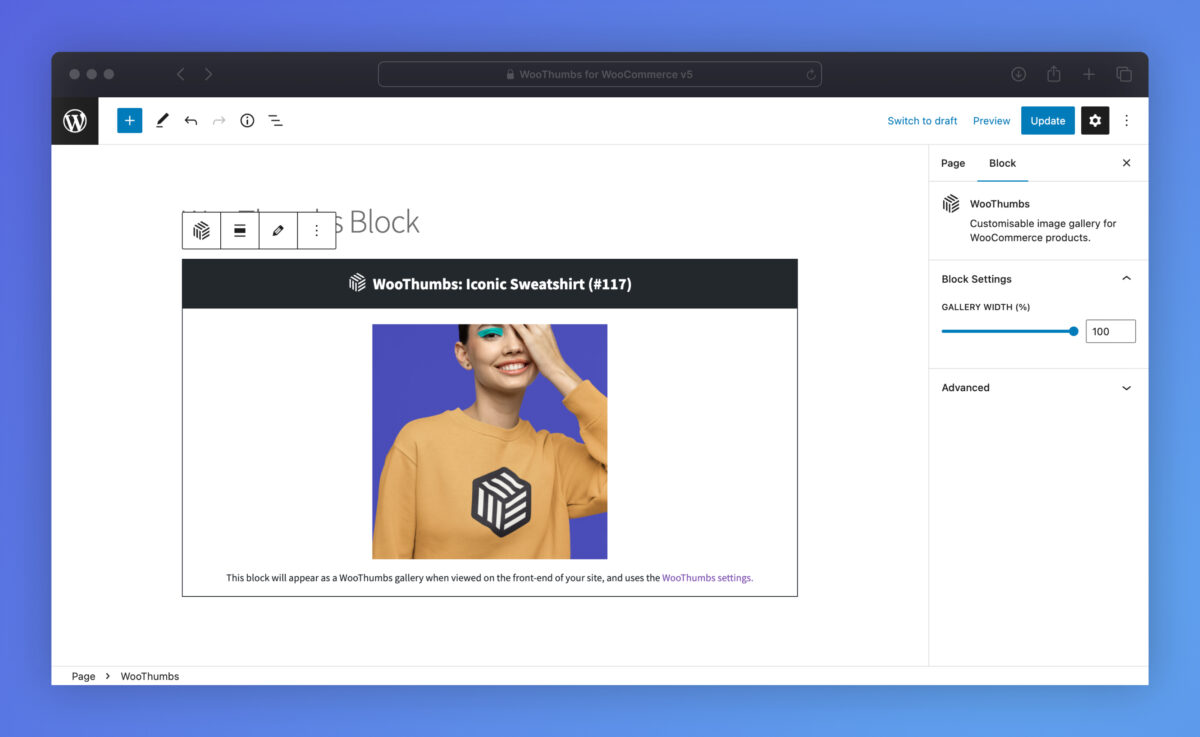
See how WooThumbs for WooCommerce looks for both customers and admin users.


Choose Your License
Which plan is right for you? Whichever one you choose, you’ll get access to this incredible plugin and our 5-star support.
Product License
14+ Sales-Boosting Plugins From Only $299
Get this plugin and more when you join the All Access club. Instantly increase your store’s selling power and usability.

100% No-Risk Money Back Guarantee
You are fully protected by our 100% Money Back Guarantee. If you aren’t completely satisfied within 30 days of purchase, you’re more than welcome to a full refund!
- Version: 5.13.2
- Updated: 23 Feb 2026
- Released: 21 Aug 2012
- WordPress: 6.9
- WooCommerce: 10.5.2
- View Changelog
Frequently Asked Questions
Have you got a question about WooThumbs for WooCommerce? Check out some of the most popular questions and answers below.
-
Will WooThumbs work with my theme?
Yes. WooThumbs uses hooks that are put in place by WooCommerce to ensure that the images are displayed. Most well-developed WooCommerce themes will maintain these hooks, so WooThumbs will most likely work without any additional configuration. If you face any issues, just let us know, and we can fix them quite easily.
-
Is WooThumbs WPML compatible?
Yes. Any additional variation images you add will also be duplicated to your translated products.
-
Can I change the domain associated to the license?
Yes. Our system checks against the number of active installs, rather than the specific domain names. You can deactivate the plugin on one domain and then activate it on another domain with no issues.
-
Can I still use the plugin when my licence expires?
Yes, you can still use the plugin at its full capacity even after your license expires. However, you will no longer be able to receive updates or support for the plugin.
-
Can I use my licence in a development environment?
Yes. Most development environments will not count towards your site limit.
-
Do you offer lifetime licenses?
No. We do not offer any lifetime licenses for our plugins.
-
Do you offer refunds?
Yes, if you decide within 30 days of purchase our plugin is not for you, we’ll happily refund you in full.
-
Do you offer a free trial?
No, however, we do have a 30-day money-back guarantee. If you decide within 30 days of purchase our plugin is not for you, we’ll happily refund you in full.
-
Do you offer multi-site licenses?
Yes, we do (and they’re heavily discounted)! When the checkout modal opens, you can choose between 1 Site, 3 Sites, and 30 Sites under Plan Selected at the top. If you have any other requirements, please get in touch via our support page.
-
Is this a lifetime licence, or will it stop working after 1 year?
The license is an annual subscription. It can be canceled at any time. If you cancel the subscription, the plugin will continue to work as normal until the end of the paid-for period.
Once the license expires or is canceled, you will no longer receive updates or support for the plugin.
After expiration or cancellation, the WooCommerce plugin will continue to work on your site.
-
Why do I need a subscription?
WooCommerce is constantly evolving. A subscription model allows us to continue supporting the latest releases and offer the best support we can.
-
Will it work with my theme?
All Iconic plugins are tested with multiple WooCommerce themes and page builders. As long as your theme is well-coded and WooCommerce compatible, it should work. Want to double-check? In our documentation, you’ll find a list of compatible plugins, themes, and page builders for every one of our plugins.
If you experience any compatibility issues at all, our support team is here to help you work through them as quickly as possible.
-
Will my subscription renew automatically?
Yes, your subscription will renew automatically every year unless you cancel it. If you do decide to cancel it, your license will still be valid for the paid-for period; this means you will still receive updates and support during that time.
-
Do you offer monthly plans?
We only offer annual plans for all our WooCommerce plugins and bundles.
Customer Reviews
ModernNisa
works perfectly well. did the work
Perfect Integration
We’ve had nothing but the smoothest time using this plugin. Great developers, too, and well supported!! Recommend highly.
Glad to have the video option on my products!
This is a great pluggin to add video to my product line. It not only makes it easier for a customer to find out out my books, but will help my rankings. Thank you woo commerce.
Great Plugin
This helped me with problems for images on my webshop
Great Plugins & Even Better Support!
If you have a woocommerce store these plugins are top notch and their support is even better. Highly recommend!